Course Content
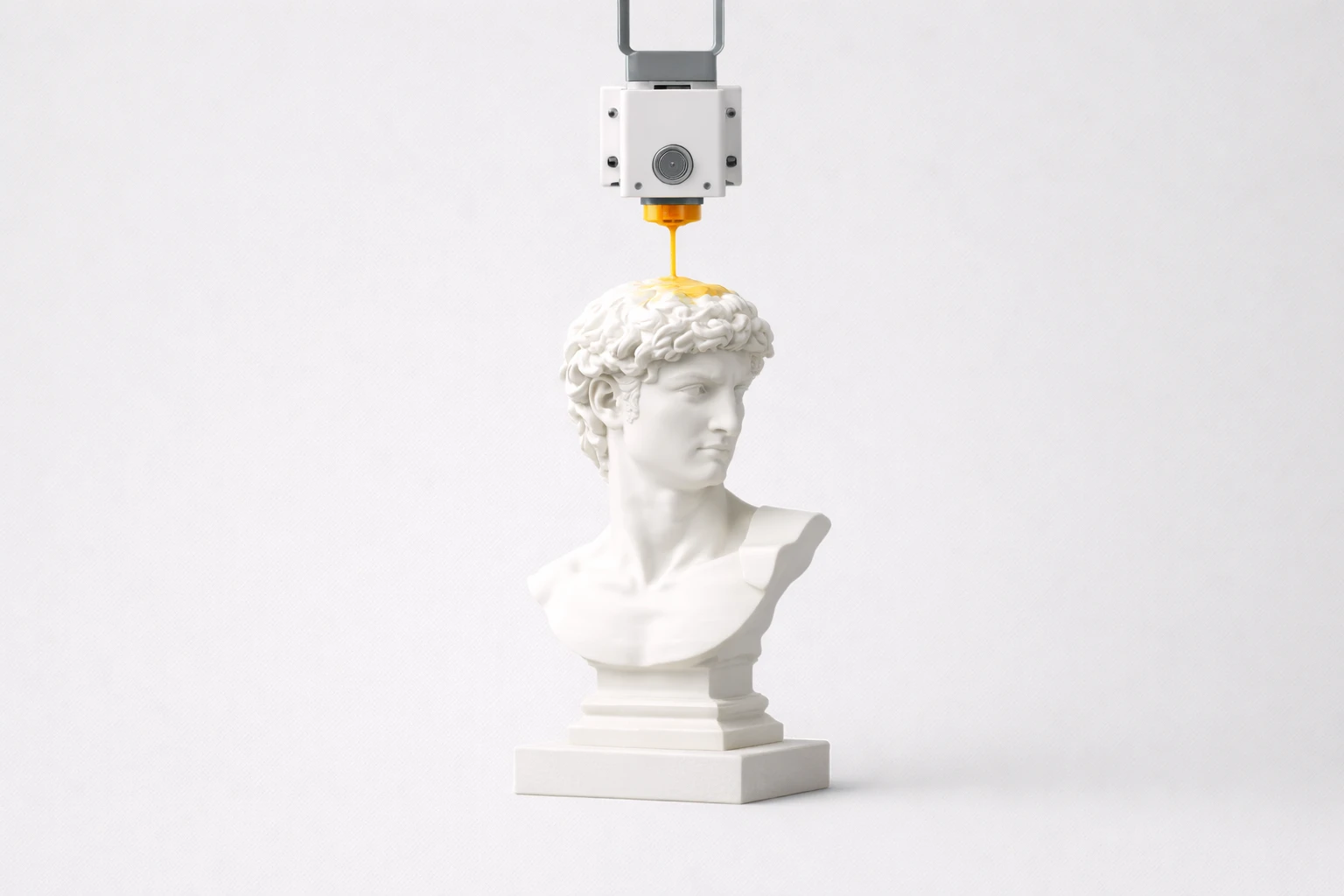
How 3D Printing Actually Works
A clear, friendly explanation of what happens inside a 3D printer - from plastic filament to finished object.
Setting Up Bambu Studio
Download, install, and configure Bambu Studio so it's ready to communicate with your Bambu Lab printer.
Preparing Your First Print
Import a 3D model into Bambu Studio, choose the right settings, slice it, and understand what the slicer preview is telling you.
Sending Your First Print
Send your sliced model to your Bambu Lab printer, understand the pre-print checks, and successfully complete your first print.
Troubleshooting and Tips for Better Prints
Learn how to identify and fix common printing problems, and pick up tips that will make every future print better.
Next Steps and Resources
Celebrate what you've learned, explore advanced topics, and find the best resources to continue your 3D printing journey.