All presets
 Community
Upgrade to Pro
Community
Upgrade to Pro
Community preset
Low Poly
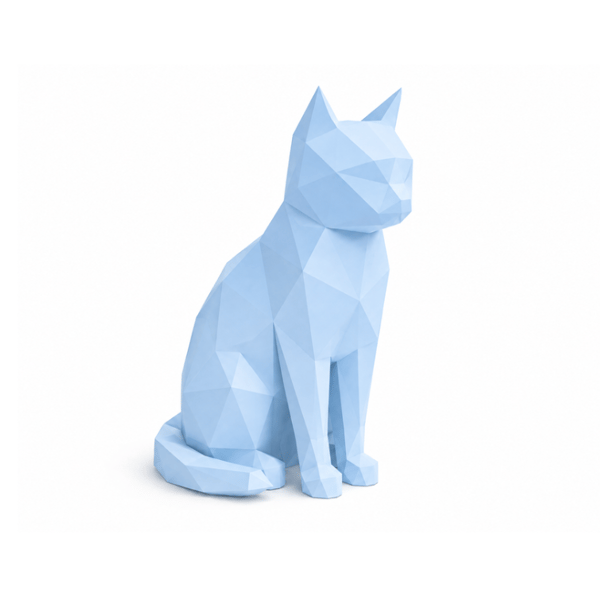
This preset automatically transforms your uploaded image into a clean, geometric low-poly design optimized for 3D model generation. It processes the original subject into sharp, flat facets with a solid matte finish, stripping away complex textures and curves to create a minimalist, papercraft-style blueprint ready for 3D conversion.
Pro subscription required
You can browse every preset for free; a Pro plan lets you apply them to your own images.
Style prompt
Recreate the subject of the included image as a minimalist 3D low-poly single color model with sharp, flat geometric facets. Use a solid, matte pastel color with flat shading. Place it on a pure white background with soft studio lighting and a subtle drop shadow.
This is the instruction sent to the image model before your photo is turned into a 3D mesh.
Details

How it works
-
1
Upload a photo
Any clear image of a person, pet, or object works best.
-
2
The preset restyles it
The style prompt above is applied to your image automatically.
-
3
Generate & print
The styled image becomes a printable 3D model you can download or publish.