Build guides you can actually follow
Complete 3D printing and STEM projects with printable models, bills of materials, wiring, code and step-by-step photos.
All builds 9 guides
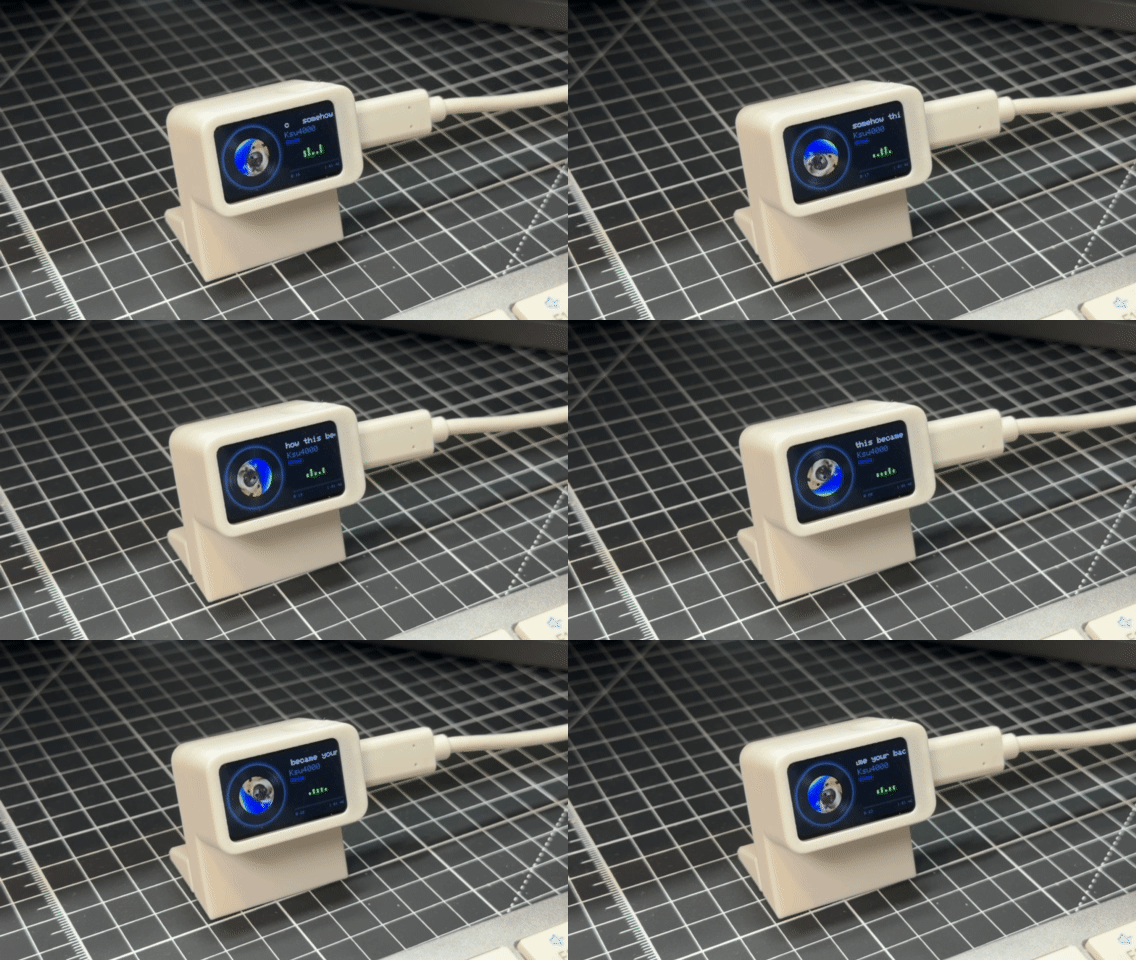
Music Play Pal
A tiny desk screen that shows what's playing on your PC: the song, the artist and the album cover spinning like a vinyl record. Press the button to pause or skip. One USB-C cable, no Wi-Fi, no coding.
 inovitek_3d
1292 views · 6 likes
inovitek_3d
1292 views · 6 likes
 Video
Video
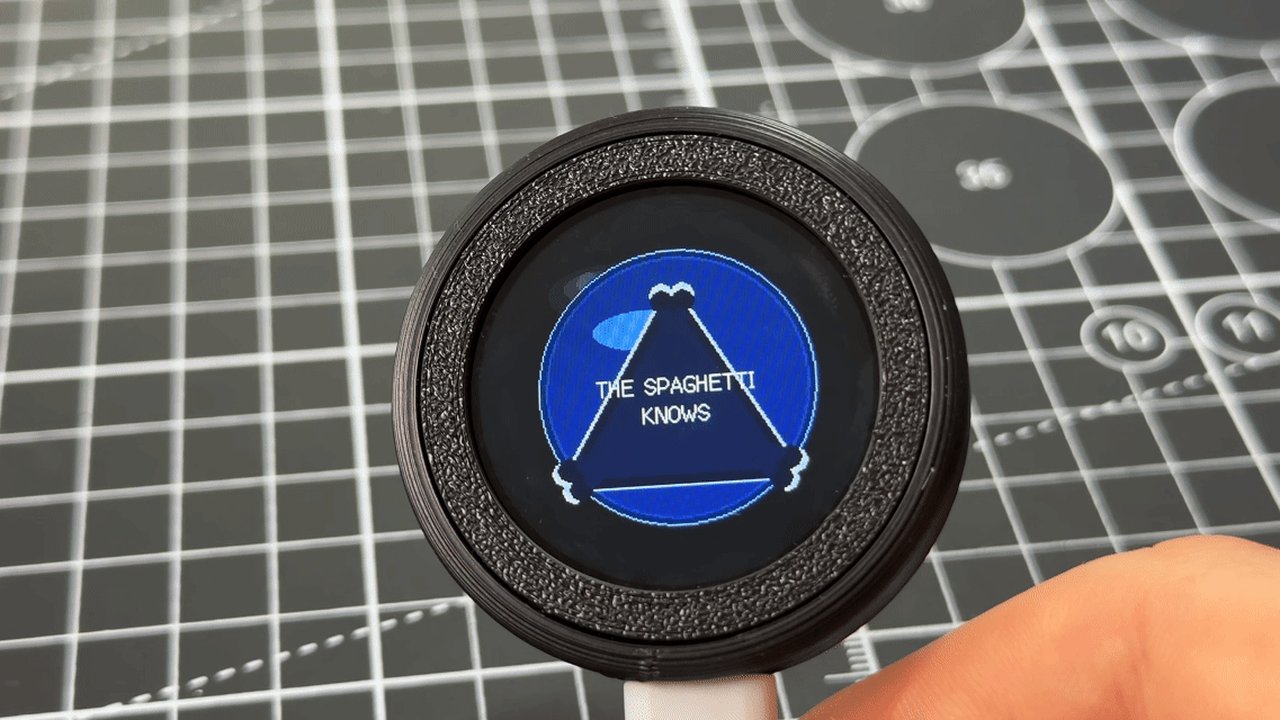
Desk Pal fortune 8-ball
A magic 8-ball you print yourself. Ask a yes-or-no question, shake or tap, and a blue triangle swirls up with your answer. Print two parts, click in an ESP32-S3 touch screen, and learn how states, random numbers and motion sensors work.
inovitek_3d
640 views · 2 likes
 Video
Video
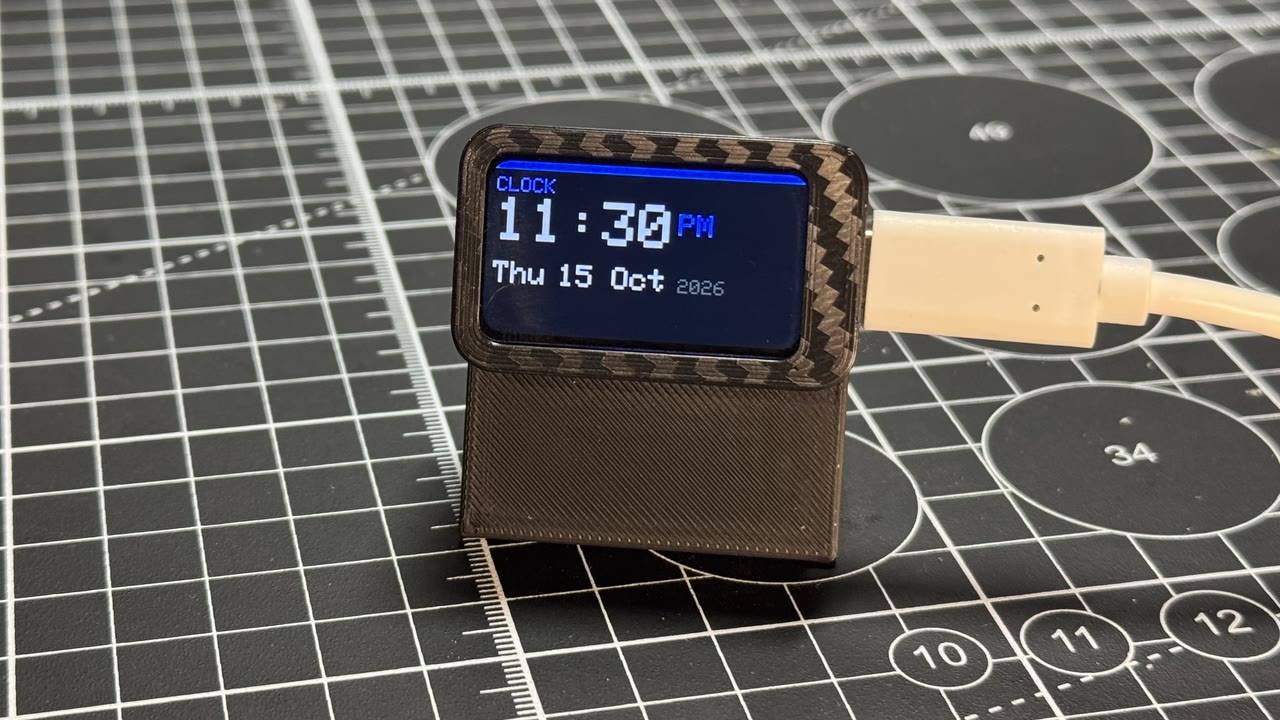
Desk command slab
A tiny desk brick with three pages: a clock, today's weather, and a message you type on your phone. Print three parts, click in an ESP32-C6 screen, and learn how gadgets join Wi-Fi, serve a web page and read the weather.
inovitek_3d
2993 views · 13 likes
 Video
Video
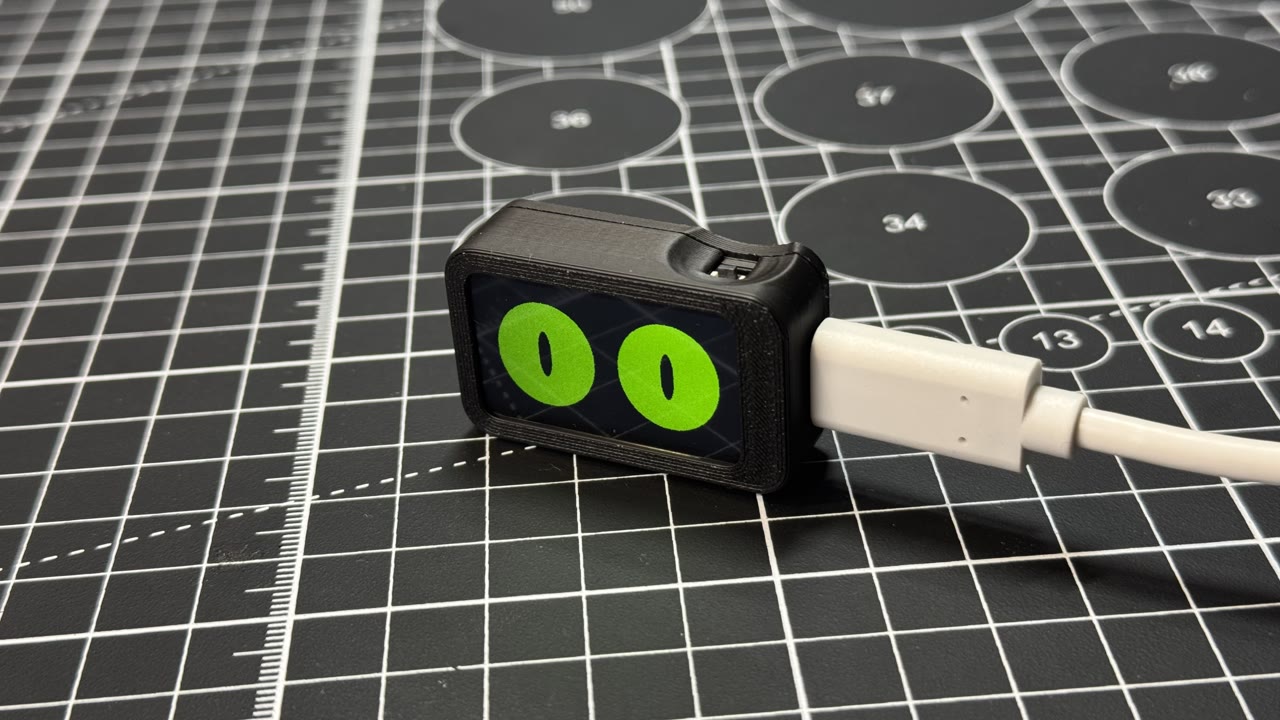
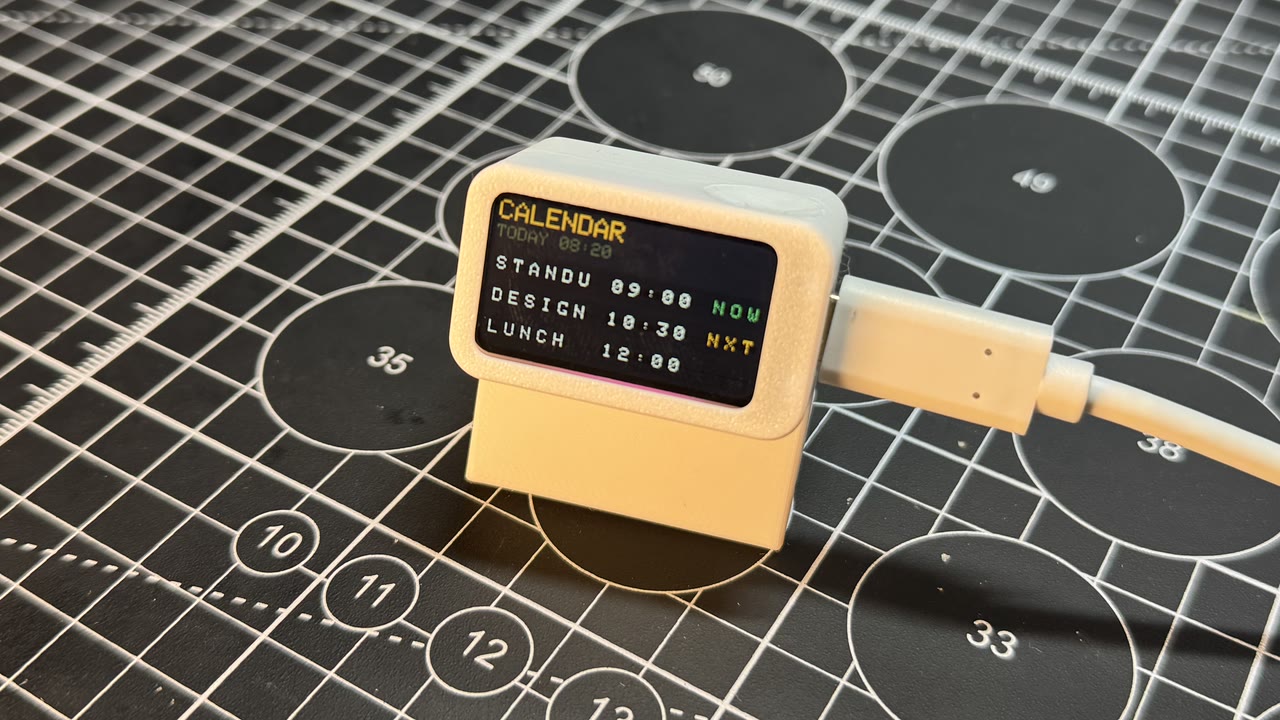
Slab eyes
A pair of cartoon eyes in a tiny printed case. They look around, blink, wink and doze off all by themselves. Print two parts, click in an ESP32-C6 screen, and learn how timers and maths make a screen feel alive.
inovitek_3d
4404 views · 12 likes
 Video
Video
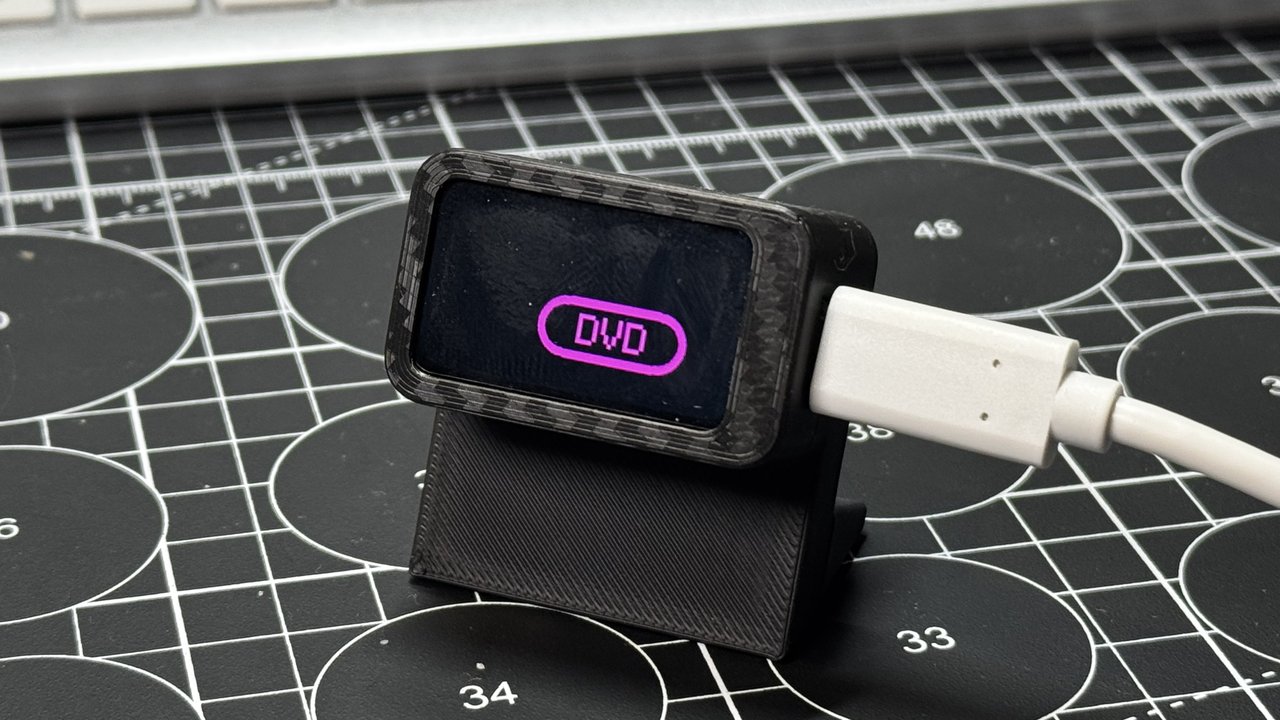
Split-flap departure slab
A tiny airport departures board for your desk. Print three parts, drop in an ESP32-C6 screen, and watch flights click in letter by letter. No Wi-Fi needed, and along the way you learn how a table of data, one button and a few words run the whole show.
inovitek_3d
742 views · 2 likes
 Video
Video
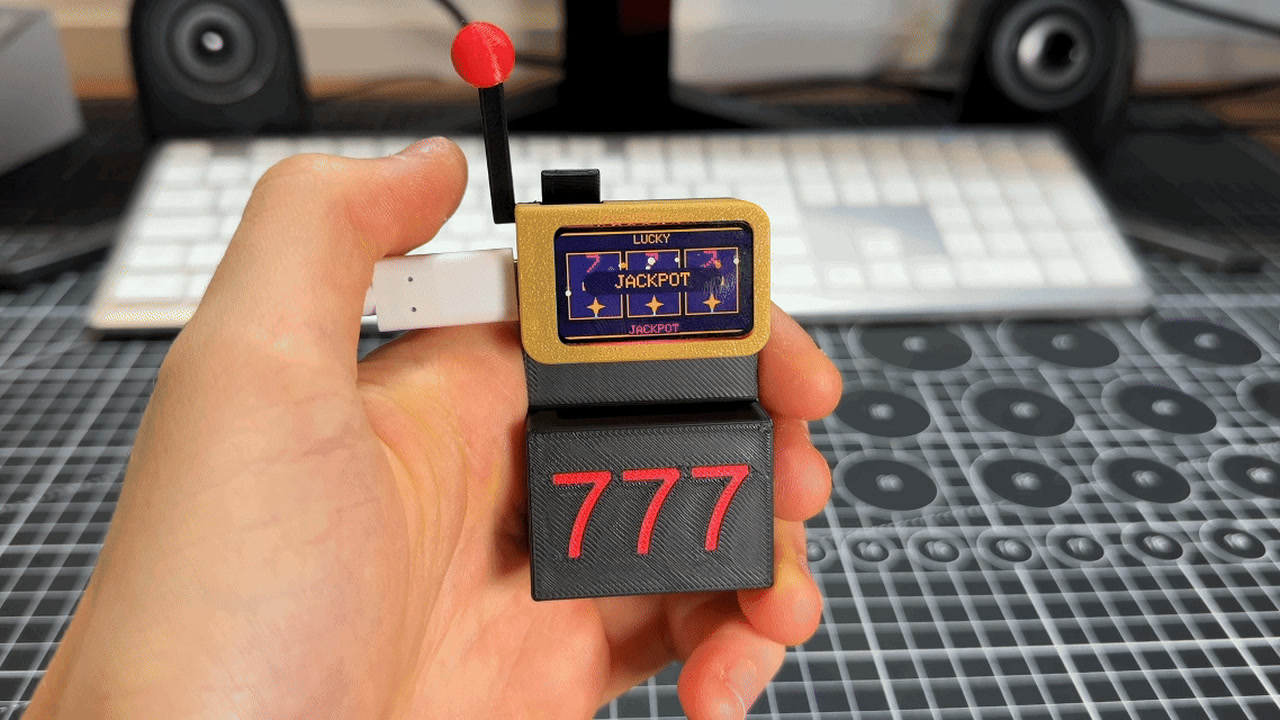
DVD screensaver slab
The bouncing DVD logo, on your desk. A tiny screen in a 3D-printed stand plays three pixel-art loops: the DVD bounce, a running dino and a space invader. Print three parts, click in an ESP32-C6 screen, and learn how bouncing, pixel art and smooth animation work.
inovitek_3d
496 views · 0 likes
 Video
Video
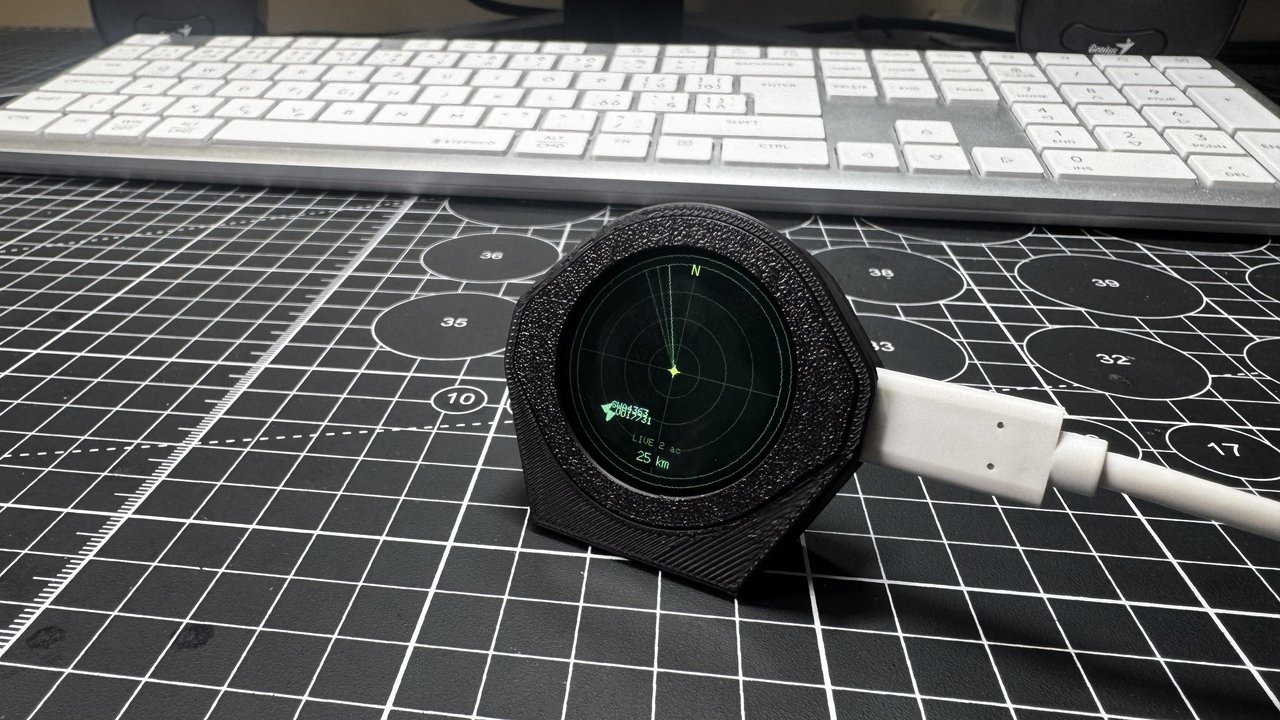
Lucky slab slot machine
A slot machine that fits in your hand. Print five parts, click in an ESP32-C6 screen, and pull a real lever to spin three neon reels. Along the way you learn how a computer picks random numbers and decides who wins.
inovitek_3d
1584 views · 4 likes
 Video
Video
Desk Pal plane radar
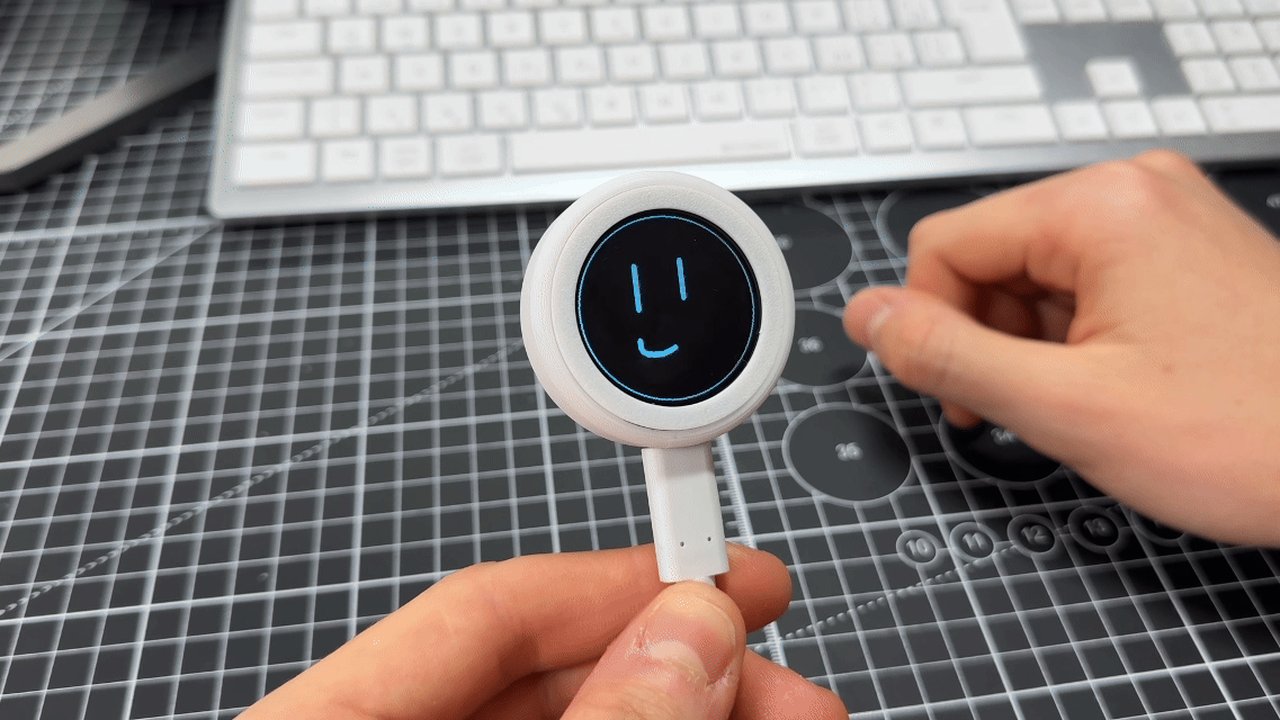
A tiny radar scope for your desk that shows the real planes flying near your home, with their callsigns. Print three parts, click in an ESP32-S3 touch screen, add your Wi-Fi, and learn how map maths turns positions into dots on a screen.
inovitek_3d
894 views · 2 likes
 Video
Video
Desk Pal touch doodle
A round finger-painting pad in a 3D-printed case. Draw with your fingertip, hold still to change ink, shake to erase. Print two parts, click in an ESP32-S3 touch screen, and learn how pixels, colours and timers work.
inovitek_3d
482 views · 2 likes
Built something worth sharing?
Write it up once, attach your models, BOM, wiring and code, and the guide stays useful to every maker who finds it. The editor walks you through it step by step, and drafts are private until you submit them.