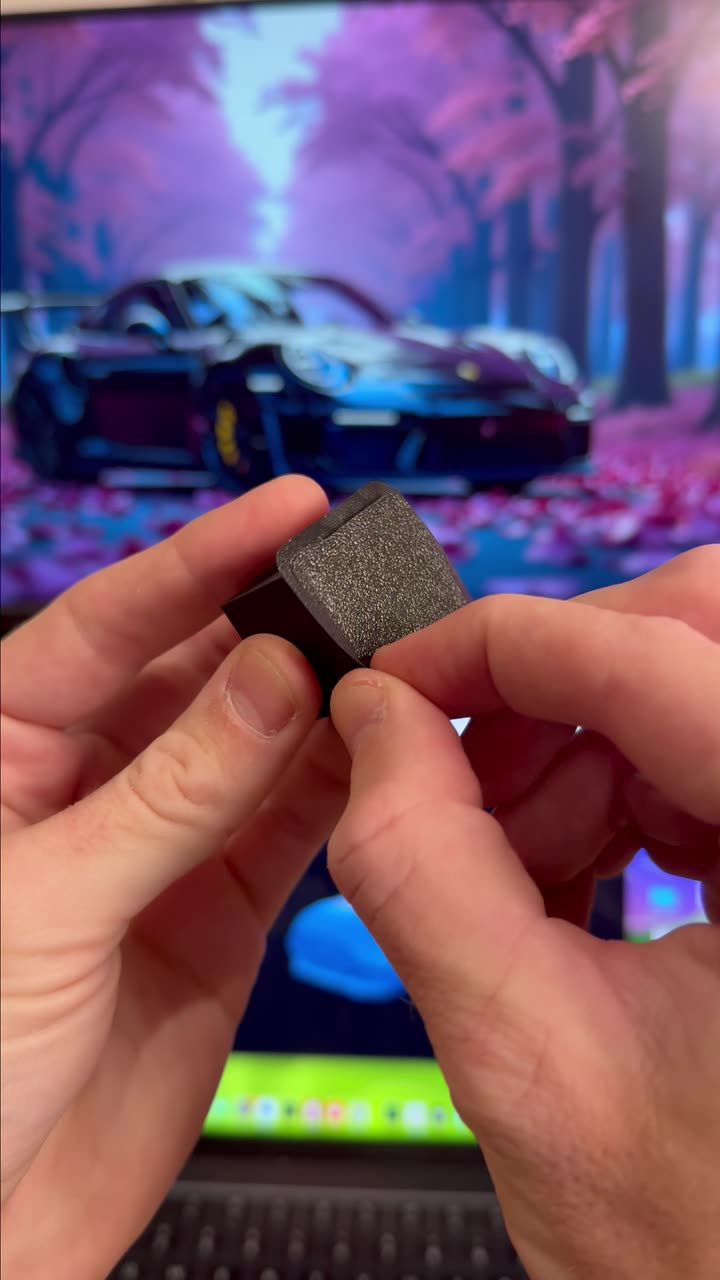
About this video
Why Layer Lines Appear on 3D Prints
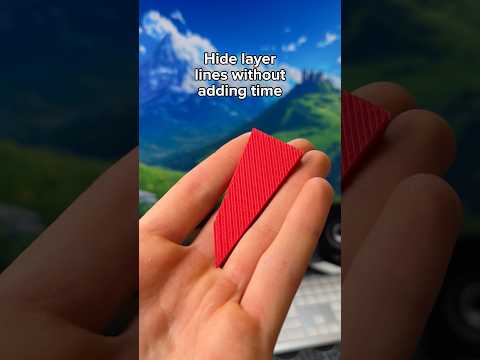
Visible layer lines are one of the most common frustrations for 3D printing enthusiasts. These horizontal ridges occur because FDM printers build objects one thin layer at a time, and each new layer creates a subtle seam. While layer lines are inherent to the printing process, several techniques can minimize or completely hide them for a smoother finish.
Method 1: Lower Your Layer Height
Adjusting your layer height is the most straightforward way to reduce layer lines. Standard layer heights around 0.2mm often produce noticeable ridges. By lowering the layer height to 0.12mm, you create significantly thinner layers that blend together more seamlessly. This produces smoother vertical surfaces with minimal visible seams. Keep in mind that finer layer heights increase print time, so reserve this technique for pieces where surface finish matters most.
Method 2: Enable Fuzzy Skin in Your Slicer
Fuzzy skin is a popular slicer setting that adds a textured outer shell to your prints. Instead of smooth perimeters, the nozzle slightly wobbles as it traces each layer, creating a rough surface texture. This texture effectively breaks up the visual appearance of layer lines, making them nearly invisible. Most major slicers including PrusaSlicer and Bambu Studio support this feature. Fuzzy skin works especially well for functional parts, enclosures, and decorative objects where a matte, tactile finish is desirable.
Method 3: Use Textured Filaments
Specialty filaments offer a creative solution for hiding layer lines. Materials like marble filament, wood filament, and carbon fiber filament have inherent surface textures and color variations that mask layer seams naturally. These filaments contain embedded particles or fibers that create visual interest while concealing print artifacts. Textured filaments work particularly well for artistic prints, figurines, and display pieces where aesthetics take priority.
Tips for Best Results
- Combine methods for maximum effect—use lower layer heights with textured filaments
- Fuzzy skin may slightly reduce print strength in the outer shell
- Textured filaments may require adjusted printing temperatures and slower speeds
- Test settings on small prints before committing to large projects
Frequently Asked Questions
Does lower layer height affect print strength?
Thinner layers generally produce stronger prints with better inter-layer bonding, though print time increases significantly.
Can fuzzy skin be used with all materials?
Fuzzy skin works with most standard filaments including PLA, PETG, and ABS. Some experimental or flexible filaments may not respond well to the wobbling motion.
What layer height completely eliminates layer lines?
No layer height completely eliminates lines, but settings below 0.08mm make them virtually imperceptible to the naked eye.