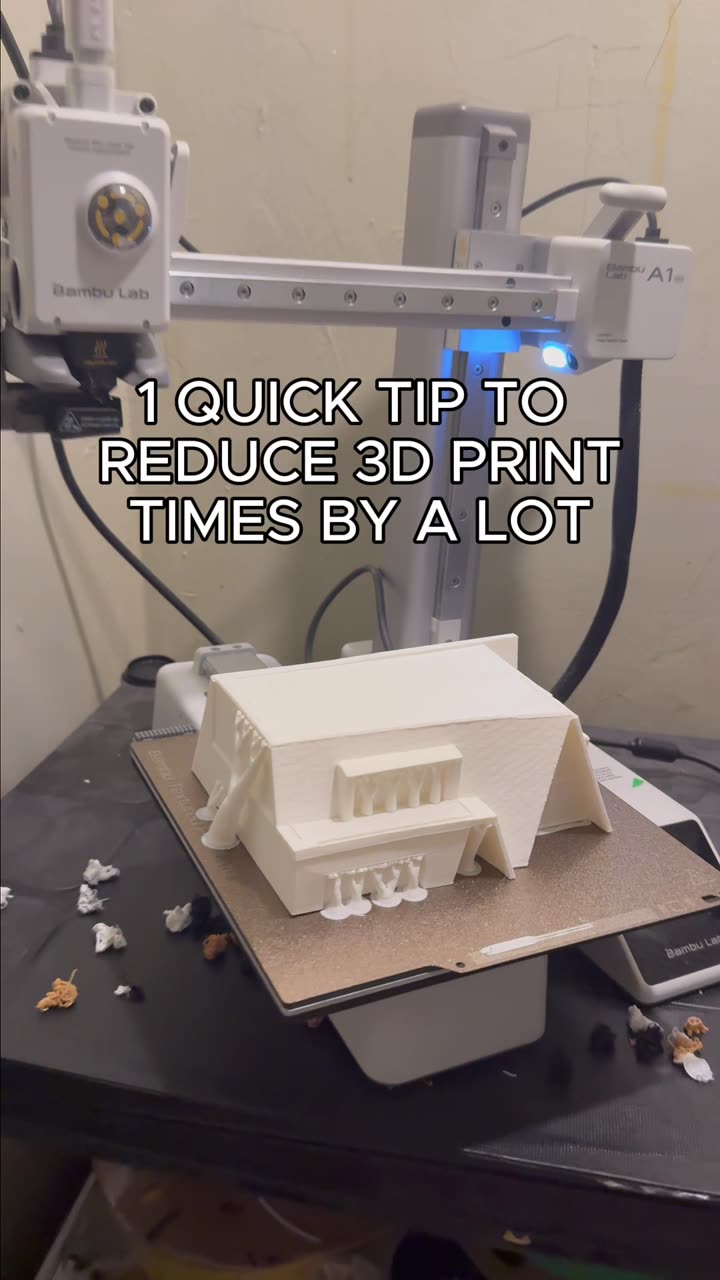
About this video
Getting Started with ClawDBot for 3D Printing
ClawDBot is an AI-powered assistant that simplifies the 3D modeling process for makers, hobbyists, and professionals. Instead of spending hours learning complex CAD software, you can now generate printable 3D models using simple text descriptions or existing images.
How to Install the PrintPal 3D Model Generation Skill
- Access Claw Hub – Visit the link in the PrintPal bio to find the 3D Model Generation skill
- Install the skill – Follow the on-screen prompts to add it to your ClawDBot setup
- Verify installation – Confirm the skill is active and ready to use
The installation process takes just a few minutes, and once complete, you'll have access to AI-driven model generation directly through ClawDBot.
Generating 3D Models from Images
One of the most powerful features is the ability to convert 2D images into 3D printable models. Simply upload your reference image, and the AI analyzes the visual data to create a corresponding 3D geometry. This works well for:
- Simple logos and icons
- Product prototypes based on photos
- Replacement parts you're trying to replicate
- Artistic designs and sculptures
Generating 3D Models from Text Descriptions
Describe what you need in plain language, and ClawDBot translates your words into 3D geometry. Be as specific as possible with dimensions, shapes, and functional requirements for the best results.
Remote Access via Slack
One standout advantage of ClawDBot is its Slack integration. Whether you're at home, in the office, or traveling, you can generate 3D models from anywhere with an internet connection. This makes it ideal for teams and collaborative projects.
Frequently Asked Questions
What file formats does ClawDBot export?
Most exports support standard formats like STL and OBJ, compatible with nearly all slicers.
Do I need CAD experience to use ClawDBot?
No. The tool is designed for users of all skill levels.
Is ClawDBot available on all platforms?
Yes, accessible through both desktop browsers and the Slack app on mobile devices.