About this video
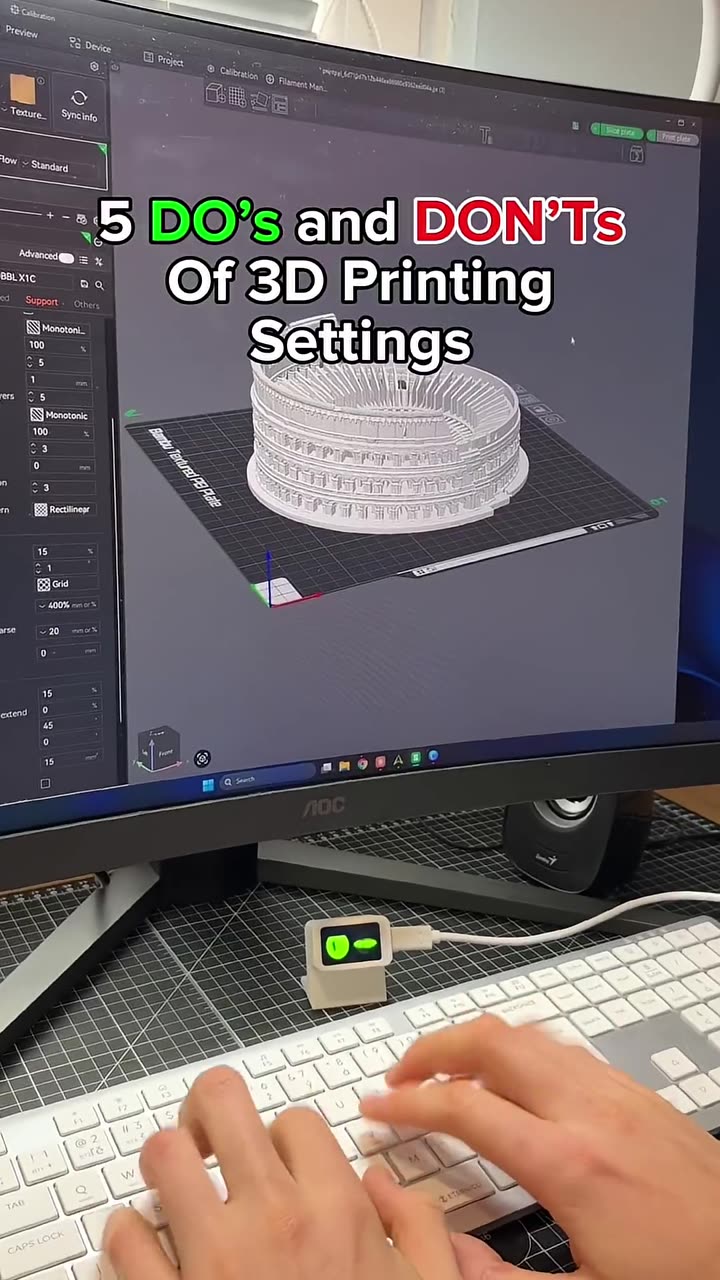
5 do's and don'ts for better 3D prints
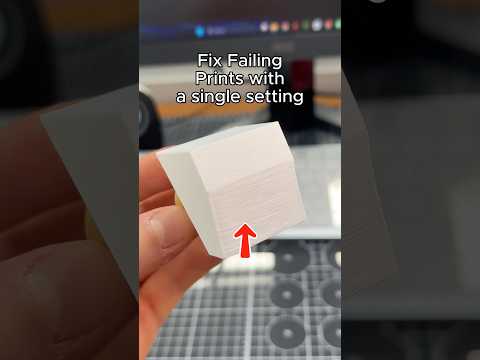
Most print problems come from leaving slicer defaults on. These five changes fix the most common ones.
| Don't | Do |
|---|---|
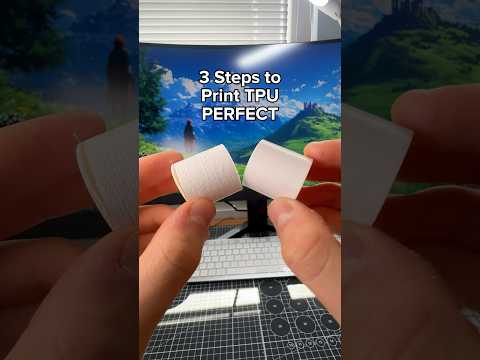
| Always use the default infill | Pick infill by model: gyroid for strength in all directions, lightning for speed and less filament, concentric for flexible parts like TPU |
| Use generic filament presets | Use your filament brand's profile, or copy its recommended settings from the manufacturer's website |
| Increase wall speed for faster prints | Lower the outer wall speed in particular. It's the surface you see |
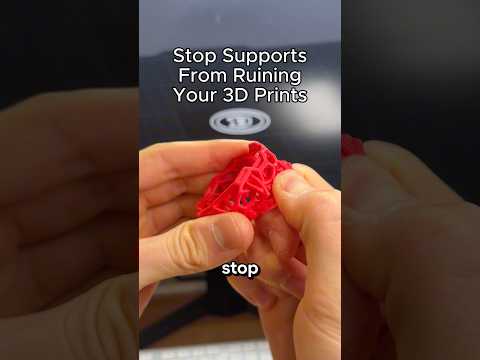
| Use normal supports for organic models | Use tree supports for figurines, busts and curved shapes. They use less filament and come off cleaner |
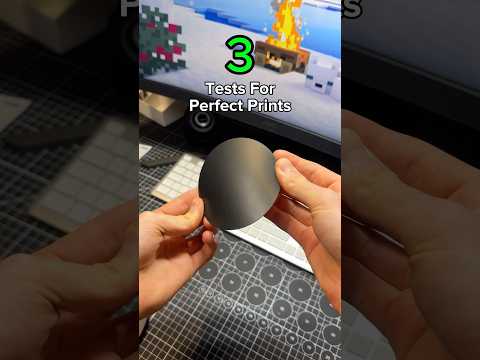
| Skip the calibration menu | Run every calibration at least once per filament |
Why each one matters
- Infill controls strength, weight and print time more than almost any other setting.
- Brand profiles start you from temperatures and flow values made for that exact filament.
- Outer wall speed decides surface quality. Inner walls and infill can stay fast.
- Tree supports touch the model only where needed, so there are fewer scars to clean up.
- Calibrations match the profile to your printer. Start with temperature (part 1) and flow rate (part 2).
More tips
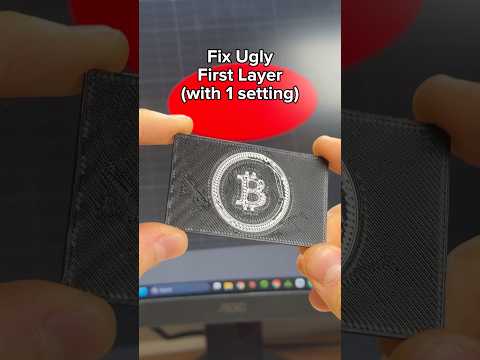
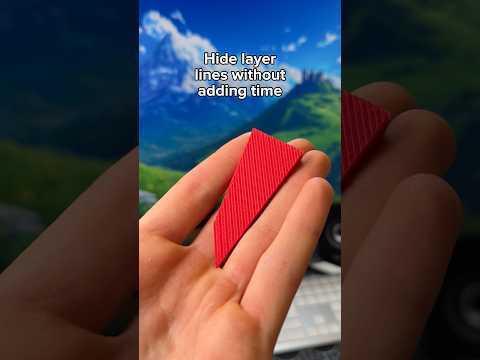
See part 2 of the do's and don'ts for brims, seams, first layers, text and layer lines. Not sure which material to use? Try the filament finder.
FAQ
What infill percentage should I use?
15 to 20% suits most decorative prints. Functional parts benefit more from extra walls than from higher infill.
Are tree supports always better?
For organic shapes, yes. Flat overhangs on mechanical parts often print better with normal supports.