About this video
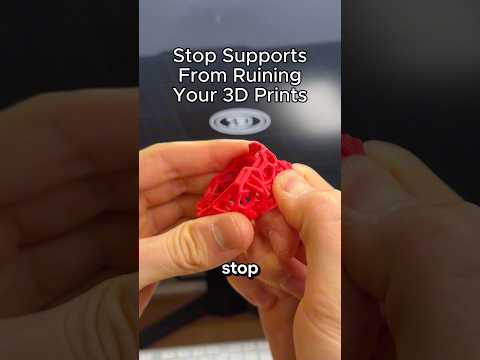
Why 3D Printed Overhangs Look Ugly
If the underside of your 3D prints looks rough, stringy, or droopy, the culprit is almost always an incorrect support threshold angle in your slicer. Every FDM printer has a maximum angle it can print without support before gravity pulls the plastic down. Setting the wrong value means the slicer either adds too many supports (wasting filament and time) or too few (leaving you with saggy overhangs).
How to Calibrate Your Overhang Limit
Instead of guessing, you can dial in the exact number for your specific machine in just a few minutes:
- Download the free test model from PrintPal and slice it with your normal print settings.
- Print the model on your 3D printer and let it finish completely.
- Inspect the underside of the print and find the steepest angle that still looks clean and smooth.
- Read the number printed on top of that section (these are typically marked in degrees).
- Subtract that number from 90 — the result is your printer's true overhang limit.
- Enter the result into the Support Threshold Angle (sometimes called Overhang Angle) field in your slicer.
Where to Set the Support Threshold Angle
- Cura: Preferences → Settings → search "support overhang."
- PrusaSlicer / OrcaSlicer: Print Settings → Support Material → Overhang threshold.
- Bambu Studio: Strength → Advanced → Threshold angle.
Pro Tips for Better Overhangs
- Re-test after changes: Switching nozzles, upgrading to a linear advance firmware like Klipper, or changing filament brands can shift your overhang limit by several degrees.
- Cooling matters: Increase part cooling fan speed for overhangs above 50° to help plastic solidify faster.
- Use tree supports: They are easier to remove and leave cleaner bottoms than default grid supports.
- Lower layer height: A 0.12 mm layer height dramatically improves overhang quality compared to 0.28 mm.
FAQ
What is a good default support threshold angle?
Most stock FDM printers perform well between 50° and 55°, but high-speed CoreXY machines like the Bambu Lab X1C can often push to 40°.
Do I need supports for every overhang?
No. Overhangs shallower than your calibrated threshold angle will print cleanly without any support material.
How often should I recalibrate?
Run this overhang test whenever you change your hotend, firmware, or filament brand to keep prints dialed in.