About this video
Why 3D Printed Surfaces Look Rough
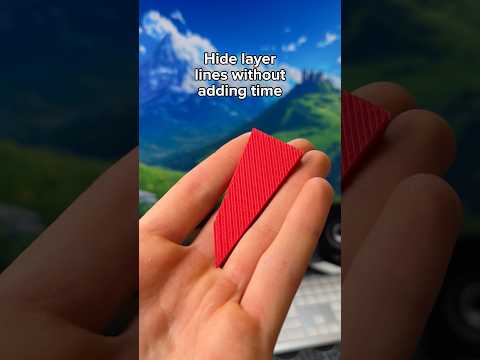
Even with a well-tuned printer, top layers can look uneven, seams can show through, and small details can appear fuzzy. Most of these surface finish problems come down to three slicer settings: ironing speed, extrusion flow, and top surface flow ratio. Instead of guessing, you can print three quick calibration models and let the results tell you the exact numbers to use.
Test 1: Ironing Test for Flawless Top Layers
The first test is the ironing test, available as a free download on PrintPal. Ironing is a feature that re-melts the very top layer with a hot nozzle to erase layer lines. Print the test, then visually inspect each block and pick the one with the smoothest, most uniform surface. The number printed on the left side of the winning block goes into your slicer's ironing speed field, and the number on the bottom goes into the ironing flow field. A slower speed with moderate flow usually gives the glossiest finish without damaging overhangs.
Test 2: Initial Layer Flow Test
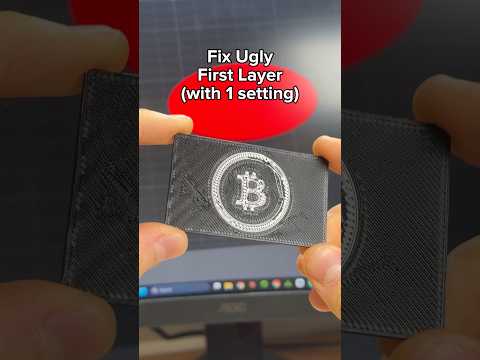
The second model is the initial layer flow test. The first layer is the foundation of every print, and if it is over- or under-extruded, every layer above it will inherit the problem. Print the test on a clean bed, look for the row that produces a single, even, slightly squished line with no gaps and no bulging, and enter that value as your first layer flow multiplier. A correct first layer also improves bed adhesion, reducing warping on larger prints.
Test 3: Top Surface Flow Ratio
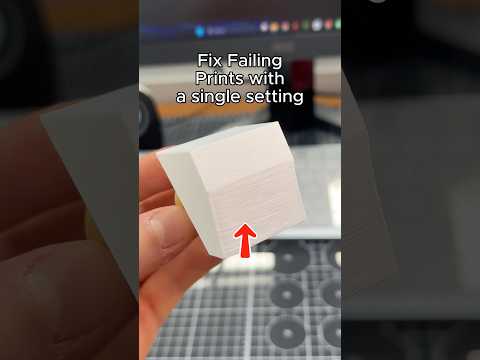
The third test targets the top surface flow ratio. Top layers often look pitted or wavy because the slicer extrudes the same amount of plastic as infill, even though top layers need slightly more material to fully close gaps. Print the test, find the block with the smoothest, gap-free top, and enter its number into your slicer's top surface flow ratio. This single change can make parts look noticeably more premium.
Quick Tips Before You Calibrate
- Always re-level the bed and clean it with isopropyl alcohol before running flow tests.
- Use the same filament, nozzle, and temperature you plan for the final print.
- Change only one setting at a time so you know which test fixed the issue.
- Save each calibrated profile in your slicer so you can switch quickly between materials.
FAQ
Do I need to rerun these tests for every filament? Yes. Different brands and colors of PLA, PETG, and ABS flow differently, so a profile tuned for one spool may not work for another.
How long do the tests take? Each model is small, so all three usually finish in under an hour combined.
Can I skip ironing? You can, but ironing is the fastest way to erase visible layer lines on visible top faces without sanding.