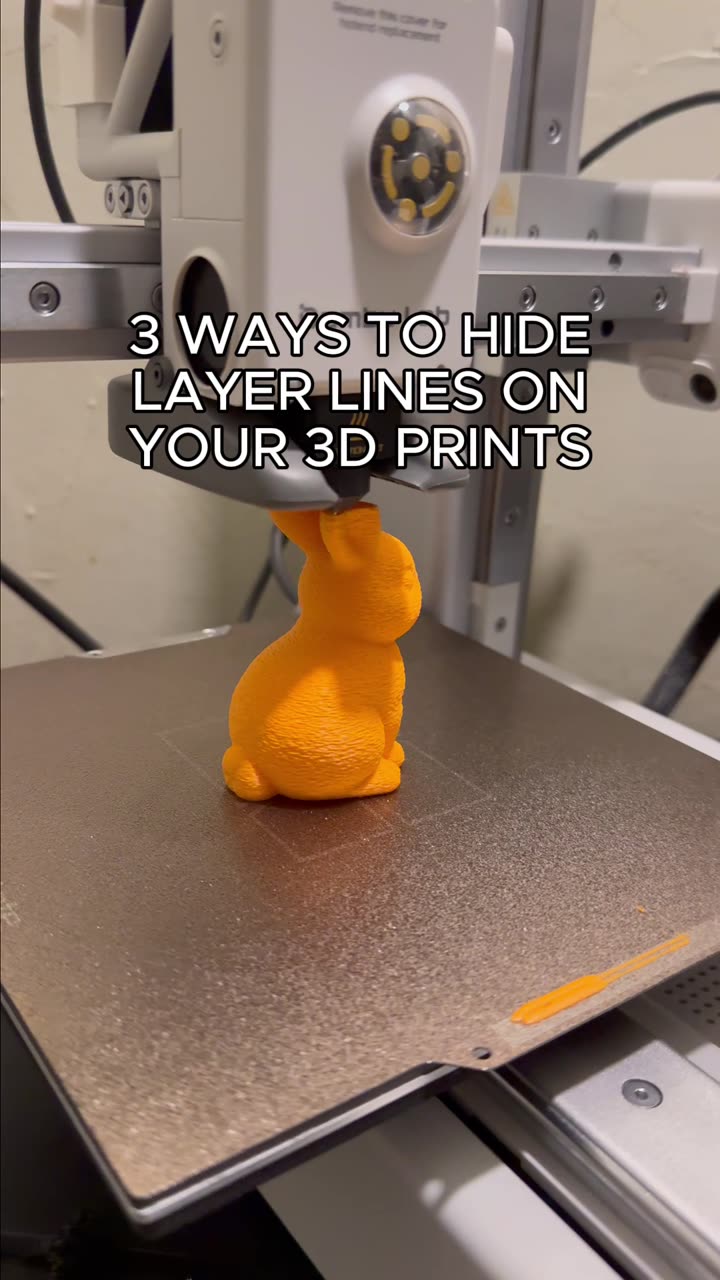
About this video
What Are Layer Seams in 3D Printing?
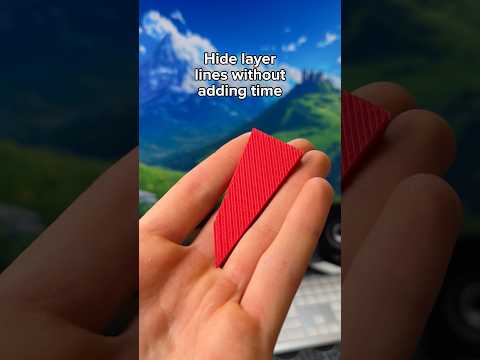
Layer seams are visible lines that appear on 3D prints where each new layer begins and ends. These lines occur because the printer's nozzle must pause and restart at the same point for every layer, creating a small ridge or gap that catches light and becomes noticeable.
While seams are a natural part of FDM 3D printing, they can detract from the smooth finish many makers want, especially on functional parts or display models.
How to Hide Seams Using Bambu Studio
Bambu Studio offers a built-in solution that requires no post-processing:
- Open Bambu Studio and load your model
- Navigate to the Print Settings tab
- Search for "Seam Position" in the search bar
- Change the setting from Nearest (default) to Random
- Slice and preview your print
By setting seam position to Random, the slicer distributes layer start points across different areas of the model instead of concentrating them in one spot. This breaks up the visible line into scattered micro-points that blend seamlessly into the print surface.
Other Methods to Hide Layer Lines
Beyond Bambu Studio's Random setting, consider these complementary approaches:
- Ironing: Enable ironing in your slicer to gently heat the top layer and smooth it flat
- Sanding: Start with 400-grit sandpaper, progress to 800-grit, then polish
- Post-processing: Use epoxy resin, filler primer, or acetone smoothing (for ABS)
- Perimeter settings: Increase wall line count for denser, less visible seams
Best Practices for Seam-Free Prints
- Use vase mode (spiralize outer contour) for single-perimeter prints with no visible seams
- Opt for Aligned seam position when you need seams in a hidden location
- Lower print speed for the top layer when combining with ironing
- Consider material: PLA responds well to heat gun treatment, while PETG is harder to smooth
Frequently Asked Questions
Does Random seam position affect print strength?
Not significantly. The slight variation in layer adhesion points has minimal impact on overall tensile strength.
Will this work on all models?
Yes, but complex geometries with sharp corners may still show some seam visibility despite randomization.
Can I combine Random seam with ironing?
Absolutely. Using both settings together produces the smoothest possible top surfaces.