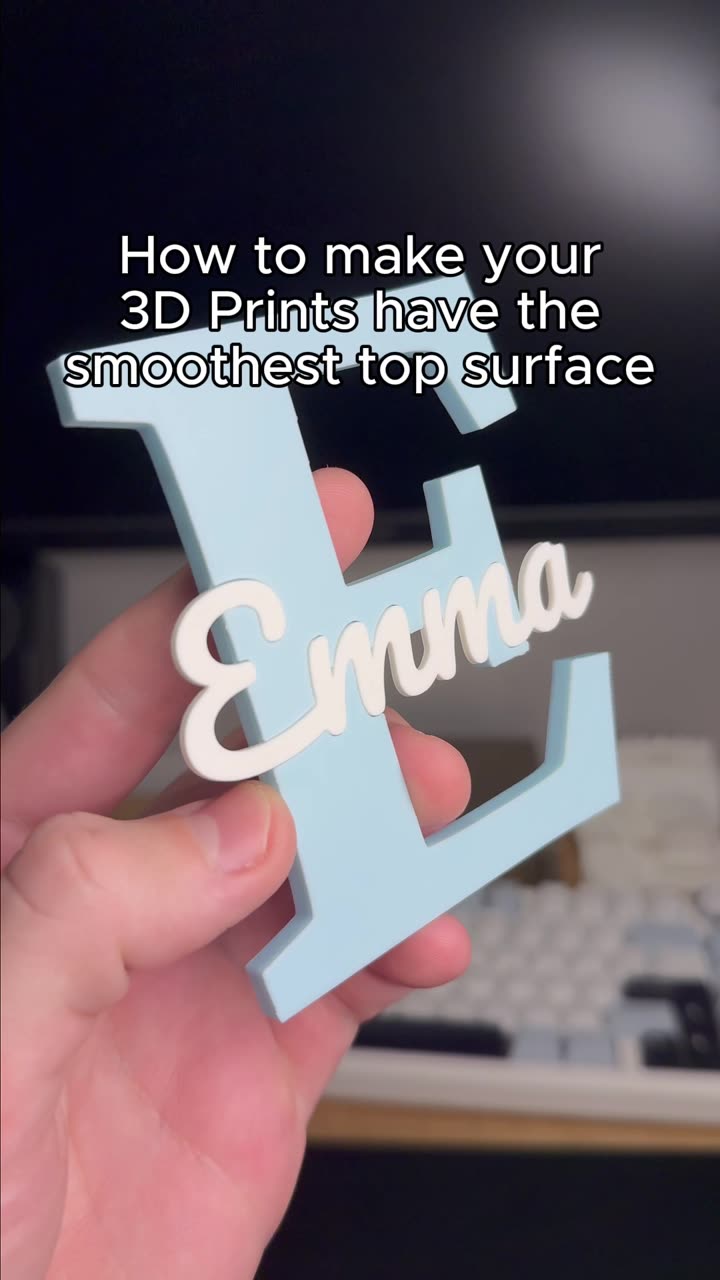
About this video
Why Target Specific Areas of Your 3D Print?
Not every part of a 3D print needs the same strength. Adding 100% infill throughout an entire model wastes material and printing time. Instead, you can use slicer modifiers to strengthen only the areas that endure stress, pressure, or wear.
This technique works in most popular slicers, including Cura, PrusaSlicer, and Bambu Studio. The process is straightforward and doesn't require any hardware changes.
How to Add Strength to Specific Areas
Follow these steps to reinforce targeted zones in your 3D prints:
- Open your slicer and import your model
- Right-click the model and select "Add Modifier" from the menu
- Resize the modifier box to cover only the area you want to strengthen
- Position the modifier precisely over the stress-prone region
- Go to the sidebar and click on the modifier's settings
- Set the infill density to 90% (or your desired strength level)
- Slice and print as normal
The modifier creates a separate zone that inherits your model's geometry but applies custom settings only within its boundaries.
Best Practices for Maximum Strength
- Place modifiers where mechanical stress concentrates, such as mounting points or load-bearing sections
- Combine high infill with wall thickness adjustments for even greater reinforcement
- Test print a small sample before committing to a full model
- Use 90-100% infill within modifiers for optimal strength
- Consider using rectilinear or gyroid infill patterns for added durability
Common Questions
Can I add multiple modifiers to one model?
Yes. You can add as many modifiers as needed, each with different settings for various areas.
Does this work with all materials?
Absolutely. Whether using PLA, PETG, or ABS, the modifier technique applies the selected infill settings consistently.
Will this significantly increase print time?
Only the areas covered by modifiers will have higher infill, so print time increases are minimal compared to boosting infill globally.
Materials and Tools Mentioned
- 3D printing slicer software (Cura, PrusaSlicer, Bambu Studio)
- Filament: PLA, PETG, or ABS
- High infill settings (90-100%)
This method gives you precise control over where your 3D prints are strongest, helping you balance material usage with structural integrity.