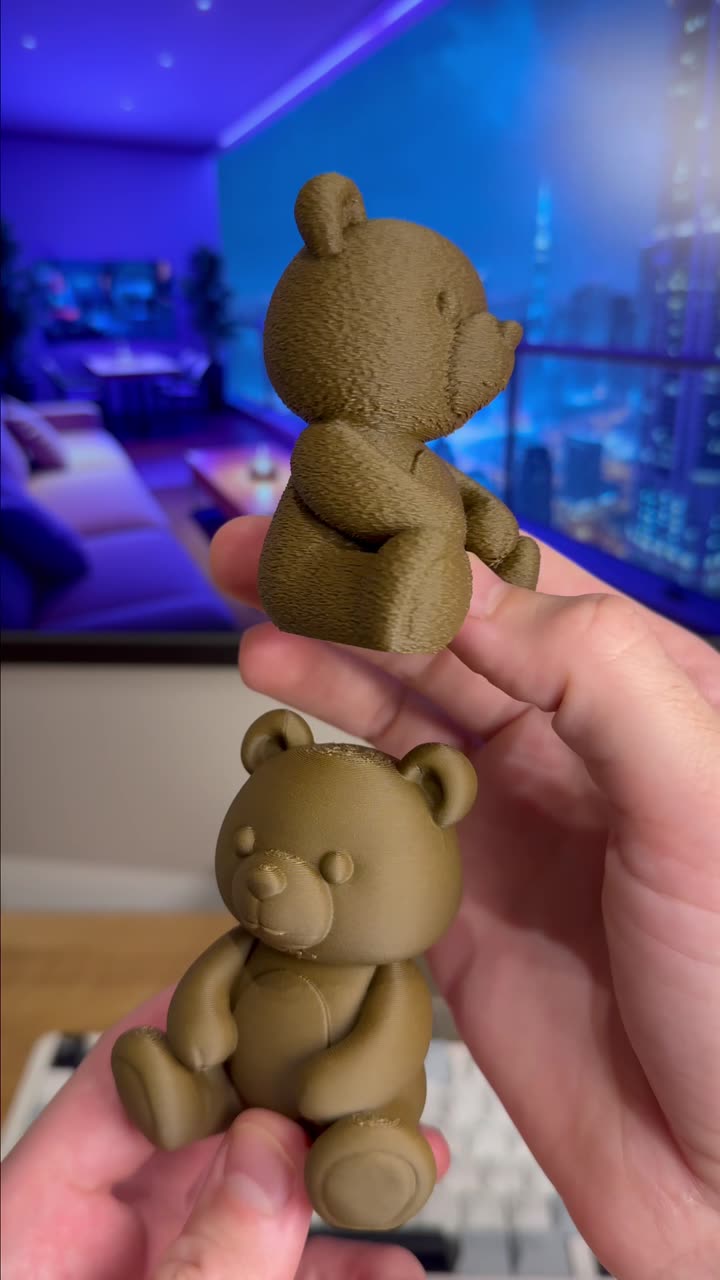
About this video
What is Ironing in 3D Printing?
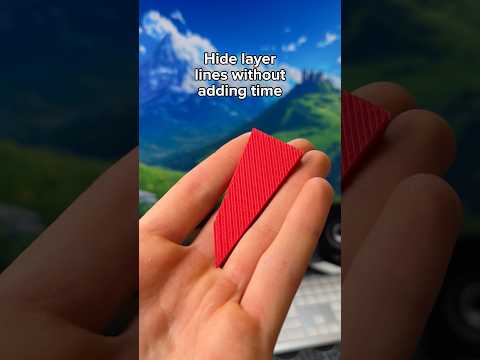
Ironing is a slicer setting that helps you achieve incredibly smooth top surfaces on your 3D prints. When enabled, the printer's nozzle passes over the top layer of your print in a closely-spaced pattern, essentially "ironing out" visible layer lines. This technique is perfect for parts where surface finish matters, such as figurines, enclosures, or functional prototypes.
How to Enable Ironing in Your Slicer
Most popular slicers including Cura, PrusaSlicer, and Bambu Studio include ironing settings. Here's how to find and enable it:
- Cura: Navigate to Quality → check "Enable Ironing" → set "Ironing Pattern" to "Concentric" or "Line"
- PrusaSlicer: Find Ironing under Print Settings → Quality → check "Enable ironing"
- Bambu Studio: Look under Quality → Enable Ironing → select "Top Surfaces Only"
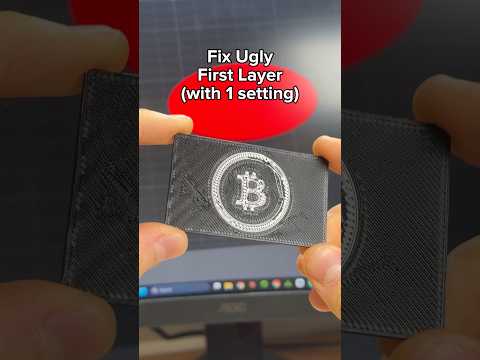
The key setting mentioned in the video is setting ironing to "Top Surfaces Only". This ensures the smoothing process only applies to flat top faces, saving print time while still delivering a clean finish where it counts.
Tips for Best Results with Ironing
- Use a slightly lower print temperature (5-10°C reduction) to prevent oozing during the ironing pass
- Increase top solid layers to 5+ for better results
- Slow down the top print speed slightly to give the nozzle more time to smooth
- Ensure good bed adhesion — a failed print mid-ironing wastes time
Which Materials Work Best?
Ironing works well with PLA, PETG, and ABS. Flexible materials like TPU are more challenging since the nozzle can drag rather than smooth. ASA and other engineering filaments also respond well to ironing for outdoor or functional parts.
Common Questions
Does ironing increase print time significantly?
Yes, but usually only 5-15% depending on part size. The smooth top surface is often worth the extra minutes.
Will ironing affect dimensional accuracy?
Only on the top surface. Side walls and critical dimensions remain unaffected.
Can ironing fix stringing or blobs?
No — ironing only smooths flat top surfaces, not vertical surfaces or internal issues.
Ironing is one of the easiest ways to improve your print quality without hardware upgrades. Give it a try on your next flat-top model!