About this video
From Photo to 3D Print in Seconds
Turning a simple idea, sketch, or real-world object into a physical 3D print used to require modeling skills, expensive software, and hours of work. Thanks to AI image-to-3D technology, anyone can now turn any idea into a 3D print in seconds. Platforms like PrintPal make it possible to skip the entire CAD workflow and go straight from a phone photo to a printable file.
How PrintPal AI Image-to-3D Works
The process shown in the video is intentionally simple:
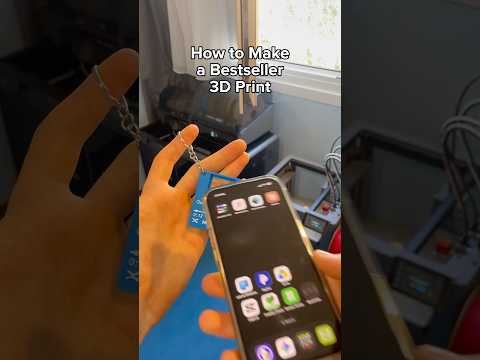
- Snap a photo of the object, drawing, or reference image you want to print.
- Transfer the image to your computer or use PrintPal directly from your device.
- Open PrintPal and click on the Generate AI button.
- Upload your picture to the AI generator.
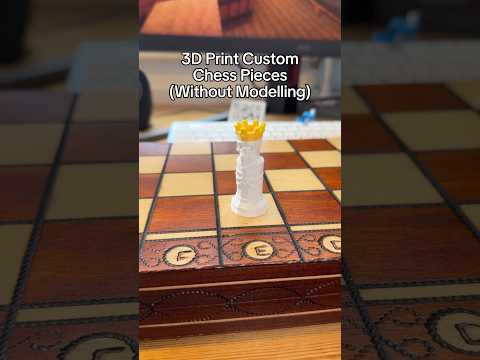
- Enable the Full Color option if you want a multi-color print (perfect for portraits, figurines, logos, and detailed designs).
- Download the generated file after roughly 10 seconds of processing.
- Send it to your slicer and printer to produce a physical model.
Why Full-Color 3D Printing Matters
The Full Color setting is what makes this workflow stand out. Traditional FDM prints are usually single-color or require manual painting, but full-color 3D printing captures surface textures, gradients, and tones directly from the source image. This is ideal for:
- Personalized gifts and photo keepsakes
- Character busts and fan art figurines
- Branded merchandise and promotional items
- Miniatures for tabletop gaming
- Home decor and custom signs
Selling Personalized 3D Prints for Profit
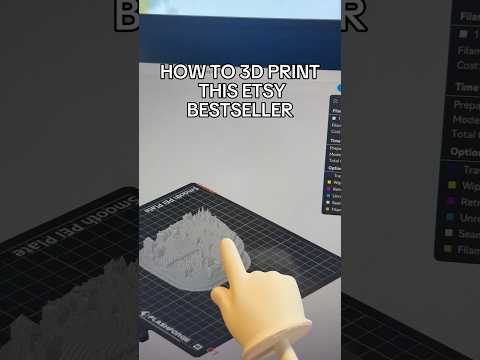
The video highlights a growing side-hustle trend: creators using AI-generated models to sell personalized 3D prints on marketplaces like Etsy. Because the input is just a photo, you can offer truly custom products — pet portraits, couple figurines, family keepsakes — at a premium price while keeping production costs low. Many sellers report profit margins around 10x once printing time and materials are factored in.
Tips for Best Results
- Use well-lit, high-resolution photos with clear contrast between the subject and background.
- For figurines, photograph the person or pet at eye level with minimal clutter behind them.
- Enable Full Color for portraits and realistic subjects; disable it for functional parts.
- Pair PrintPal with a color-capable printer such as those using multi-jet or binder-jet technology for true color output.
Frequently Asked Questions
Do I need 3D modeling experience?
No. PrintPal's AI generator handles the entire modeling process from the uploaded image.
How long does generation take?
Most images convert into a printable file in around 10 seconds.
Can I use any photo?
Yes. Photos of objects, drawings, pets, and people all work, though clearer images produce better prints.