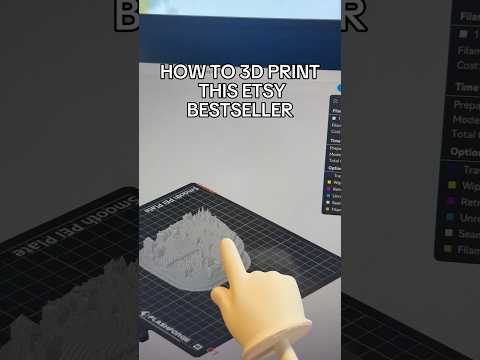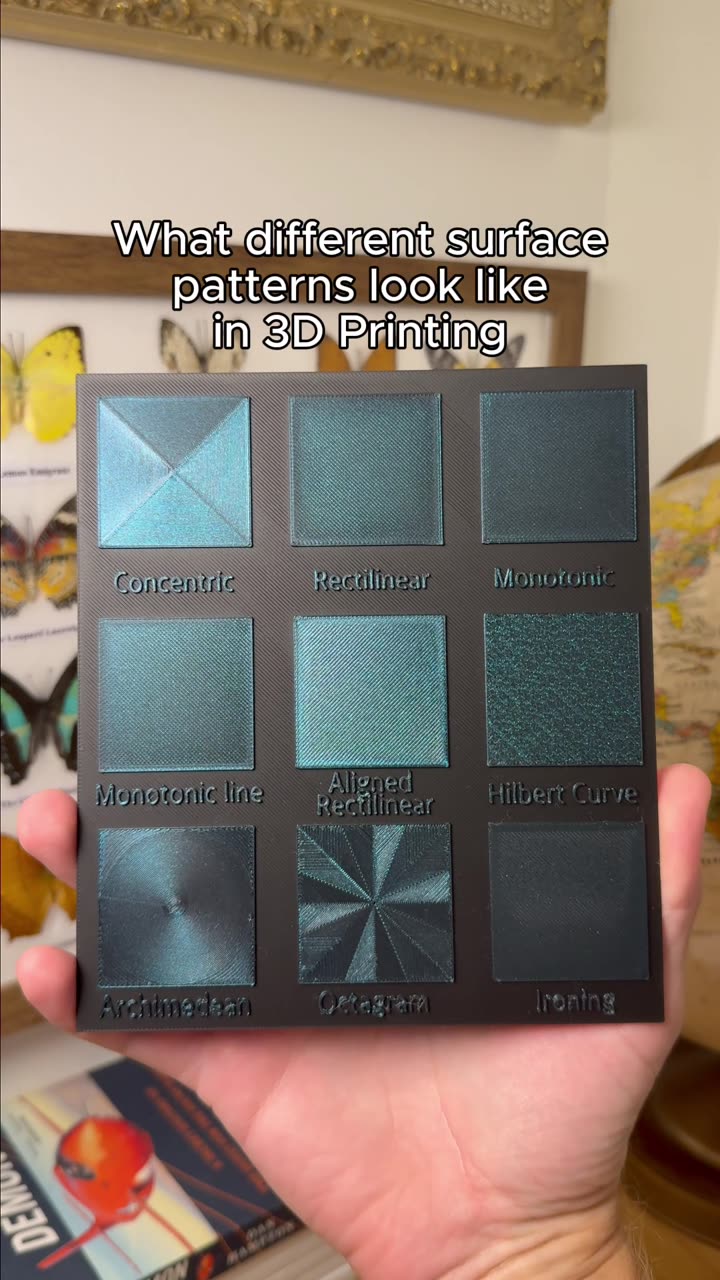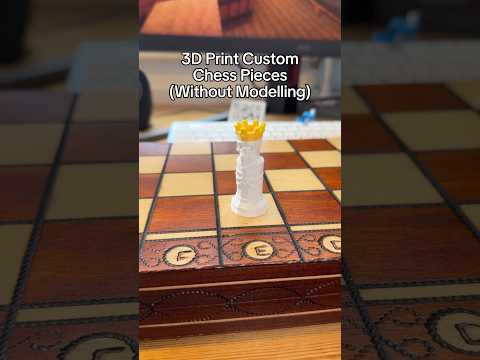
About this video
What Is PrintPal's AI CAD Modeler?
PrintPal's AI CAD Modeler is a chat-driven design agent that lives entirely in the browser and generates parametric OpenSCAD code from plain-English prompts. Unlike most AI 3D generators that spit out a frozen mesh, this tool produces a fully editable script where every dimension — hole diameter, wall thickness, thread clearance — is a variable you can change on the fly. You describe what you want (or upload a reference photo or sketch), and the agent handles the actual coding.
Why Parametric OpenSCAD Changes Everything
Traditional AI 3D tools output static meshes: no real units, no tolerances, and no way to nudge a single feature without regenerating the entire model. Parametric OpenSCAD flips that workflow. Change one number and the geometry refactors around it, which is what allowed the parts shown in the video to evolve prompt by prompt instead of being rebuilt from scratch each round. It also gives you engineering-grade outputs you can hand off to professional CAD suites.
How the CAD Agent Actually Works
- Prompt or upload. Type a description or drop in a reference photo, sketch, or napkin drawing.
- Design brief + checklist. Before writing a single line of code, the agent commits to a brief and a checklist so you can review what it's about to build.
- Real OpenSCAD, not pseudo-code. The agent pulls from libraries like BOSL2 and MCAD for things like metric threads, gears, and rounded fillets.
- Live in-browser render. No install, no plugins. Models preview as you iterate.
- Named-feature memory. Tell it to "add a fillet to the top edge" or "loosen the thread clearance by 0.2mm" and it tracks the right feature across the entire conversation.
- Printability pass. After each generation it checks wall thickness, overhangs, and tolerances — and can auto-fix problems before you see the render.
- Self-correcting on reference images. Feed it a photo and it generates a 4-view sheet of its own output, then compares and self-corrects against the image you gave it.
- Professional exports. One click to STL, 3MF, or true STEP files that open cleanly in Fusion 360, SOLIDWORKS, and Onshape.
- Autosaved sessions. Pick a design back up later and keep pushing it forward instead of starting cold.
Why No CAD Background Is Required
Because the agent writes the OpenSCAD for you, you never touch the syntax. Hobbyists, engineers, and educators can all describe a part in normal language — "M5 heat-set insert boss, 2mm wall, snap-fit lid" — and get a printable model back. Credits power each generation, either purchased a la carte or included with a PrintPal plan.
Tips for Better Prompts
- Include hardware specs up front (thread size, insert type, mating part dimensions).
- Mention tolerances explicitly, especially for press-fits and snap-fits.
- Upload a reference photo when you want accurate proportions.
- Iterate by feature name so the agent knows exactly what to modify.
- Ask for a printability check explicitly on parts with overhangs or thin walls.
FAQ
Do I need to know OpenSCAD? No. The agent writes it all; you can also read the script and tweak it yourself if you want.
What files can I export? STL for slicing, 3MF for modern printers, and STEP for any professional CAD tool.
Does it run on my machine? No install needed — it's fully browser-based at printpal.io.
Can I keep iterating on the same part? Yes. Sessions autosave, named features persist, and you can keep refining from your last prompt indefinitely.