About this video
Why 3D Print Custom Chess Pieces?
Custom chess pieces are one of the most popular beginner 3D printing projects because they combine creativity, practicality, and quick print times. Instead of buying a mass-produced set, you can design a set that matches your favorite theme — medieval fantasy, sci-fi, minimalist modern, or even your favorite video game characters. With modern AI tools, you no longer need years of CAD experience to create a printable model.
Step-by-Step: AI Image to Printable Chess Piece
- Generate a reference image with AI. Use any text-to-image tool (such as Midjourney, DALL·E, or Stable Diffusion) and prompt for a chess piece on a clean white background. A simple, uncluttered background helps the AI-to-3D converter produce a cleaner mesh.
- Download the image. Save the highest-resolution version available for the best detail capture.
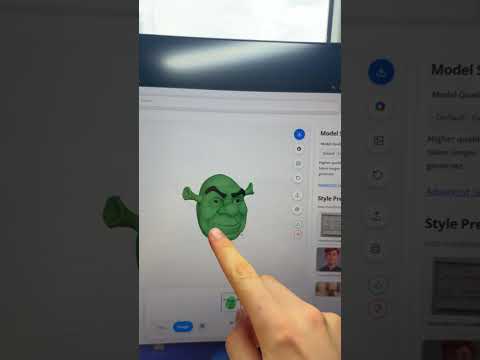
- Upload to PrintPal. Open the PrintPal Generate AI tool and upload your image. The platform converts a 2D picture into a 3D model automatically — no CAD software required.
- Wait and download. In roughly ten seconds, your STL or 3MF file is ready. Preview it in the browser, then download it for slicing.
- Customize the colors. Optionally, apply custom colors to individual pieces directly in PrintPal to plan a multi-material or painted set.
- Print the full set. Repeat the process for each piece (pawn, rook, knight, bishop, queen, king) to build a complete themed collection.
Tips for the Best Results
- Keep prompts simple. Single-piece compositions with clear silhouettes convert more accurately than busy group shots.
- Use a flat background. White or solid-color backgrounds help the AI isolate the subject and reduce stray geometry.
- Print in PLA or PETG. Standard 1.75 mm PLA works well for decorative chess pieces; PETG adds durability for frequently handled sets.
- Scale to standard board size. Aim for a king height around 2.5–3.5 inches to match a typical tournament board.
- Print in batches. Once one piece is dialed in, reuse the same slicer settings for the rest of the set.
Frequently Asked Questions
Do I need any 3D modeling experience?
No. PrintPal's AI image-to-3D tool handles the conversion, so beginners can produce printable files from a single picture.
How long does the AI conversion take?
Most images convert in under 15 seconds, though complex shapes may take slightly longer.
Can I sell the chess sets I print?
Yes, as long as your reference images are original or properly licensed. Avoid copyrighted characters unless you have permission.
What printer works best?
Any FDM printer with a 0.4 mm nozzle can produce great chess pieces. Resin printers capture the finest details for miniature-style sets.