Description
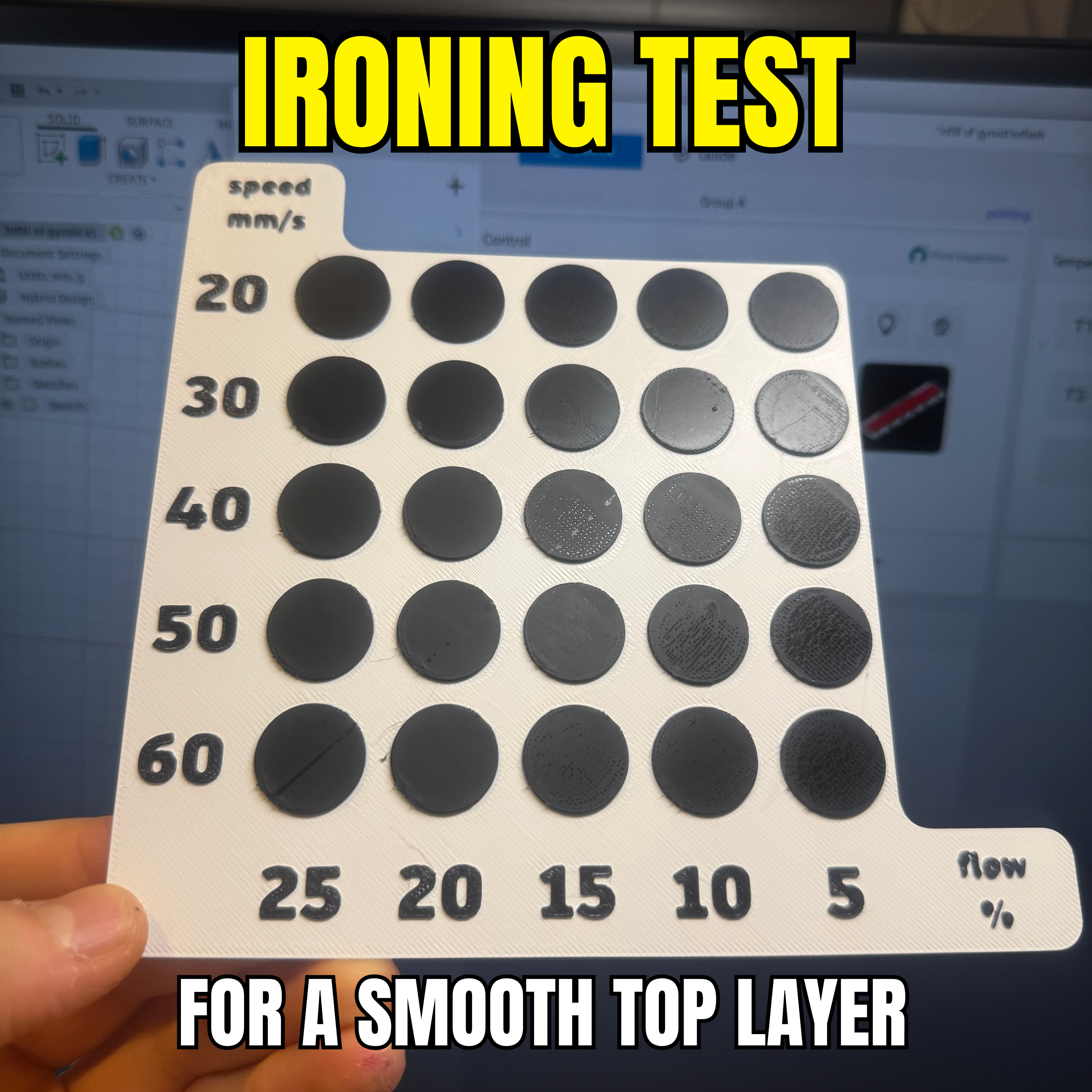
Ironing Speed and Flow Calibration Matrix (PLA)
Get glass-like top surfaces on your PLA prints by finding the perfect combination of ironing speed and flow rate.
📏 Test Matrix Included
This model evaluates 25 unique combinations using the following ranges:
- Ironing Speeds (mm/s): 20, 30, 40, 50, 60
- Ironing Flow Rates (%): 5, 10, 15, 20, 25
⚙️ Print Settings & Profile
- Material: PLA
- Ready-to-Print: The included
.3mffile has all 25 modifier blocks pre-configured with the correct specific ironing settings. Just hit slice and print!
🛠️ How to Evaluate Your Print
- Print the model using the provided
.3mfprofile. - Once finished, pop it off the build plate and examine the circular test patches under a good, angled light source. Run your finger over them to feel the texture.
- Check for Too Much Flow: If the circle feels rough, has raised ridges, or looks like the nozzle was "plowing" through excess plastic, the flow rate is too high.
- Check for Too Little Flow: If you can still clearly see gaps, distinct lines, or tiny valleys between the extrusion paths, the flow rate is too low or the speed is too high.
- The Winning Setting: Look for the circle that feels completely smooth and has a uniform, solid finish. Check the X and Y labels for that specific circle, and update your slicer's "Ironing Speed" and "Ironing Flow" settings to match!
Category
License
This model is licensed under
Creative Commons Public Domain

Similar models
17550
calibration • top layer • 3d printed top layer
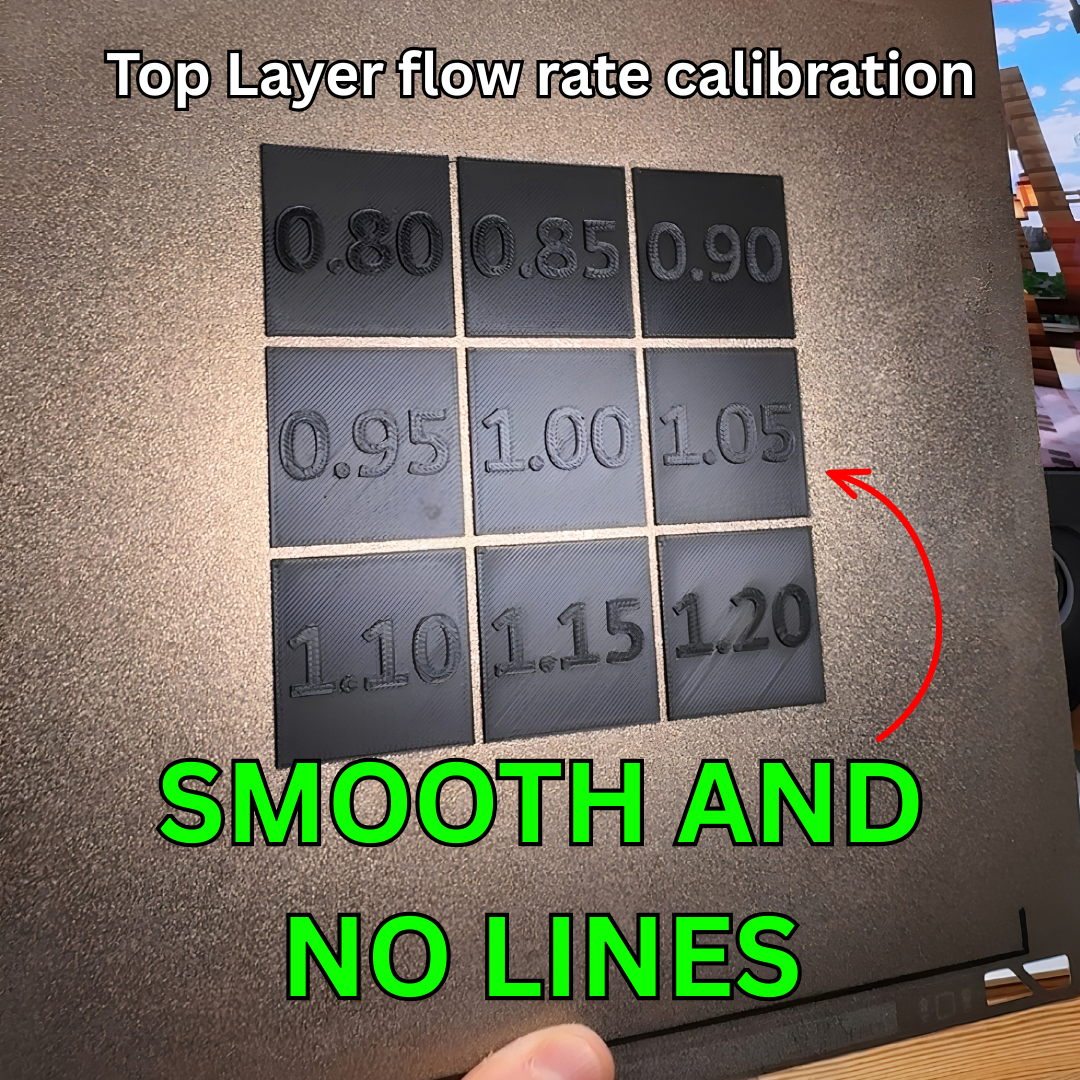
Top Layer flow rate calibration - Get smooth top layers with no lines
18110
3dprinter • calibration • test
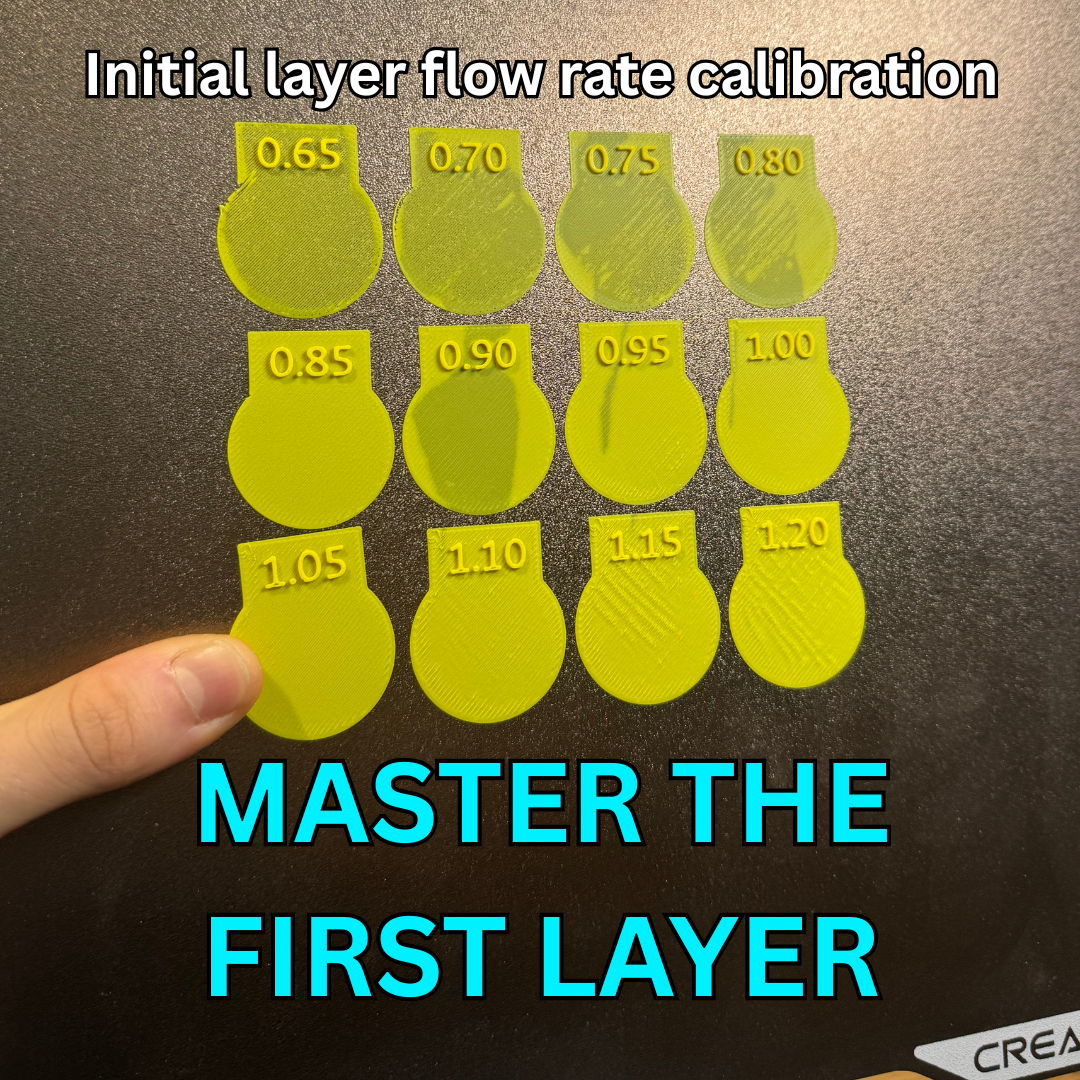
Inital layer flow ratio calibration- Quick and Simple
7686
149


131
630
32

Comments