Description
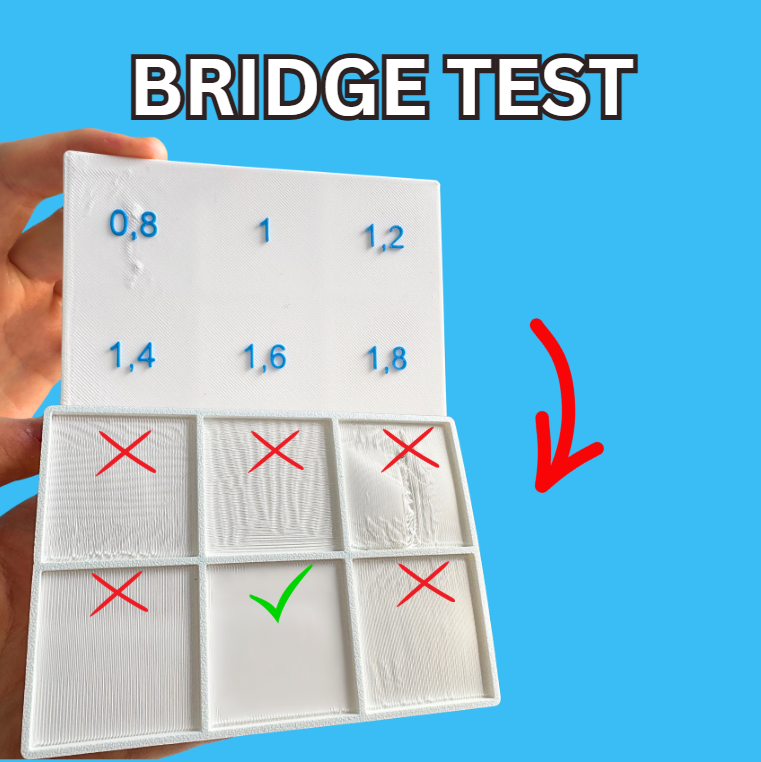
Bridge Flow Ratio Calibration Test (20mm/s)
📏 Flow Ratios Tested
This model evaluates six different bridge flow ratios at a constant 20mm/s speed:
- 0.8
- 1.0
- 1.2
- 1.4
- 1.6
- 1.8
⚙️ Print Settings & Profile
- Bridge Speed: 20 mm/s (Fixed across the entire print)
- Ready-to-Print: The included
.3mffile has all the specific modifier blocks pre-configured with the exact flow ratios. Just hit slice and print!
🛠️ How to Evaluate Your Print
- Print the model using the provided
.3mfprofile. - Once finished, flip the print over to inspect the bottom bridged surfaces.
- Check for Under-extrusion: If the bridged lines are broken, snapping, or leaving distinct gaps (typically on the lower ratios like 0.8), the flow is too low.
- Check for Over-extrusion/Sagging: If the bridged lines look heavy, droopy, or messy, the flow is too high.
- The Winning Setting: Look for the square that is completely smooth and tightly bridged without sagging (like the square marked with the green checkmark in the reference image). Note the number on the top of that section and update your slicer's "Bridge flow ratio" setting!
Category
License
This model is licensed under
Creative Commons Public Domain

Similar models
18110
3dprinter • calibration • test
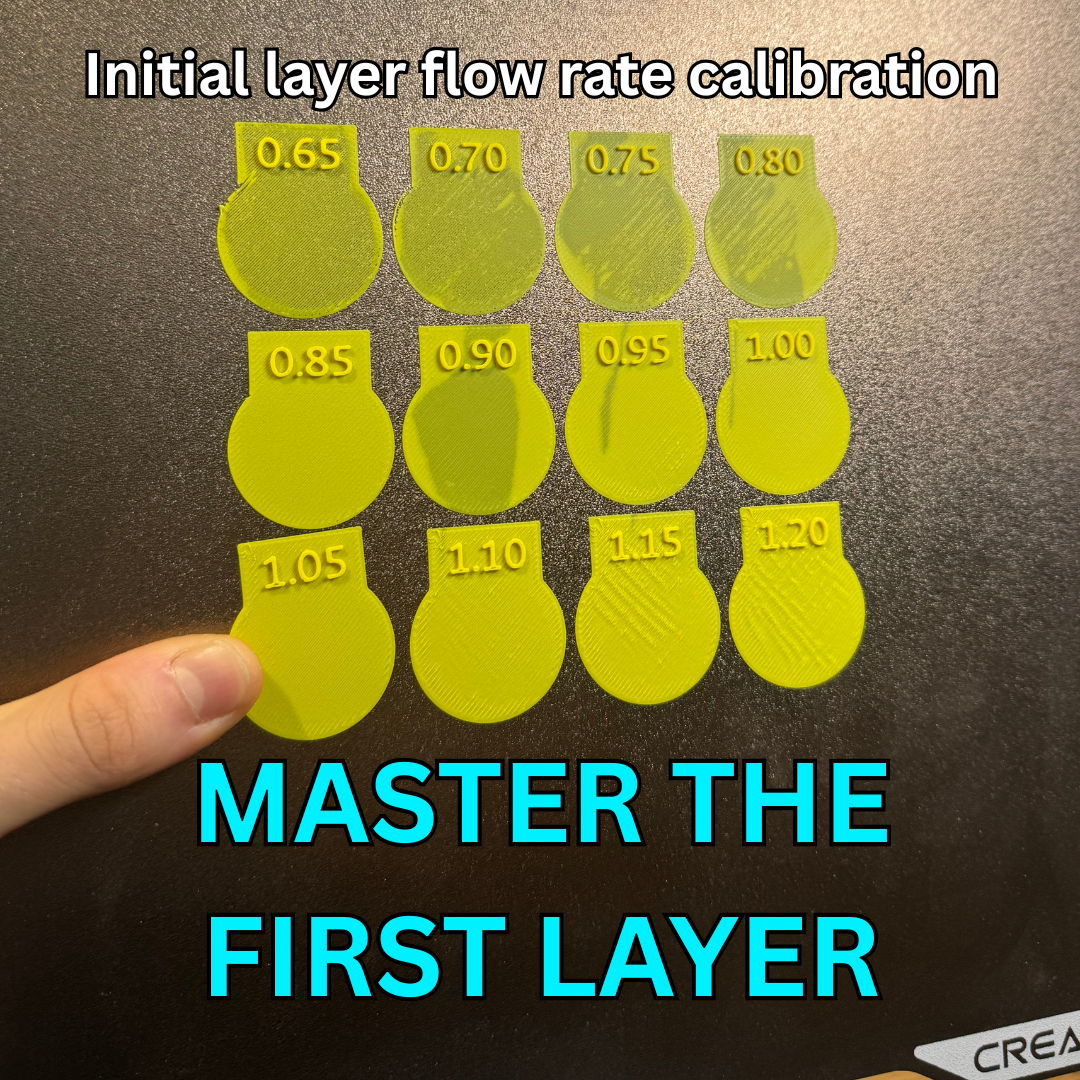
Inital layer flow ratio calibration- Quick and Simple
24260
3584
4964




230
237


Comments