Description
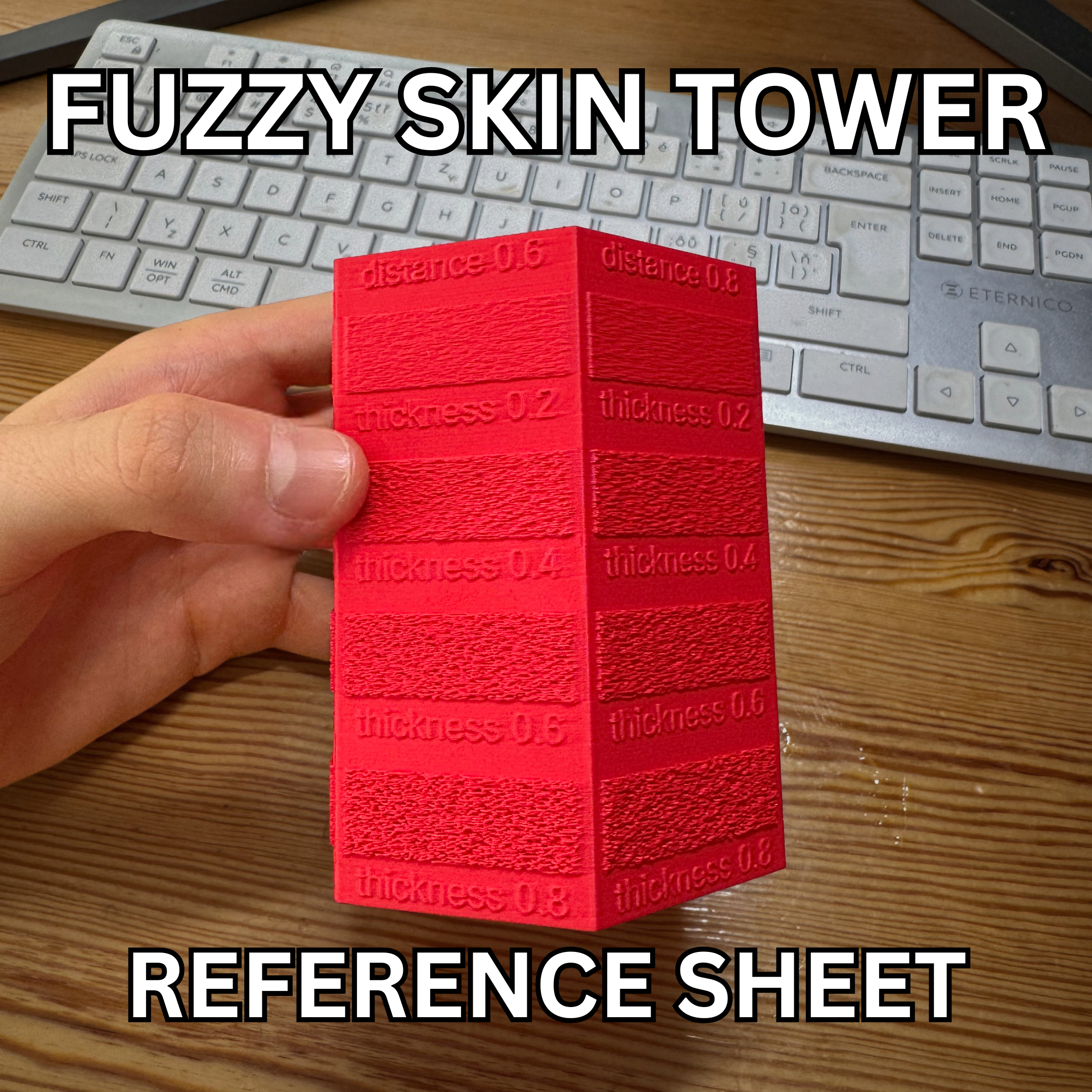
Fuzzy Skin Tower Calibration Reference
Take the guesswork out of fuzzy skin settings and find the exact texture you need for your next project. Whether you want a subtle matte finish to hide layer lines or a rough grip for a functional part, this tower lets you see and feel 24 different combinations in a single print.
📏 Textures Tested
This calibration tower steps through the two main fuzzy skin variables in 0.2mm increments:
- Fuzzy Skin Point Distance (Faces/Columns): 0.2, 0.4, 0.6, 0.8, 1.0, and 1.2 mm
- Fuzzy Skin Thickness (Rows/Vertical Blocks): 0.2, 0.4, 0.6, and 0.8 mm
⚙️ Print Settings & Profile
- Ready-to-Print: The included
.3mffile is fully pre-configured. It uses carefully placed modifier blocks to automatically apply the exact fuzzy skin distance and thickness settings to each corresponding section of the tower. Just hit slice and print!
🛠️ How to Evaluate Your Print
- Print the model using the provided
.3mfprofile. - Inspect the tower visually and run your fingers over the different sections to feel the grip and roughness.
- Look for the face that gives you the right "frequency" of bumps (Distance), and then look up and down that face to find the right "depth" of bumps (Thickness).
- Once you find the perfect square, read the Distance label on the top of that column and the Thickness label directly on the block. Plug those numbers into your slicer's Fuzzy Skin settings!
Category
License
This model is licensed under
Creative Commons Public Domain

Similar models
4964
17550
calibration • top layer • 3d printed top layer
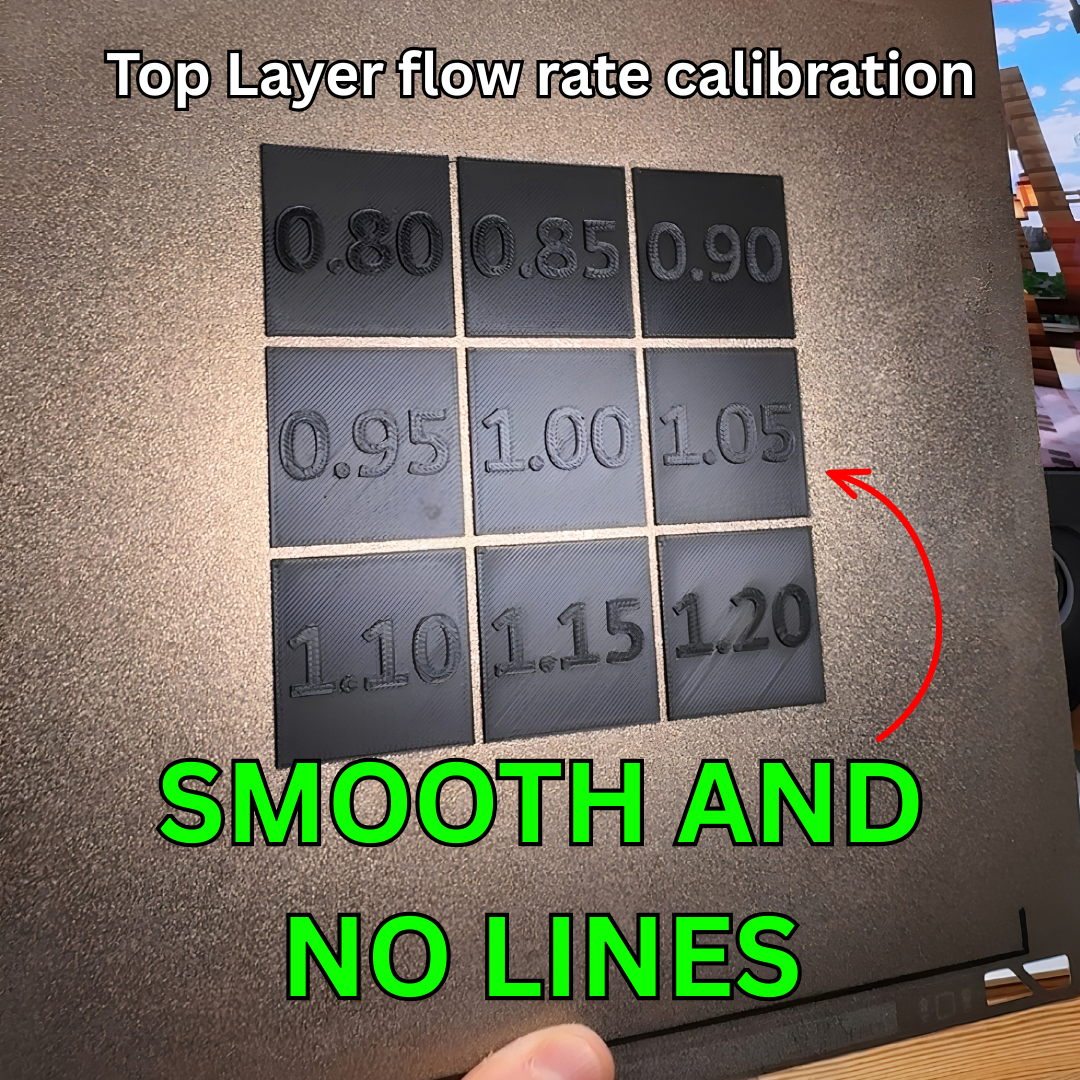
Top Layer flow rate calibration - Get smooth top layers with no lines
18110
3dprinter • calibration • test
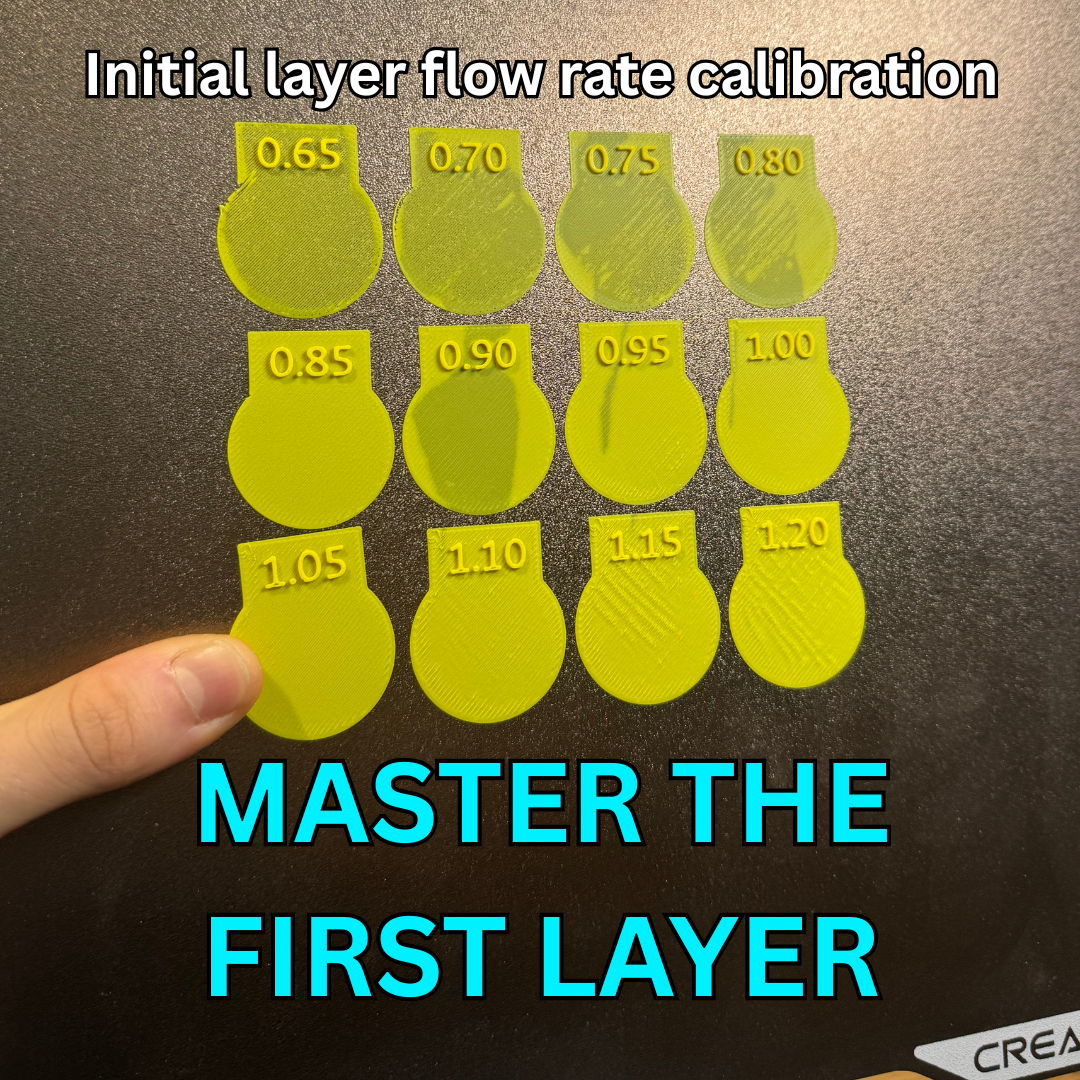
Inital layer flow ratio calibration- Quick and Simple
3584
324


132



219
Comments