About this video
Create Custom 3D Printed Puzzles in Minutes
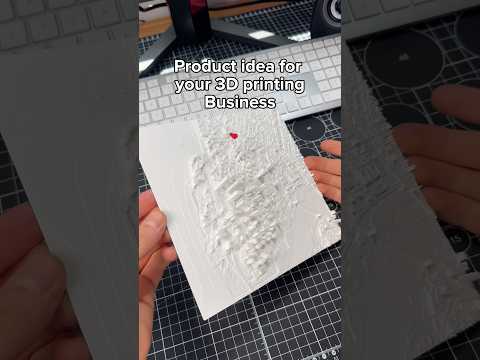
PrintPal's free puzzle maker tool lets you transform any 3D model into a printable puzzle in seconds. Whether you want to commemorate a landmark like Mount Saint Helens or create a personalized gift, this tool handles the complexity so you don't have to.
How the Puzzle Maker Works
The process is refreshingly simple:
- Upload your STL file – Any 3D model works as a starting point
- Select your piece count – Choose how many pieces your puzzle should have
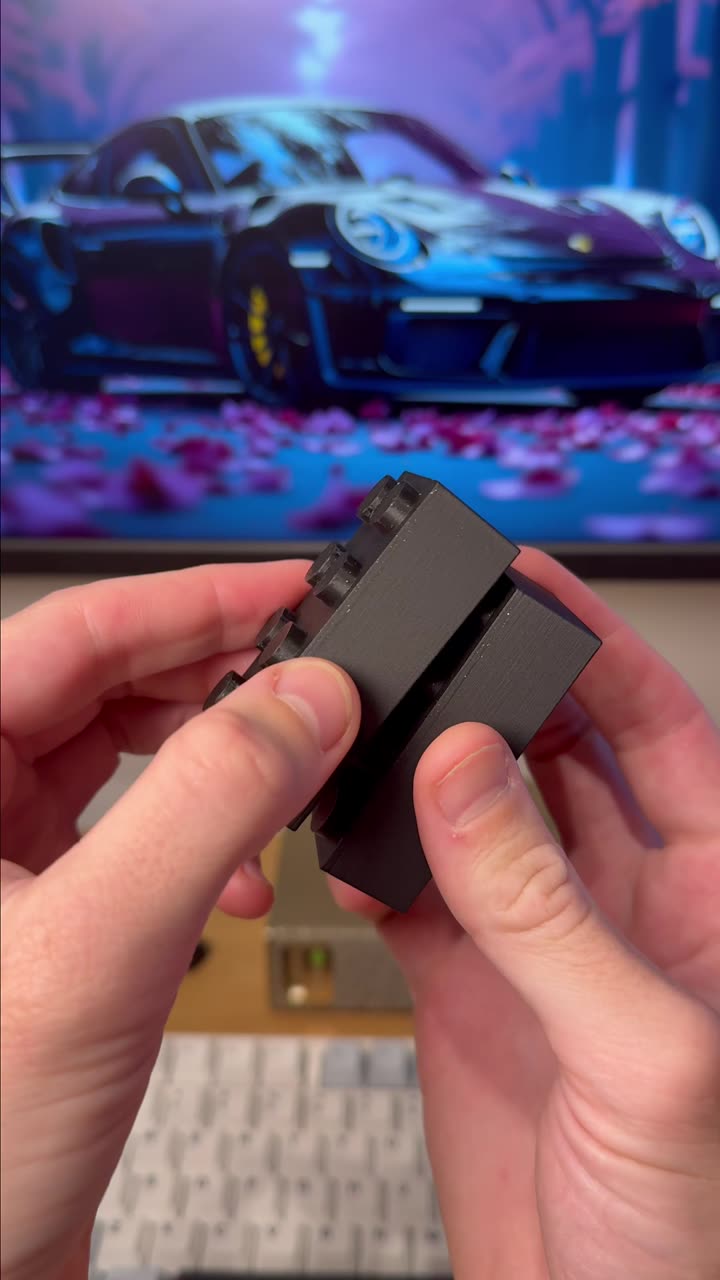
- Generate and download – The tool automatically divides your model into interlocking pieces
- Print and assemble – Your custom puzzle is ready to print
What You Can Create
The puzzle maker supports virtually any 3D subject:
- Topographic maps and terrain models
- Company logos and brand assets
- Architectural renderings
- Character figures and sculptures
- Custom gifts for hobbyists and collectors
Recommended Materials and Settings
For best results, use these materials when printing your 3D puzzle:
- PLA filament – Easy to print, great colors, ideal for display puzzles
- PETG – More durable, slightly flexible for snug fits
- Layer height – 0.2mm or lower for cleaner piece edges
- No supports needed – Most puzzle pieces lay flat on the print bed
Tips for Perfect Puzzle Prints
- Ensure your STL has no holes or non-manifold geometry before uploading
- Smaller piece counts (9-16) work best for functional puzzles
- Higher piece counts (25+) create impressive display pieces
- Test fit pieces before gluing if creating a permanent assembly
Frequently Asked Questions
Is PrintPal's puzzle maker really free?
Yes, the puzzle maker tool is completely free to use with no hidden fees.
What file formats are supported?
The tool accepts STL files, the standard format for 3D printing.
Can I print the pieces without a 3D printer?
You can download your puzzle files and use any 3D printing service or local library maker space.
How long does it take to generate a puzzle?
Most puzzles generate in under a minute, as shown in the video.