About this video
Turn Any Game Character Into a Full-Color 3D Print
If you've ever wanted to hold your favorite video game character in your hands, you don't need modeling skills or expensive software to make it happen. Modern AI-powered tools and multi-color 3D printers let you go from a flat image to a finished, painted-looking figurine in a single afternoon.
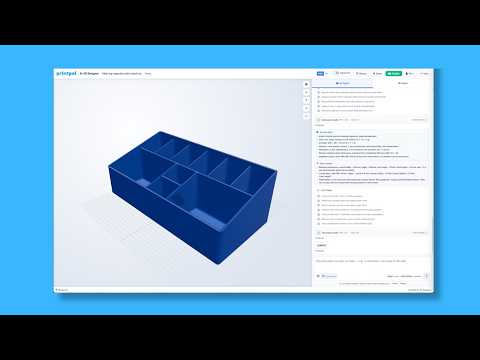
Step 1: Generate the Model with PrintPal
Start by heading to PrintPal and clicking the Generate button. From there:
- Choose your production quality (draft for fast previews, high for final prints)
- Enable the full-color setting so the model keeps the character's original colors and textures
- Upload a picture of the character — a clean, front-facing reference image works best
- Wait for the AI to process the image and produce a 3D model
- Download the design in a ready-to-print format (typically STL or OBJ with color data)
The whole generation step usually takes just a few minutes, even for complex characters with detailed outfits or accessories.
Step 2: Print on a Multi-Nozzle 3D Printer
A standard single-extruder FDM printer can only print in one filament color at a time, which means you'd have to manually swap filaments for every color region. That's where multi-nozzle printers come in:
- Snapmaker U1 — a compact multi-material printer that can swap up to four colors without pausing
- Creator 5 — another multi-nozzle option that handles full-color prints efficiently
Using a multi-nozzle machine skips the long wait of manual filament changes and produces a cleaner, more accurate color result straight off the bed.
Where to Find Ready-Made Game Character Models
Don't have a good reference image? PrintPal also hosts a library of pre-made game character models you can browse and download directly. This is the fastest route if you're printing a popular character.
Quick Tips for Best Results
- Use high-resolution reference images with clear lighting
- Avoid images with heavy background clutter — crop tightly to the character
- Print at 0.12–0.16 mm layer height for smooth color transitions
- Consider resin printing if you need ultra-fine detail on small characters
Frequently Asked Questions
Do I need to know 3D modeling?
No. The AI generation tool handles all of the 3D modeling from your uploaded image.
Can I use any game character image?
Yes, as long as you have the rights to use it. Fan art and personal-use prints of copyrighted characters are generally fine for non-commercial projects.
What file format do I get?
Most downloads come as STL or OBJ files with embedded color information compatible with multi-nozzle printers.
Ready to start? Find the tool and model library linked in the PrintPal bio.