About this video
A free toolbox inside OrcaSlicer
OrcaSlicer 2.5 added a plugin system, and the PrintPal plugin puts a full 3D printing toolbox in a tab next to your plate. Find or generate a model, drop it on the plate and print it without opening a browser. See the full PrintPal for OrcaSlicer page for screenshots and the changelog.
What the plugin does
| Feature | What you get | Cost |
|---|---|---|
| Model search | Search 200k+ printable community models and click Import to plate | Free |
| AI 3D generation | Turn a text prompt or photo into a printable mesh, placed on the plate | Uses PrintPal credits |
| Timelapse videos | Turn your sliced plate into a realistic print animation (16:9, 9:16 or 1:1 MP4) | Free up to 1080p with a small watermark |
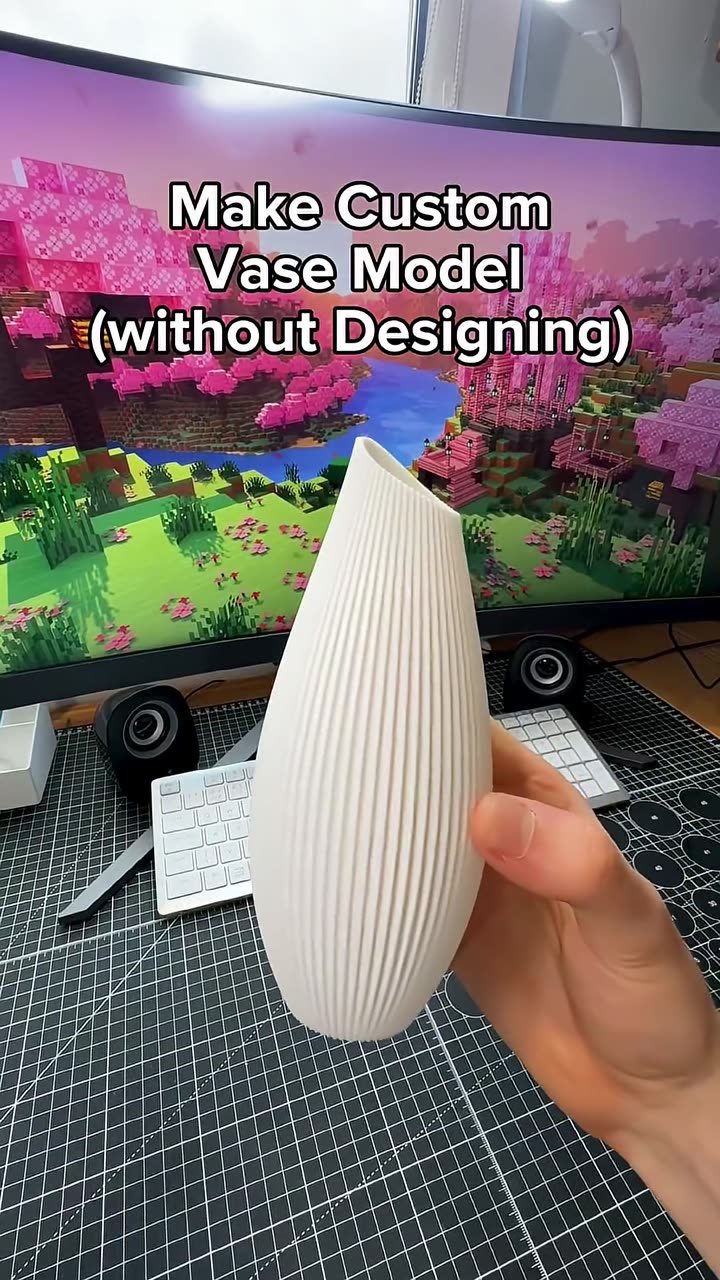
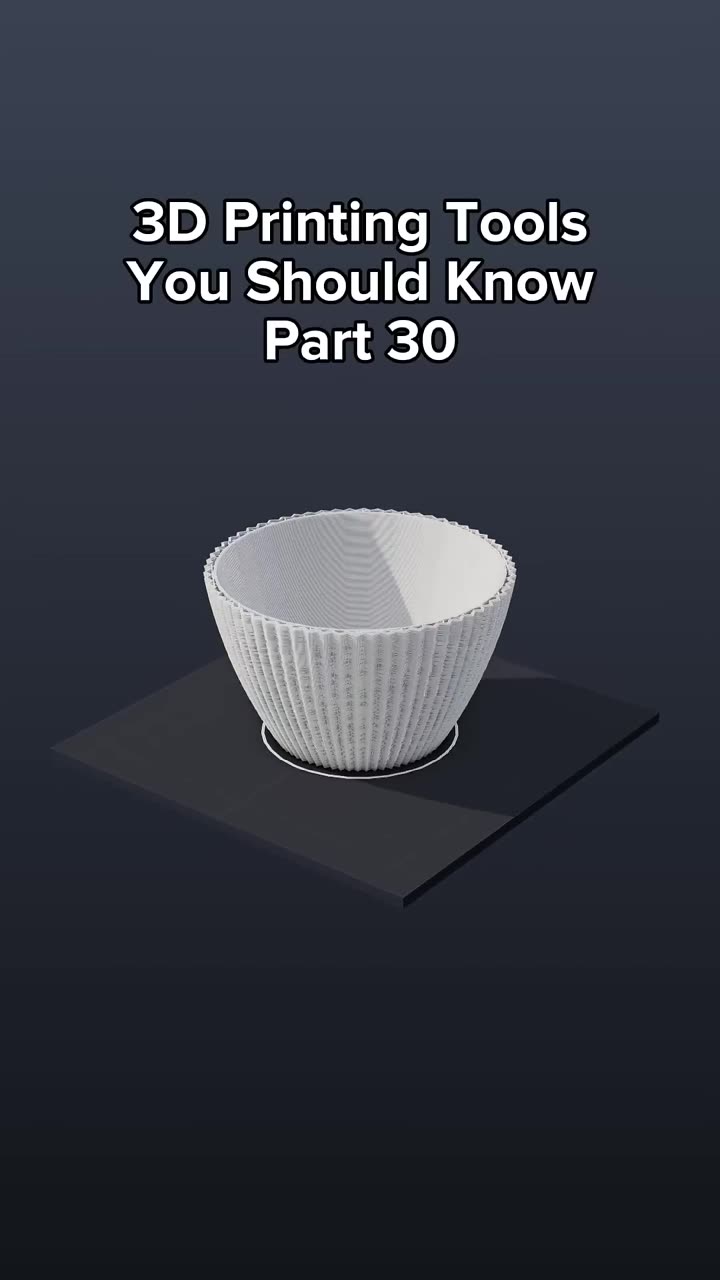
| Generators | Vases, simple and Gridfinity-compatible bins, name plates and name signs with a live 3D preview | Free and offline |
| Calculators | Print cost, filament usage, layer heights and volumetric flow, prefilled from your presets | Free |
| CAD briefs | Describe a functional part and open it in the AI CAD agent | Free brief |
How to install it
- Update OrcaSlicer to version 2.5 or newer.
- Sign in to Orca Cloud with the account button at the top right of OrcaSlicer.
- Open the Plugins Hub, search for PrintPal and click Subscribe.
- In OrcaSlicer, open File → Plugins (click Refresh if PrintPal isn't listed) and tick Activate.
- Allow the one-time permission request. A PrintPal tab appears in the main window.
Prefer a manual install? Download the plugin from the OrcaSlicer integration page and add it with File → Plugins → Add local plugin.
The same tools in your browser
Everything in the plugin also runs on printpal.io: the AI 3D generator, the 3D print animator for timelapses from any STL and the vase generator. Use Cura or Blender instead? There are free PrintPal plugins for Cura and Blender too.
FAQ
Is the OrcaSlicer plugin free?
Yes. Model search, generators, timelapses (up to 1080p) and calculators need no account. Only AI generation uses PrintPal credits.
Which OrcaSlicer version do I need?
OrcaSlicer 2.5 or newer, the first versions with the Python plugin system.
Does it upload my G-code?
No. Timelapse videos and generator models are built on your computer.