About this video
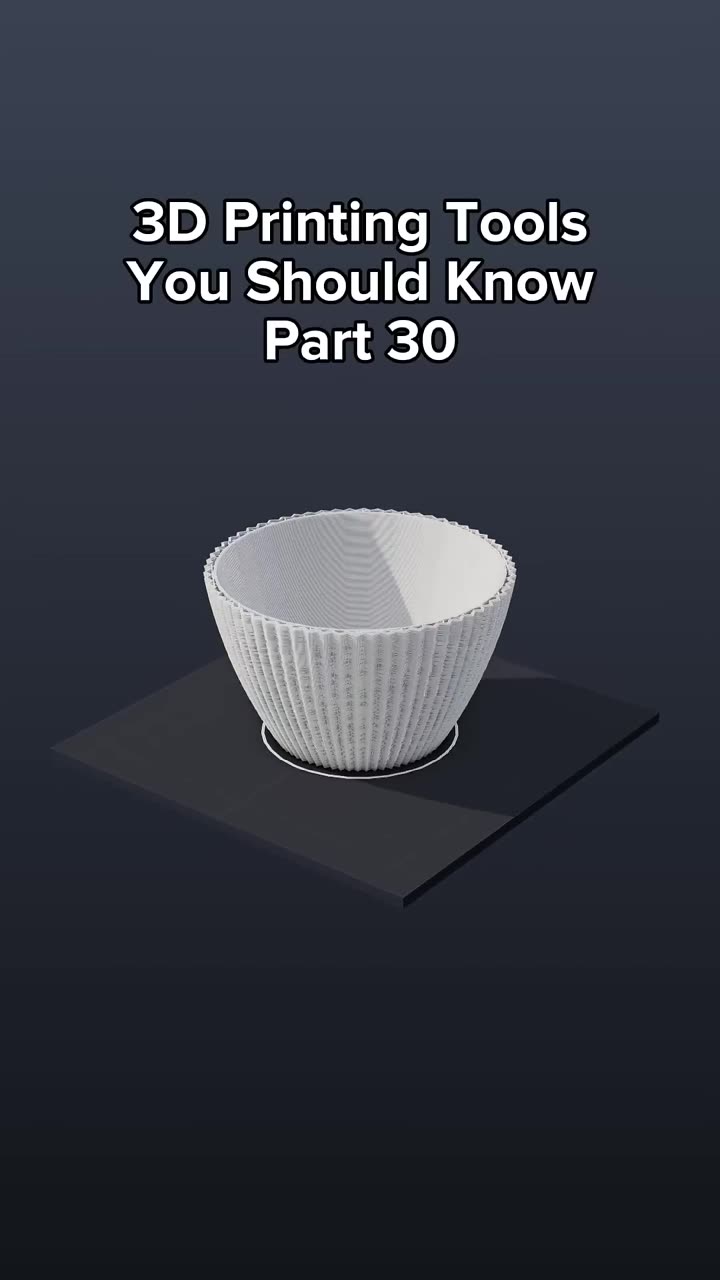
A custom vase in about 10 seconds
You don't need CAD skills to print a vase nobody else has. PrintPal's free vase generator builds the 3D model for you from presets and sliders.
Steps
- Go to PrintPal and open the vase generator.
- Pick one of the presets, or adjust any slider to change the shape: height, diameters, twist, cross-section, rim flare and texture.
- Click Download to get the STL.
- Slice and print.
Quick ideas
- Gifts: a vase in someone's favorite color, or a matching set of three heights.
- Home decor: pen holders, plant pots (add a drainage hole in your slicer) and dried-flower vases.
- Sell them: small batches of unique designs for craft fairs and Etsy.
Print settings that work
| Goal | Setting |
|---|---|
| Fast, seamless decorative vase | Solid model sliced in spiral/vase mode |
| Holds water | 2 to 3 walls, 3+ bottom layers, no vase mode |
| Glossy look | Silk PLA |
| Glowing look with an LED | Translucent PETG or PLA |
Related
- Create a custom vase you can 3D print (part 30 of the tools series)
- 9 free 3D printing tools, including the vase generator
FAQ
Do I need to know 3D modeling?
No. Everything is done with presets and sliders in the browser.
Can I print it on any printer?
Yes. The STL works in any slicer.