Hey, hey, it's your old pal Steve, aka 3D Jesus, back again to teach you something new. If you're new to my page, I do 3D printing and design. I've got about 14,000 followers on MakerWorld because of guys and girls like you. I give all my stuff away for free and I love to teach. So what are we learning about today? Well, just like everybody else, I get a lot of spam mail and I get a lot of marketing on my Instagram, but I actually look at those things because I'm trying to find new options and actually explore these things. And I know it saves you guys time for me to filter through this garbage. That's what I'm for. So that's what we're gonna be doing today. We're looking at a website called PrintPal. I've been getting emails from them and I finally took the time to take a look at their website, and they've got a lot of different tools in here. So I went through and I looked at every single one of these, and I'm just gonna show you the good ones. There's nine of them. They do have an image-to-3D generator, a name sign generator, brick builder, puzzle maker, QR code generator, 3D text generator, nameplate generator, text flip 3D generator and a custom vase generator. So we're gonna explore those nine tools briefly. But again, there's a lot more in here if you really want to take a look. Some of these are decent, but a lot of them are pay to play, unfortunately. So the ones I'm gonna talk about are all free, and they're decent and fun. So stick around. I'll get through this quickly and it'll be educational.
Okay, so let's get started. As I said, there's a lot of different tools in here and you can search different ways. There's a lot of fun models in here if you want to explore those. This is kind of what they're pushing: their image to STL, or AI to STL, creator. It looks like there's a bunch of different layers. We're gonna explore that in a second, but like I said, there's nine in here that are any good, and I would encourage you to come in here and look at all of them. The first one we're gonna look at is obviously the AI 3D model generator. So I talk about this technology a lot. I have a relationship with Tripo. I like to use Hunyuan from Tencent. There's, you know, Meshy AI... there's a bunch of them. But this one I've used once already. You can see I tried to make the Rocky statue here. You can see the image down here, and it's not great. The free version that they're giving out is not fantastic. So I'm gonna try and run one real quick here. I just created this image. I just went to AI a minute ago and said, show me a picture of a cyborg. And let's see how it does. I'm probably gonna fast-forward through this, but I just want to show you guys that you can use this tool. I think you get ten free... one free of these ten shots. But let's see what it comes out with. And there it is. So again, not bad. I mean, compared to like a Tripo AI or, you know, a really good image-to-STL creator, this is not good at all. But if you're looking for something just to play with, that's a fun way to do it. So you can export that and be on your way, which is again free and fun. So use it.
So there's that. The next one is the name sign generator. This thing's pretty self-explanatory just by looking at it. You can change the letter to, I don't know, how about 3D... let's just do S, and then my name, how about Steve. Fun. Okay, you can change the font of the different things, you can change the height of stuff, it all updates automatically. Depth, right, inlay depth, name position, right, you can mess with that. So that's self-explanatory. That's kind of fun, quick and easy. Again, you can do that a hundred different ways with a hundred different tools, with AI or whatever, or you could just generate those things right in the slicer. I've taught you how to do that. But if you want to use that tool, that's kind of fun.
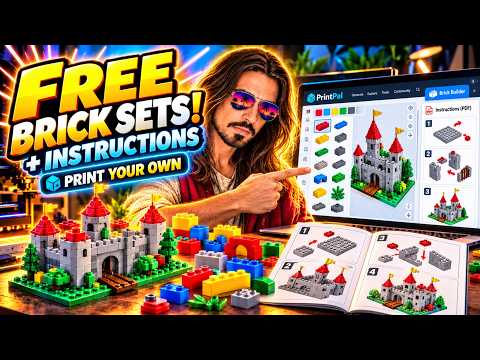
Okay, so there's that. And then, how about that, you can use a search tool. So how about we do the brick builder. Here it is. Okay, so this is actually kind of interesting because you can do any of these bricks over here and you can build stuff. Put this one next to that, I guess, I don't know, like that. Okay, and then when you download the parts in a ZIP file and you open them, it gives you all the bricks, which is nice. I didn't print any of these, but I would imagine... I've tried to print Lego bricks before and design my own, and the tolerances on these things are crazy tight because they're injection molded. They're not usually 3D printed. So these are tough, but these look really good. So you could probably just print those if you're looking for actual Legos for your kids, or bring one of those into the slicer and stick a name on it or your company logo or whatever you want, right? Just be creative with it. And then it'll give you all the individual bricks, and then it actually gives you this kind of cool instruction PDF on how to build that thing you just made. So that's kind of fun. I thought that was interesting. So for a kid, again, if they're really into Lego, they can build their own stuff and then it spits out the directions, which is kind of fun if you're a child, right?
Okay, brick builder. How about puzzle maker? Okay, so this is kind of fun too. I'm gonna go to downloads and then do the award. So this is my silly... for 5,000 subscribers I designed this silly little YouTube plaque that I put my name on. It's actually hanging right there. So let's see how long this takes. Okay, there it is. You can't really see it, but you can see the YouTube logo there. Can I turn this? Doesn't matter. But you can see what I'm doing here. This model is too detailed, it's gonna take forever, but you can change the number of columns and rows, change the piece shapes, do different views. See, I changed the number of columns there. And then export it as a single or all combined. Maybe I'll try and do that. Yeah, I can show it to you in Meshmixer, which people have been asking me about, why I haven't done a detailed one. I'm still torn on it, because Meshmixer is an old tool that crashes all the time. It's just something that I don't really want to promote. So you can see it here. It actually does work. And I've had people ask me to do this before, where they wanted me to take their logo and turn it into a puzzle, and I didn't know about this tool. All right, it probably didn't exist at the time. But now you have access to a tool where, if somebody wants you to make a puzzle, you can break it up into pieces. So that's nice. That's a fun one, puzzle maker.
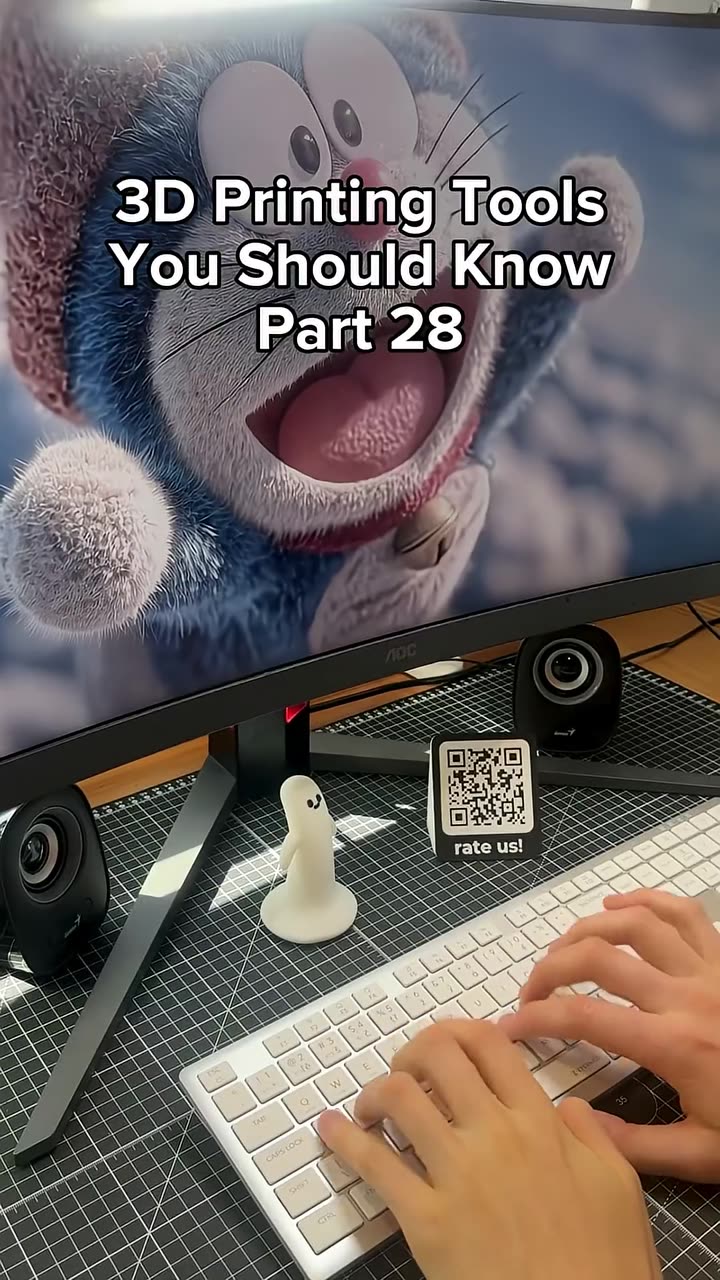
Okay, next is QR code, and this one is nice. Okay, so QR code generator. So I'm just gonna go to, I don't know, let's go to my YouTube page. 3D Jesus YouTube. There's my account. Click on that. There's all my stuff, my basketball. Okay, so I'm just gonna copy my logo, excuse me, my URL. I'm gonna put it right in here and it updates automatically. Let's see if I can prove it for you guys. I mean, well, why don't you scan it? I'll give you a second here. Can I move this over there? Scan that. And you go right to my YouTube page. It automatically updates instantly. I don't know how that's possible, but it works. Okay, so the different... it's link, you can do text, Wi-Fi, an email address or a phone. That's what you can link everything to, which is kind of fun. So in this case, URL. You can change the shape of these. For 3D printing you might want to do rounded, I don't know, but I'm sure they all work. Change the color, flat or raised, how far it sticks out. Where's the one that I liked? Make it a stand. Here it is. This, that's handy. Okay, because you want this on your table. You want people to be directed to your website or your MakerWorld account or wherever. So turn it into a stand. That's really handy. You can do this: add "scan me" into the frame. I might actually do that, because that encourages people to do it. Right, so that's handy. That's a good... I'm gonna move, I'll make my head small. So that's a good tool. I really like that one. I'll definitely use that one.
Okay, how about text. Okay, so this is just kind of a keychain maker. It's really easy. How about we'll do 3D Jesus. So that's a nameplate. You can do a keychain, you can do a sign, whatever that is. This is a placard, cake topper, that's handy. I would make sure... you gotta check the connections though, because some of these are gonna float. Right, that looks like it's all connected, but you should do that. Wall art, another tag. So keychain, let's keep this. See what else we can do to it: change the script, change the style, make it engraved instead of raised. I like raised. Dimensions, right, and change all these different things. That's handy. Again, there's a thousand different tools online to do that, I've talked about six of them, but if you like this tool, that's easy, right, and downloadable. Download an STL, real easy. Text generator.
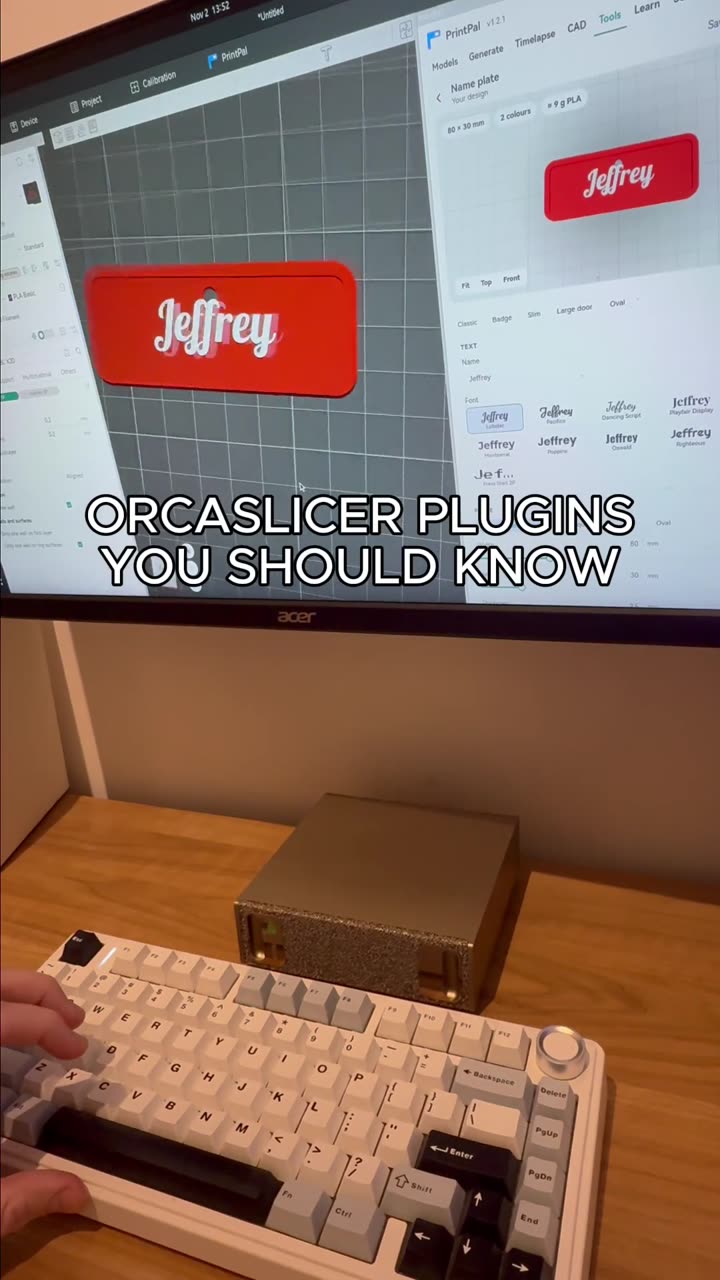
Next is the nameplate generator. Same type of thing, right? So let's do 3D Jesus. You know, you can do different fonts, you make it a badge, do slim, large, oval, right? And again, these are free and they're super easy. I don't like that font. There's limited options here, so let's go with that one. Okay, text height, mounting holes, where are they, top, center, blah blah blah, right? So that's again another just kind of free tool. And like I mentioned, there are a lot of other tools in here. Let's see if I can show one real quick. Like the 3D pet figurine, right? So this looks kind of cool. You can upload a photo of your dog or cat and it'll generate a 3D printable figurine. But you can see over here it won't even let you do it, because it's not free. But again, I would encourage you to come in here. There's a couple of different map makers, a fidget clicker maker there, like I said, a bin and storage generator. Again, I looked at this one, it's not great. But there's all kinds of different things in here. Okay.
What were we on? Nameplate generator, did that. Text flip, that's a good one. Okay, so I don't know if you've ever seen these things, but they're fun, where from one direction it looks like one word. I've made a couple of these by hand. They're fun. But let's just do, how about, Jesus Rules. So there it is, right? Jesus. Do people's names, do whatever, you know, do your business name or whatever it is. It's fun. And if you run out of letters, it puts like diamonds and stars around it, so the other word doesn't have to be exactly the same amount of letters. You can't use exclamation points, I figured that out. Look, let's just say there's Jesus, but if you did it this way, look, the exclamation point just floats. So just keep that in mind. It's not a perfect system. Like I said, there's nice things in here, but they're not all perfect.
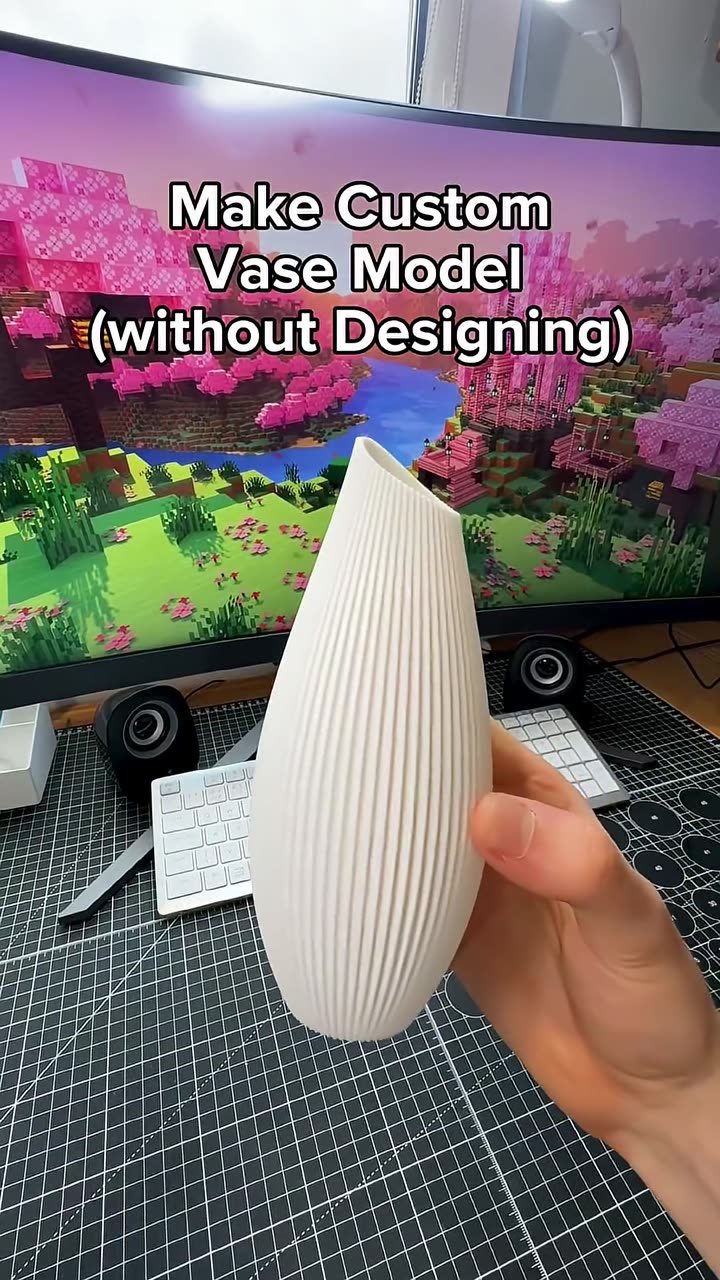
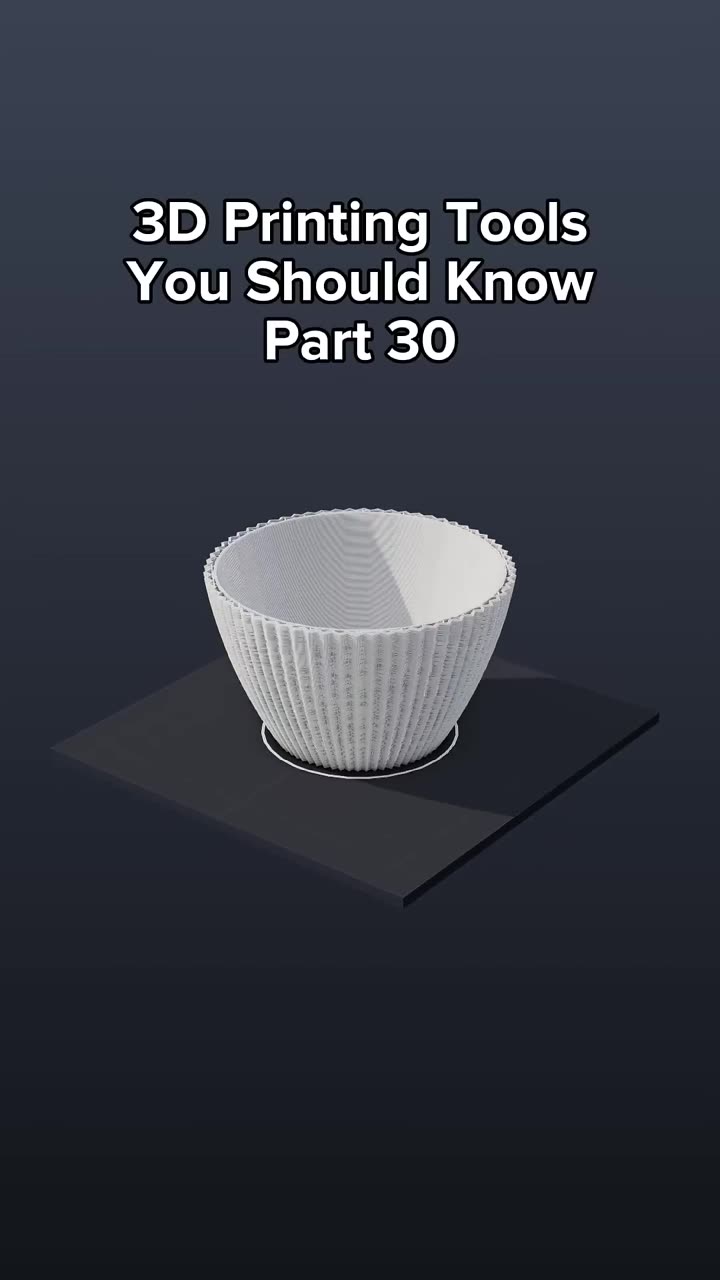
And then the last one that we'll talk about is the vase generator. Vase generator, here we go. Okay, so this is kind of fun too, if this is what you're into. Presets: you can do all these different presets. I'm just gonna click through them quickly so you can get a look at them. Right, okay. Which one do I like? Nope. Yeah, let's go with that, that looks fun. Okay, skip this. "Surprise me," I've done that a couple times, right? So it does weird combinations of things. Oh, that's pretty, let's go with that. Okay, so do you want it hollow or do you want it solid? Bottom diameter, let's make it bigger. See, it updates automatically. Maybe a little taller. Top diameter smaller. Wall thickness, you can see that updates automatically. Base thickness, sure, that's just automatic. Cross-section, you update that and make it spiky. Ooh, that's fun, I like that, let's go with that. Okay, profile, sides, twist, a lot of it, and when you turn that down... that's very twisted. Rounded, unrounded, yada yada, rim flare, rim zone. Surface texture: faceted, honeycomb, rough, spiral, dragon scale, whatever. Let's go dragon scales. Look at all these options, all kinds of fun stuff. Okay, so all that is good, and then we'll download the STL and see what this looks like. Will that print with that edge like that? Probably not. I think that would probably have some issues, because the inside is sticking to the outside, but it might work. I don't know, who knows. But anyway, so you can see what I've done.
Those are, again, like I said, the nine tools in here. And there's models, and there's their own AI agent, and there's a CAD agent, you know. You can upload models. It's a decent tool, I would explore it. Again, the QR code generator is good. The brick builder thing is actually fun because it's very easy to control, so you can just have your kid come in there and build something fun and then print everything, and they can show their friends, right? That's really cool. And then the AI 3D model generator, I think it's better than I'm giving it credit for. I'm using, you know, the cheap free one, but I'm sure their good ones are probably very reputable. So I would encourage you to explore that. I hope that was helpful.
And here's my message: the universe is always, always, always conspiring in your favor, and I am a beautiful part of that beautiful, beautiful universe. Thank you so much for coming. I love you a lot. If you haven't heard that yet today, now you have. Go love yourself. Go love the world. Go love your neighbor, go love your family, go love whatever god you pray to, doesn't matter to me. Just do it with love. That's the key. All right, I would love to see you on the next one. Thanks for coming.
Make a Custom 3D Printed QR Code Stand with a Free Generator
Autoplay paused while you read — scroll back up to continue
9 FREE 3D Printing Tools You'll Wish You Found Sooner
Steve (3D Jesus) tests nine free PrintPal browser tools with real examples: AI image-to-3D, name signs, a brick builder with PDF instructions, an STL puzzle maker, QR code stands, 3D text, nameplates, text flip and vases. Honest verdicts on each.
Featured in this video