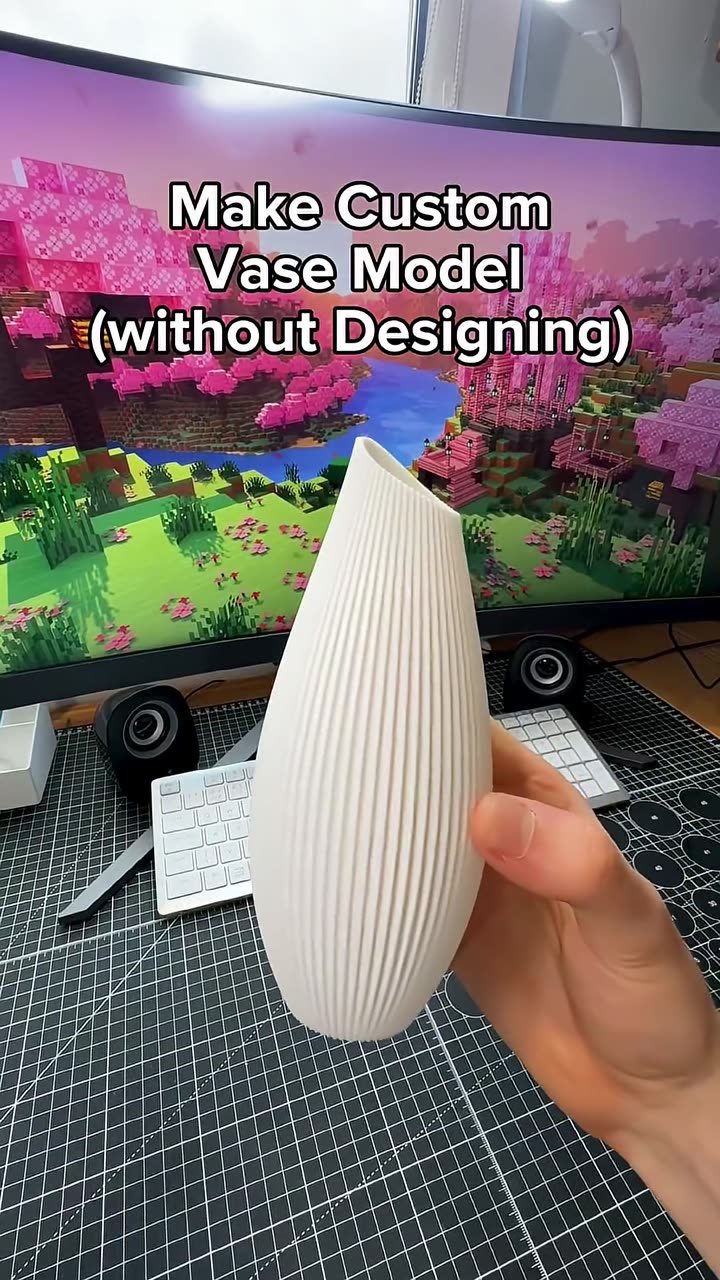
About this video
What the non-manifold edge error means
A 3D printable model has to be a closed, watertight surface. Non-manifold edges are places where the mesh is broken: holes, edges shared by more than two faces, or flipped triangles. Slicers warn about them because they can cause missing layers, strange infill or failed prints. They're common in AI-generated models, 3D scans and files exported from game or animation software.
Fix it in seconds
- Go to PrintPal → Tools and open Mesh Repair & Simplifier.
- Upload the model.
- Repair it to close holes and fix broken edges.
- Simplify it if the file is huge. Fewer triangles slice faster and keep the slicer responsive.
- Smooth it if the surface is noisy or bumpy.
- Download the fixed file and load it into your slicer.
Why use it instead of the slicer's repair
- It's faster than many slicers' built-in repair on big meshes.
- Simplifying heavy files makes slicing and previewing much smoother.
- Clean meshes mean fewer failed prints.
Related tools
- 3D model viewer: inspect a model before printing
- 3D model converter: convert OBJ, GLB, 3MF and STL
- 3D model splitter: cut big models to fit your bed
FAQ
Will repairing change how my model looks?
Repair only fixes the broken geometry. Simplify and smooth do change detail, so use them lightly on models with fine features.
What file types are supported?
Common mesh formats such as STL, OBJ, PLY and 3MF.