About this video
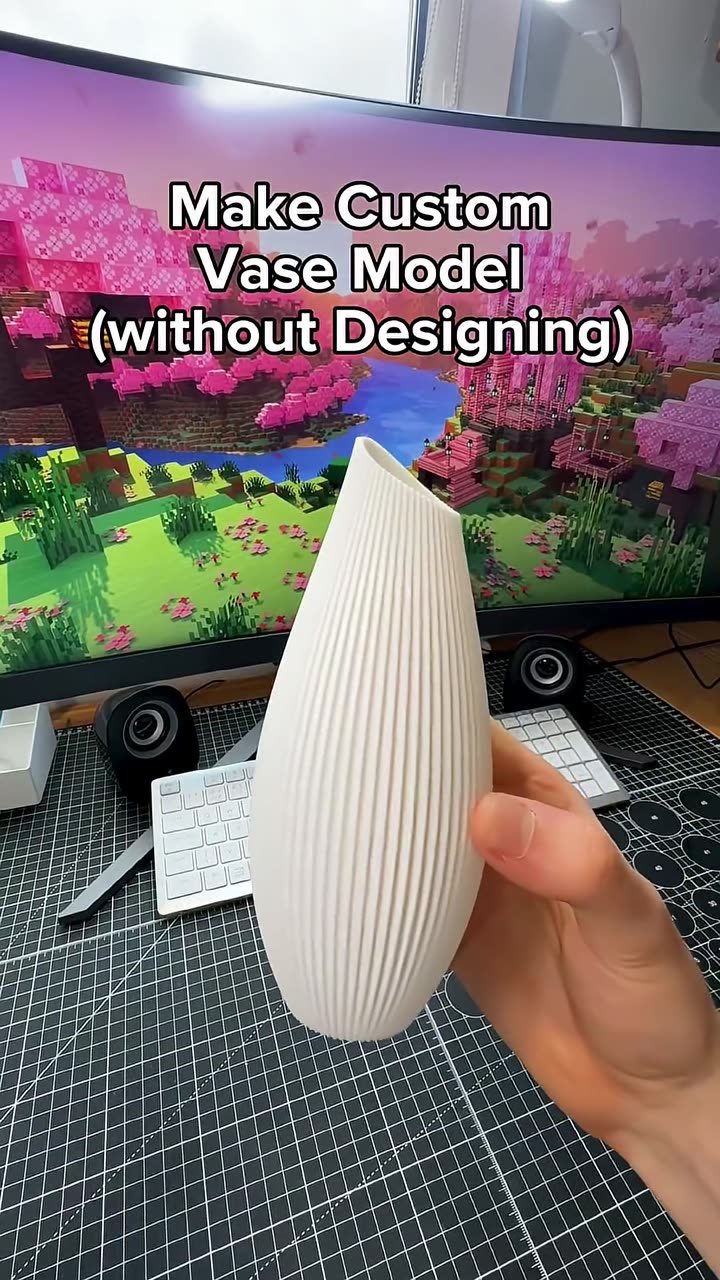
Custom vases without CAD
Part 30 of the 3D printing tools you should know series. Vases are among the most downloaded models on sites like MakerWorld. With PrintPal's free vase generator you can make your own custom version instead of printing the same design as everyone else.
How to use it
- Open the vase generator on PrintPal.
- Pick a preset, or hit Surprise me for a random combination.
- Adjust the settings to taste. The preview updates live.
- Download the STL and print.
What you can change
- Hollow or solid body
- Height, and top and bottom diameter
- Wall and base thickness
- Cross-section shape, number of sides and twist
- Rim flare
- Surface textures such as faceted, honeycomb, rough, spiral and dragon scale
Printing tips
- Spiral vase mode: a solid vase sliced in your slicer's spiral or vase mode prints as one continuous wall. It's fast and seamless, and looks great in silk or translucent PLA.
- Watertight vases: for real flowers, print with 2 to 3 walls instead of vase mode, or add a glass or plastic insert.
- Extreme textures: check deep textures and big overhangs in your slicer preview before printing.
Selling custom vases
Unique shapes and colors stand out on Etsy and at markets. Price them with the Etsy profit calculator.
FAQ
Is the vase generator free?
Yes. It runs in your browser and exports an STL.
What filament is best for vases?
Silk PLA for shine, translucent PETG for light effects, or matte PLA for a ceramic look.