About this video
Turn a link into a 3D printed QR code stand
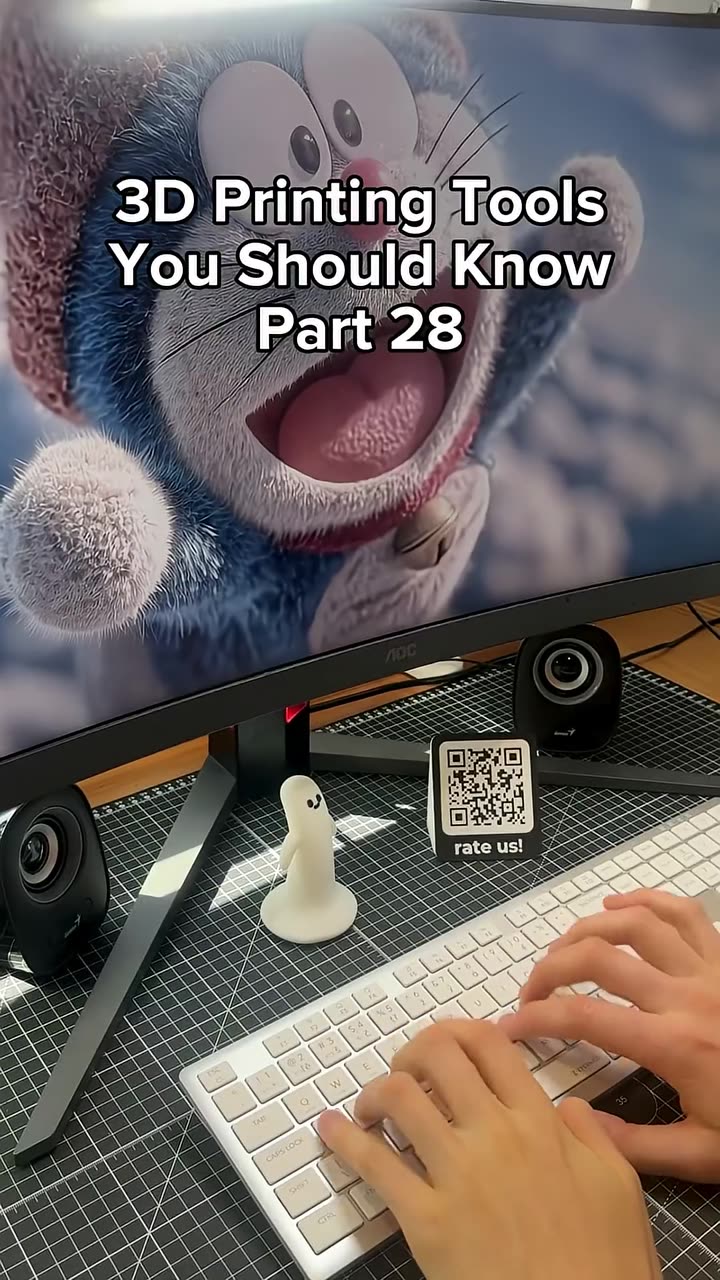
In this clip from his 9 free 3D printing tools review, Steve (3D Jesus) pastes his YouTube channel URL into PrintPal's free 3D QR Code Generator. The preview updates as he types, and he invites viewers to scan it on screen. Then he turns it into his favorite feature: a freestanding desk stand with a "SCAN ME" frame that tells people what to do.
What you can put in the QR code
- A link: your website, Etsy or online store, YouTube channel, MakerWorld profile, portfolio or product instructions
- Wi-Fi: a guest network login that visitors join with one scan
- An email address, a phone number or plain text
Design options
- Module shape: square, rounded or dots
- Your own foreground and background colors
- Raised or flat, and how far the code sticks out
- A self-standing desk stand for counters, desks and market tables
- A "SCAN ME" frame with your own label
- Also available: square, rounded or circular outline, overall width, base thickness and a hanging hole for keychains
Export as a full-color 3MF (best for Bambu AMS or Prusa MMU multicolor printing), an OBJ with colors, or a single-color STL.
How to make sure your printed QR code scans
| Tip | Why it matters |
|---|---|
| Keep modules at 1.2 mm or larger | Smaller squares blur, and phones can't read them |
| Use strong contrast (dark code, light background) | Low contrast is the most common reason printed QR codes fail |
| Leave a light border (quiet zone) | Scanners need empty space around the code |
| Print at 0.12–0.20 mm layer height | Gives crisper module edges |
| Scan the preview, then the first print | Catches problems before you print a batch |
A printed QR code always points to what it was created with. If the destination might change, encode a short redirect link you control so you never have to reprint.
Who it's for
- Makers at craft fairs and markets: send buyers to your online store from your table
- Small businesses: counter signs for menus, reviews, booking pages or social media
- Creators: a desk stand that links to your channel or MakerWorld profile
- Home: a guest Wi-Fi sign by the router
It's quicker than modeling a QR code in CAD, and the stand turns a flat code into something people notice.
FAQ
Is the 3D QR Code Generator free?
Yes. It runs in your browser with no watermark. You just need a free PrintPal account to download.
Can I print a multicolor QR code?
Yes. Export a 3MF or OBJ and assign the code and background colors to your AMS or MMU filaments. On a single-color printer, add a filament change at the layer where the raised code starts.
What else can I make with it?
QR keychains with a hanging hole, round QR coins, table signs, business card stands and Wi-Fi plaques.
Parametric CAD from a photo using PrintPal
Autoplay paused while you read — scroll back up to continue
Make a Custom 3D Printed QR Code Stand with a Free Generator
Steve (3D Jesus) turns his YouTube link into a scannable 3D printed QR code with PrintPal's free QR Code Generator, then adds a desk stand and a SCAN ME frame. Ideal for craft fair tables, shop counters and guest Wi-Fi signs.
Featured in this video