About this video
Turn Any Minecraft World into a Physical 3D Print
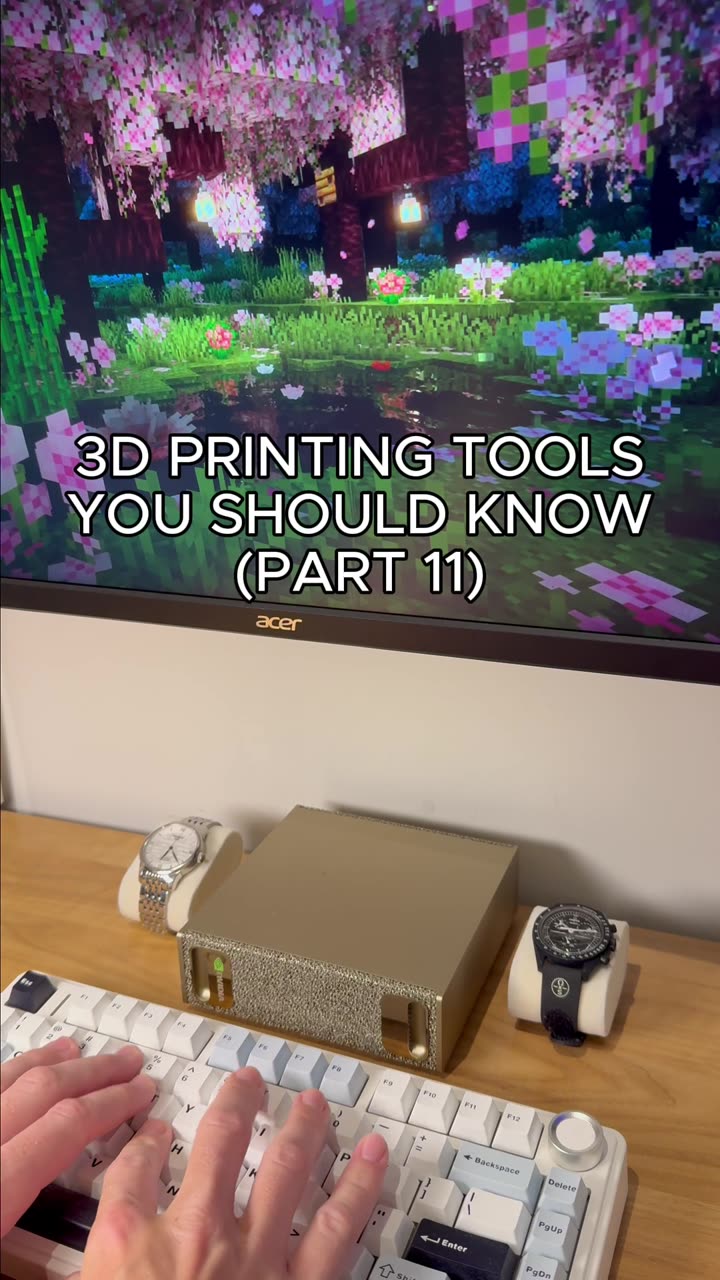
If you've ever wanted to hold your favorite Minecraft build in your hands, 3D printing a topographic map of your world is one of the easiest and most rewarding projects you can tackle — even if you've never designed a 3D model before. With PrintPal's free Minecraft Exporter tool, the entire process is handled in your browser.
What the PrintPal Minecraft Exporter Does
The exporter is a purpose-built online tool that converts standard Minecraft map files (.nbt or world folder data) into a print-ready 3D model. Instead of learning Blender, Meshmixer, or any CAD software, you simply:
- Upload your world file directly to the tool
- Select the region you want to print (full map or a custom bounding box)
- Choose your print settings — base height, elevation scale, and texture options
- Generate the model and download an STL or 3MF file
The tool automatically cleans up the mesh, seals any holes from chunk edges, and lays the model flat for reliable bed adhesion.
Multicolor and Single-Color Printing
One standout feature is built-in multicolor printer support. The exporter can color-separate your map into a 3MF file compatible with systems like Bambu Lab, Prusa, and other multi-material printers, so terrain, water, biomes, and buildings print in the correct colors straight off the build plate. If you only have a single-extruder printer, the same tool lets you export a plain terrain model perfect for painting, wood-fill filament, or sandstone-effect PLA.
Beginner Tips for Best Results
- Start with a small region — a 200×200 block area prints in just a few hours and is great for testing
- Use a 0.2 mm layer height for a good balance of detail and speed
- Enable tree supports in your slicer if your map has tall cliffs or deep caves
- Print flat on the bed (no raft needed) for the cleanest topography
- Try matte PLA or PETG to reduce glare and highlight elevation changes
Frequently Asked Questions
Do I need any 3D modeling experience?
No. The PrintPal Minecraft exporter handles every step from world file to printable model — no Blender, Fusion 360, or coding required.
What file format do I need from Minecraft?
You can upload the world's level.dat and region folder, or a .nbt map item file from a cartographer or map maker villager trade.
Will it work with my printer?
Yes. Output files are standard STL (for any FDM or resin printer) or 3MF (for multicolor machines like the Bambu Lab X1C or Prusa XL).