About this video
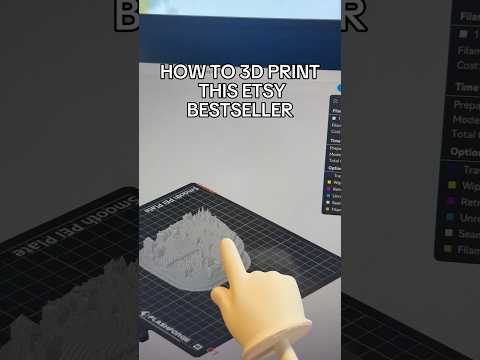
How to 3D Print Your Neighborhood in 5 Minutes
Imagine holding a miniature version of your own street in your hand. With today's AI tools and 3D printing technology, this creative project is easier than ever—and it takes just 5 minutes of active work.
The Process: From Map to Miniature
Step 1: Capture Your Location
- Open Google Maps and zoom into your neighborhood
- Enable 3D mode and take a screenshot from above
- Use the "Look Around" feature to capture ground-level perspective shots
- Gather 3-5 reference images from different angles
Step 2: Generate an AI Reference Image
- Upload your photos to ChatGPT or similar AI tool
- Ask it to create a cohesive scene image combining your reference shots
- This step helps establish the visual context for your 3D model
Step 3: Convert to Print-Ready 3D Model
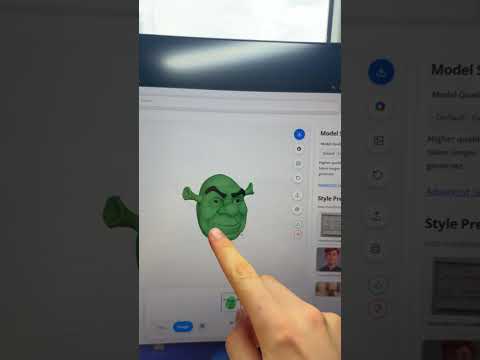
- Take the AI-generated image to PrintPal's 3D model generator
- The tool converts your 2D image into a print-ready 3D model in about 2 minutes
- No CAD experience required
Step 4: Print Your Miniature
- Send the model file to your 3D printer
- Print time varies by model size—expect around 3 hours for a typical neighborhood scene
Recommended Materials and Settings
- PLA filament: Best for beginners, eco-friendly, and produces crisp details
- 0.16-0.2mm layer height: Ensures smooth surfaces on terrain features
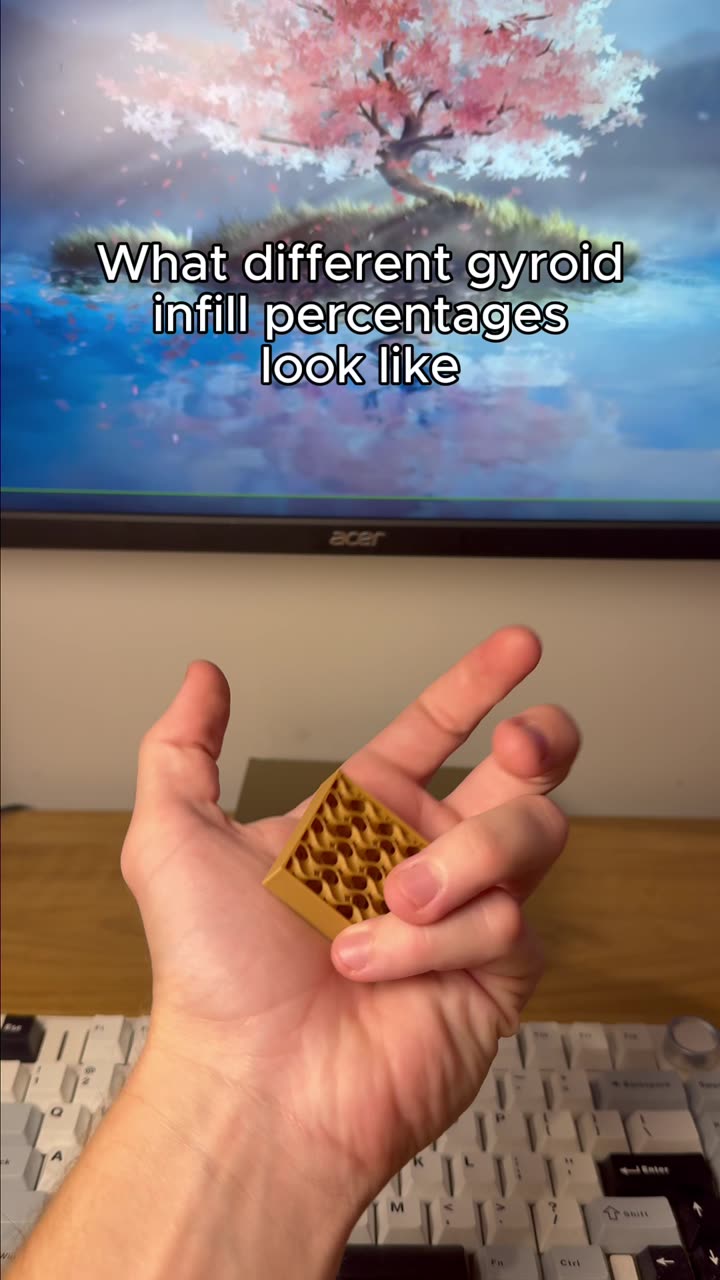
- 15-20% infill: Provides durability without excessive material use
- Heated bed recommended: Helps prevent warping on larger prints
Tips for Best Results
- Choose locations with distinct visual features for easier model recognition
- Higher resolution screenshots from Google Maps produce better detail
- Consider scaling your print to fit a shelf or desk display
- Post-processing with sanding and painting enhances the final piece
Frequently Asked Questions
What printer settings work best for terrain models?
Use a layer height of 0.16-0.2mm for detail, with 15-20% infill. A 0.4mm nozzle is standard for most models.
Can I print any location?
Yes! From your own street to famous landmarks, any Google Maps location can become a 3D printed model.
How long does the entire project take?
The active work takes about 5 minutes. Total print time depends on model size—typically 2-4 hours for neighborhood-scale prints.
This project combines accessible AI tools with desktop 3D printing to create personalized, meaningful objects that make great conversation pieces or gifts.