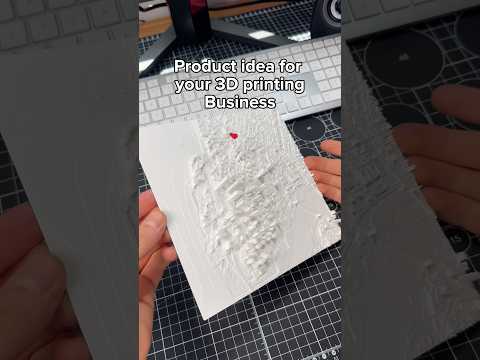
About this video
What Is PrintPal's CAD Agent?
PrintPal's CAD Agent is a free, browser-based AI design tool that turns plain language descriptions and reference images into fully editable CAD models. Instead of learning complex CAD software, makers can simply type what they want to build — a turbo propeller, a rocket replica, a custom bracket — and watch the agent generate a clean, parametric model ready for 3D printing.
How the AI Text-to-CAD Workflow Works
The process is intentionally simple so beginners and experienced makers alike can move from idea to printable file fast:
- Describe your part in natural language (e.g., "a four-blade turbo propeller for a model airplane").
- Optionally upload an image as a visual reference to guide proportions, style, or details.
- Watch the CAD agent work as it iterates on geometry in real time.
- Download and edit the resulting model in any standard CAD program — the output is fully editable, not a locked mesh.
This is a major differentiator compared to typical text-to-3D generators that only produce static meshes. Because the output is true CAD, you can tweak dimensions, add tolerances, and prepare files for FDM, SLA, or SLS printing.
3D Printing Use Cases
The CAD Agent is especially useful for:
- Props and replicas like rockets, vehicles, and sci-fi gadgets
- Functional parts such as brackets, mounts, and enclosures
- Concept prototypes during early product design
- Custom gifts and cosplay accessories where one-off geometry matters
Tips for Getting Great Results
- Be specific about dimensions, blade counts, or scale when relevant.
- Use reference images with clear silhouettes to improve accuracy.
- Iterate — small prompt tweaks often yield dramatically better geometry.
- Always re-export and slice your final model in your preferred slicer before printing.
Frequently Asked Questions
Is PrintPal's CAD Agent really free?
Yes, the tool is free to try via PrintPal.io. Check the link in the PrintPal bio for current access.
Do I need CAD experience?
No. The agent handles geometry generation; you can edit the output later if you want more control.
What file formats are supported?
Standard CAD formats suitable for further editing and for slicing in tools like Cura, PrusaSlicer, or Bambu Studio.
Is this part 9 of a series?
Yes — this is part 9 of PrintPal's "3D Printing Tools You Should Know" series, highlighting useful apps and services for makers.