About this video
Turn City Photos into 3D Printed Skyline Models
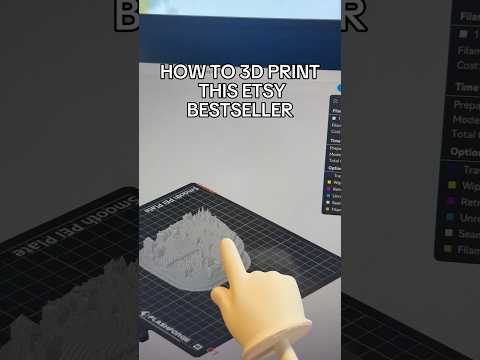
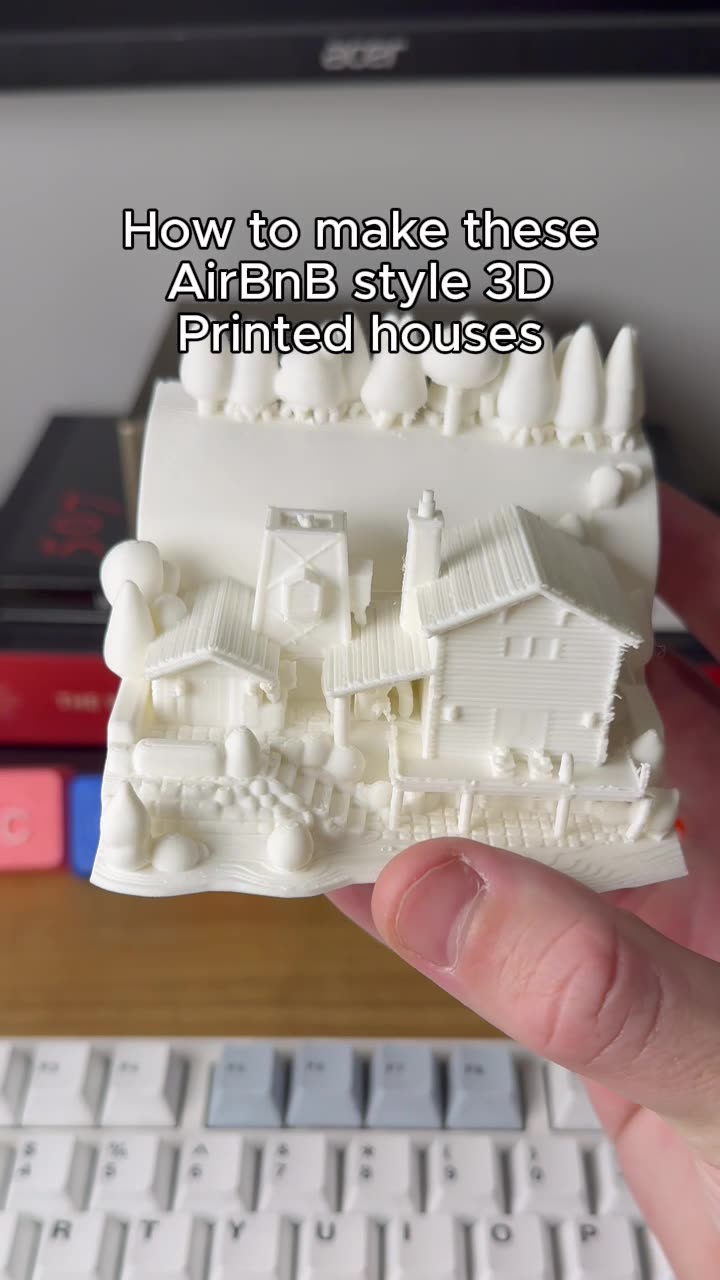
Imagine transforming a simple smartphone photo of your favorite city into a detailed, tangible 3D printed model. With AI-powered tools and PrintPal's 3D model generator, you can create custom cityscape prints in about five minutes.
What You'll Need
Before starting, gather these tools and materials:
- Smartphone or camera for capturing city photos
- ChatGPT or similar AI image tool for background removal and 3D rendering
- PrintPal account with access to the 3D model generator
- Slicing software (Cura, PrusaSlicer, or similar)
- 3D printer with appropriate filament (PLA, PETG, or resin)
Step-by-Step Process
Step 1: Capture Your City Photo
Take a clear, well-lit photograph of your target city skyline. For best results, shoot during golden hour or at sunset when buildings have strong silhouettes. Higher vantage points work best to capture building outlines effectively.
Step 2: AI Background Removal and 3D Rendering
Upload your city photo to ChatGPT and use a prompt like: "Turn this into a 3D render and remove the background." This AI processing creates a clean, silhouette-style image ideal for 3D model conversion.
Step 3: Generate Your 3D Model with PrintPal
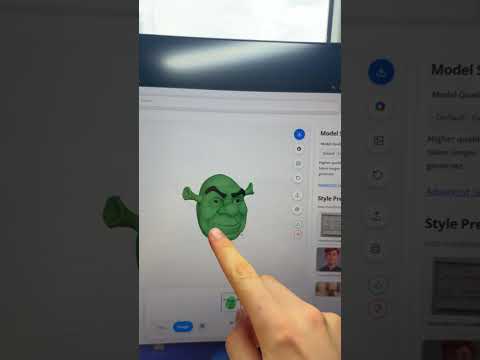
Upload the processed image to PrintPal's 3D model generator. Enable the Super Resolution feature for enhanced detail, then click Generate. The AI will convert your 2D skyline into a print-ready 3D model within seconds.
Step 4: Slice and Print
Send your generated model directly to your preferred slicer. Adjust settings based on your chosen material:
- PLA: 200°C bed, 60°C bed, fast print speeds
- PETG: 230°C bed, 80°C bed, moderate speeds
- Resin: UV cure per manufacturer specifications
Tips for Best Results
- Use high-contrast photos where buildings stand out against the sky
- Enable Super Resolution for intricate architectural details
- Consider printing in gray or black filament for authentic skyline appearance
- Hollow models save material and reduce print time
Frequently Asked Questions
What file formats does PrintPal support?
PrintPal accepts standard image formats (JPG, PNG) and outputs STL files compatible with all major slicers.
Can I print any city's skyline?
Yes, as long as you photographed or have rights to the original image, you can convert any cityscape into a 3D model.
How long does the actual printing take?
Print times vary based on model size and printer settings, but most cityscape models print in 2-6 hours.