About this video
Turn Any Real-World Object Into a 3D Print
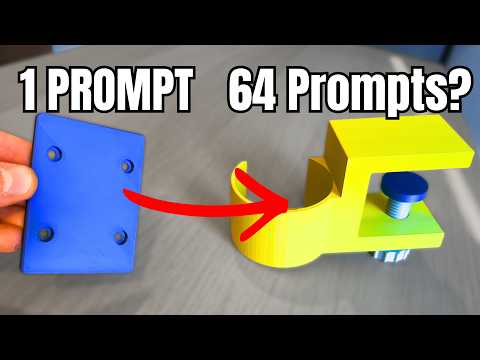
Have you ever looked at something on a walk, in a shop, or sitting on your desk and thought, I wish I could 3D print that? Thanks to AI-powered image-to-3D tools, that idea is now a reality — and you don't need photogrammetry rigs, expensive software, or 3D modeling experience to pull it off.
How the Photo-to-3D-Print Workflow Works
The process for going from a casual snapshot to a finished print is refreshingly simple:
- Snap a photo of the object you want to recreate. Natural lighting and a clean background help, but you don't need a studio setup.
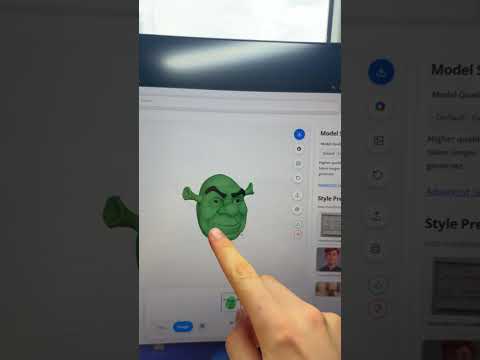
- Upload the image to PrintPal's 3D print generator at PrintPal.io.
- Select "Super Resolution" — this AI mode reconstructs a high-quality, watertight 3D model from a 2D image, typically ready in around 2 minutes.
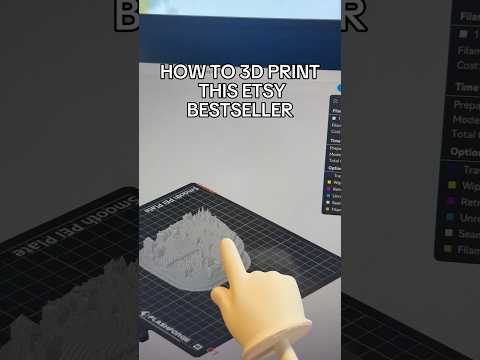
- Send it to your printer with the one-click print button. Most models reach the print bed within 60 seconds of finishing generation.
Why Super Resolution Changes the Game
Traditional photogrammetry requires dozens of overlapping photos, careful angles, and post-processing in tools like Meshroom or Agisoft. PrintPal's Super Resolution approach cuts that down to a single image, using AI to infer depth, geometry, and surface detail that would otherwise need hardware like a LiDAR scanner.
This makes it ideal for:
- Replicating broken parts when you no longer have the original
- Capturing organic shapes like leaves, shells, or sculptures
- Reverse-engineering household items for custom modifications
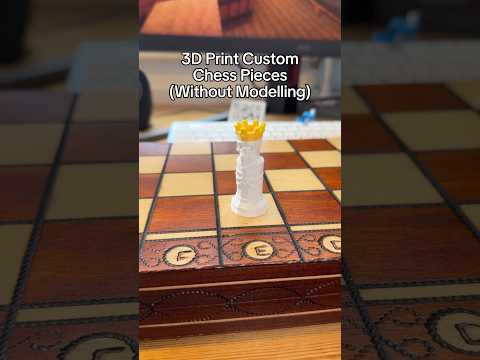
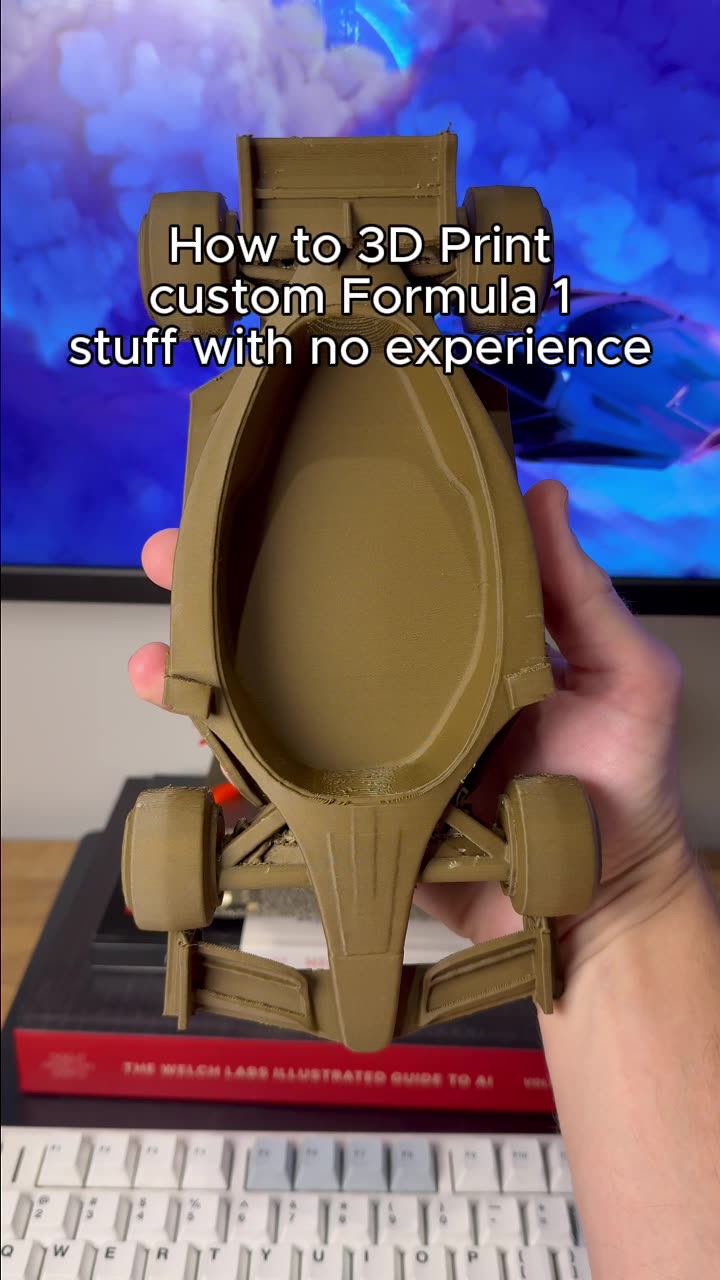
- Creating game pieces, cosplay props, and desk toys from real-world references
Tips for Better Results From a Single Photo
Even with strong AI, your input image matters. A few quick habits will dramatically improve model quality:
- Shoot the object from a slightly elevated 3/4 angle rather than straight on
- Avoid heavy shadows and reflective surfaces like glass or chrome
- Use a plain, contrasting background so the subject pops
- Keep the object fully in frame with a little breathing room around it
- For small items, a macro shot or smartphone portrait mode works great
Frequently Asked Questions
What file format will my model be in?
PrintPal exports standard STL files ready for slicing in Cura, PrusaSlicer, Bambu Studio, or OrcaSlicer.
Do I need a fancy 3D printer?
No. Generated models work on any FDM or resin printer, from entry-level Ender 3s to modern Bambu Labs and Prusa machines.
Can I edit the model before printing?
Yes. After download, import the STL into Blender, Tinkercad, or Fusion 360 to scale, hollow, or modify it.
How long does the whole process take?
Roughly 2 minutes for AI generation plus your normal print time, which varies by object size and layer height.
Get Started
Ready to turn the world into your print queue? Visit PrintPal.io, upload your first photo, and watch Super Resolution build a model you can hold in your hand by the end of the day.