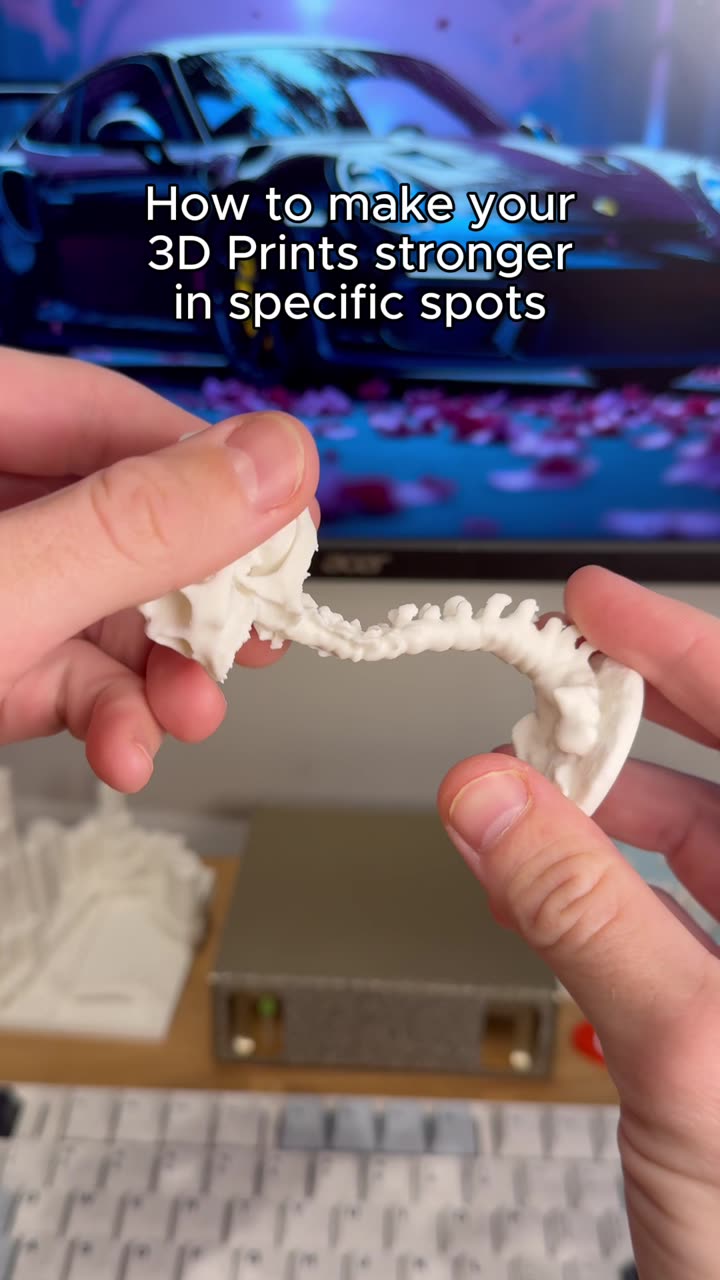
About this video
How to Reduce Wasted Filament When Multicolor 3D Printing
Multicolor 3D printing opens up incredible creative possibilities, but it often comes with a significant drawback: wasted filament. When switching between colors, excess material gets purged to ensure clean transitions, which can lead to substantial waste over time. Fortunately, strategic planning and slicer settings can dramatically reduce this inefficiency.
Two Methods to Minimize Filament Waste
Method 1: Optimize Your Build Plate with Multiple Copies
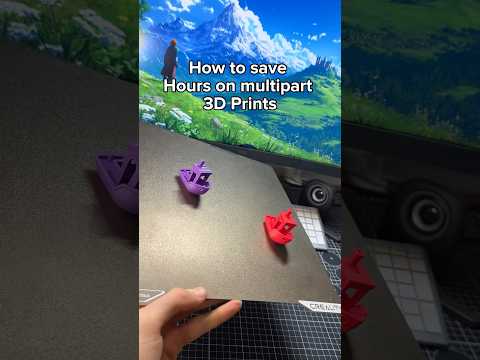
The first approach involves adding multiple copies of your model onto the same build plate. This strategy maximizes material efficiency by distributing purge waste across more printed parts. When printing identical items or multiple smaller components, consolidating them onto one plate means less wasted filament per finished piece.
Method 2: Use a Dedicated Purge Model
The second method is to add a model specifically designed to purge into. This is one of the most effective multicolor 3D printing tips for reducing waste. The key is ensuring your purge model has a similar height to your multicolor models—this alignment helps maintain consistent extrusion pressure and improves purge efficiency.
How to Enable Purge Options in Your Slicer
- Import your purge model into your slicer software
- Navigate to the Objects tab
- Locate the purge options and enable them
- Adjust purge volume settings based on your filament type and color transitions
Additional Tips for Reducing Filament Waste
- Match purge object height to your primary models for consistent extrusion
- Position purge models strategically within the build area
- Adjust purge volume for different filament types (PLA, PETG, ABS)
- Consider using wipe towers as an alternative purge solution
- Monitor first-layer adhesion to prevent failed prints that waste material
Common Questions
Does using a purge model actually save filament?
Yes. A dedicated purge object captures excess material more efficiently than allowing it to blob on the bed or requiring excessive purging between colors.
What height should my purge model be?
Aim for a purge model with similar height to your tallest multicolor model. This ensures consistent extrusion pressure throughout the print.
Can I use any model as a purge object?
Yes, any simple geometric shape works—a cube, cylinder, or pyramid. Just ensure proper height matching for best results.
By implementing these two methods, you can significantly reduce wasted filament while maintaining excellent multicolor print quality.