About this video
What Is Variable Layer Height?
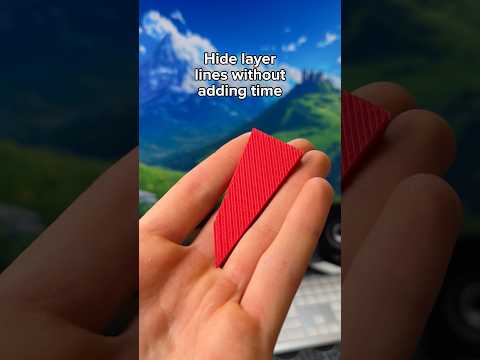
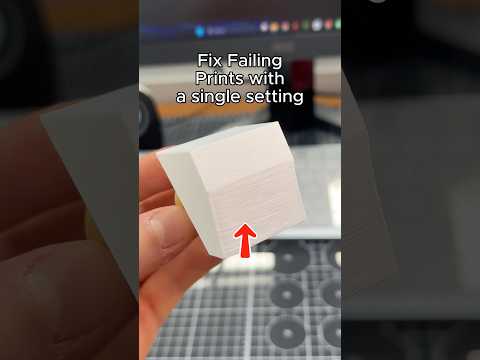
Variable layer height is a slicer setting that dynamically changes layer thickness throughout a single 3D print. Instead of using one fixed layer height from bottom to top, the slicer applies thicker layers in areas that don't need fine detail and thinner layers on curved or detailed surfaces. The result is a faster print with far fewer visible layer lines where it actually matters.
How to Enable It in PrintPal
- Import or select your 3D model in the slicer view.
- Click the model and choose Variable Layer Height from the top menu.
- Drag the slider right to prioritize print speed, or left to prioritize surface quality.
- Hit the Adaptive button to let the slicer auto-pick the best profile for each region.
- Slice and print as usual — no extra calibration needed.
Why Adaptive Layer Height Is a Game Changer
Traditional slicing uses a fixed layer height across the whole model. That means a tall, simple base prints with the same fine detail as a small curved feature on top, wasting hours on areas nobody will ever see. Adaptive or variable layer height solves this by analyzing your model's geometry and applying different layer heights where they make the biggest visual and time-saving impact.
Benefits at a Glance
- Hides visible layer lines on curved and detailed surfaces
- Cuts overall print time, especially on tall models with mixed geometry
- Reduces the need for post-processing like sanding or coating
- Works with most FDM printers and modern slicers
Pro Tips for Best Results
- Use variable layer height on organic shapes, miniatures, and figurines where finish matters most.
- Combine with a 0.2–0.4 mm nozzle for the best balance of speed and detail.
- Pair adaptive layers with ironing or smooth top settings for an even glossier surface.
- Watch the slider preview — pushing too thin can dramatically slow your print.
FAQ
Does variable layer height affect print strength?
No. Layer adhesion stays consistent because the slicer uses smooth transitions between layer thicknesses rather than abrupt jumps.
Will this work on any 3D printer?
Yes, any FDM or FFF printer that accepts G-code from a modern slicer can use a variable layer height profile.