About this video
Why 3D Printing Problems Happen
Every 3D printer owner eventually runs into the same handful of headaches. Prints pop off the bed mid-job, layer lines look rough, and nozzles clog right when you need them. The good news is that most of these annoying 3D printing issues have simple fixes you can apply in minutes.
Fix 1: Prints Falling Off the Bed
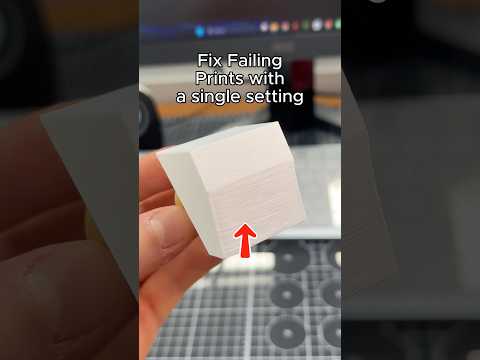
Poor first-layer adhesion is the number one cause of failed 3D prints. Start by cleaning the print bed with isopropyl alcohol to remove oils and dust. If that is not enough, increase the bed temperature by 5°C to help the filament stick. For stubborn cases, apply a thin layer of adhesion glue such as PVA stick or use a brim in your slicer settings. A clean, level, and properly heated bed is the foundation of reliable 3D printing.
Fix 2: Visible Layer Lines
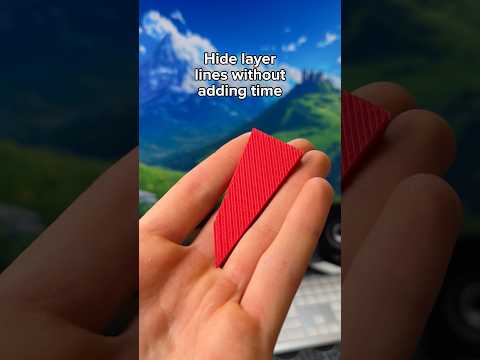
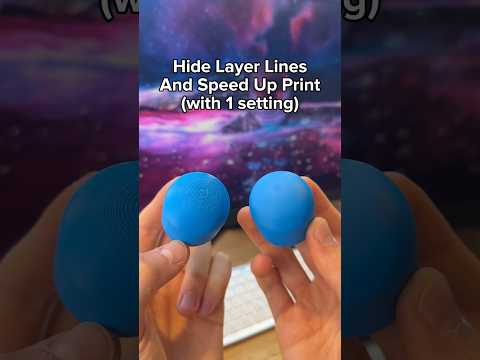
FDM printers naturally leave layer lines because plastic is extruded in thin horizontal sheets. You can minimize them by lowering your layer height to 0.1 mm or less, but the transcript suggests a faster route: switch to resin 3D printing. Resin prints cured with UV light produce extremely smooth surfaces with almost no visible layers, giving you a glossy finish straight off the build plate. Sanding and epoxy coating are other options if you want to stay with FDM.
Fix 3: Clogged Nozzle
A clogged hot end usually means the filament is burning inside the nozzle instead of flowing cleanly. Drop the printing temperature by 5 to 10°C to reduce heat creep and charring. If your printer allows it, remove the top cover or open the door for better ventilation so heat dissipates faster. A cold pull with cleaning filament can also clear partial clogs.
Quick Troubleshooting Checklist
- Clean the bed with IPA before every print
- Raise bed temp in 5°C steps if corners lift
- Lower layer height or switch to resin for smooth parts
- Reduce nozzle temp and improve airflow to prevent clogs
- Store filament dry to avoid moisture-related stringing
FAQ
Why does my print lift at the corners?
Uneven bed leveling or a cold bed is the usual cause. Re-level, clean the surface, and add a brim.
Can resin prints really hide layer lines?
Yes. Because each layer is cured liquid resin rather than extruded plastic, the surface is nearly seamless.
How do I know if my nozzle is clogged?
Under-extrusion, clicking sounds from the extruder, and thin or missing layers are the classic signs.