About this video
What Makes Multicolor 3D Printing 4x Faster
Traditional multicolor 3D printing has always come with frustrating trade-offs. When you need multiple colors or materials, single-extruder printers force you to pause mid-print, unload the current filament, load a new one, and purge the old material before continuing. This process wastes both time and expensive filament.
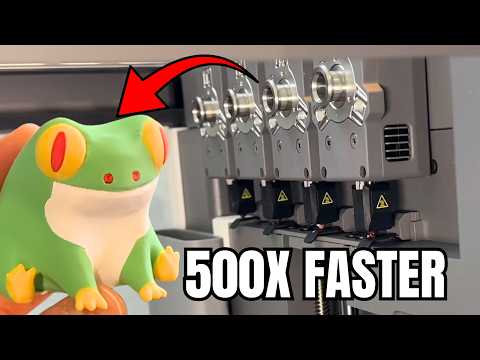
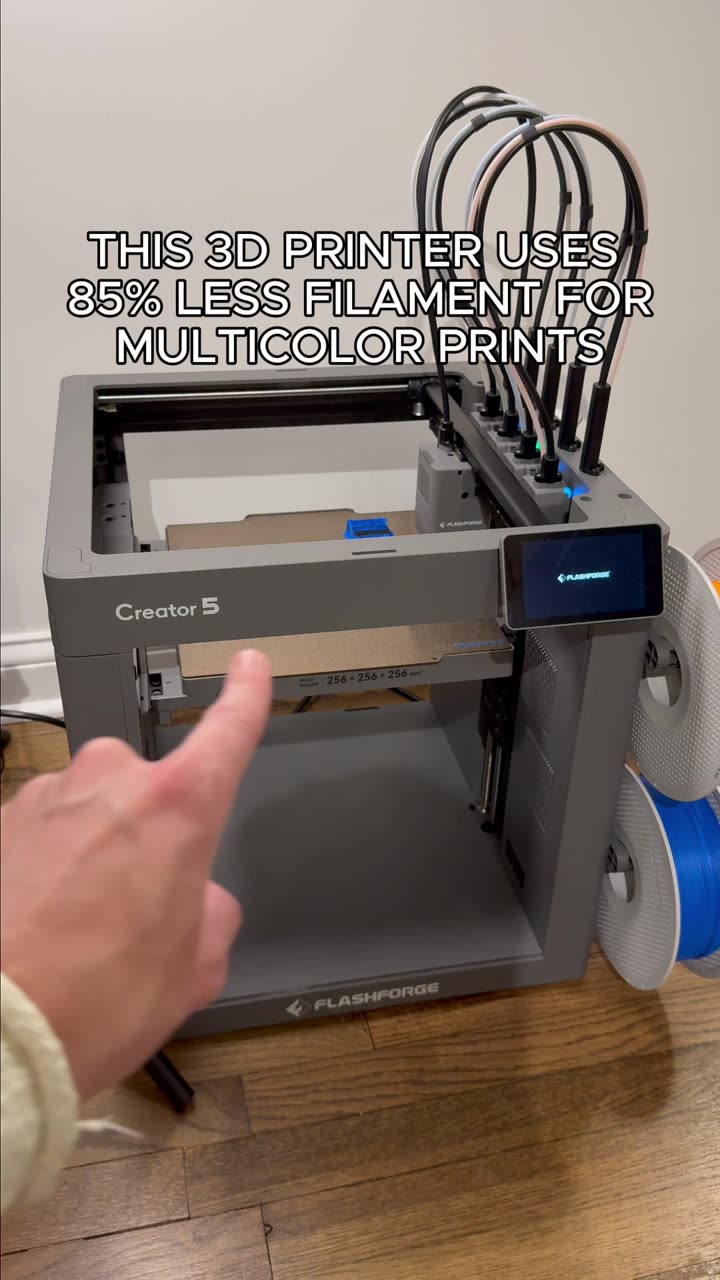
A 4-toolhead multicolor 3D printer eliminates these bottlenecks entirely. Each toolhead stays loaded with its own dedicated filament, so when your print calls for a color or material change, the printer simply parks the active toolhead and swaps in the correct one. No purging, no waiting, no wasted material.
How the Toolhead Swap System Works
The magic lies in the intelligent toolhead management:
- Toolhead parking: The current toolhead cleanly disengages and parks when its work is done
- Toolhead swapping: The system selects and engages the next toolhead without any user intervention
- Continuous printing: Your 3D print continues seamlessly with zero idle time
- Independent heating: Each toolhead maintains optimal temperature for its assigned filament
This automated workflow transforms what used to be manual, time-consuming color changes into a truly hands-off process.
Why This Matters for Your 3D Printing Workflow
- Massive time savings: Up to 4x faster multicolor prints compared to single-extruder systems
- Zero purge waste: No excess filament discarded between color changes
- Better print quality: No blobs or stringing caused by imperfect purging
- Increased productivity: Run more prints in less time without supervision
Best Applications for Multi-Toolhead Printers
This technology shines when printing:
- Complex models requiring multiple colors in a single build
- Functional prototypes using dissolvable supports
- Educational models with color-coded components
- Marketing displays and point-of-purchase signage
- Architectural models with varied material properties
FAQ
Q: Do I need to monitor the printer during toolhead swaps?
A: No—the automated system handles all toolhead changes independently, so you can leave your printer running unattended.
Q: What filaments work best with multi-toolhead systems?
A: Most standard filaments (PLA, ABS, PETG, TPU) work well, though matching glass transition temperatures between loaded filaments optimizes performance.
Q: How do I maintain multiple toolheads?
A: Regular cleaning and occasional replacement of hotends and nozzles ensures consistent print quality across all four toolheads.