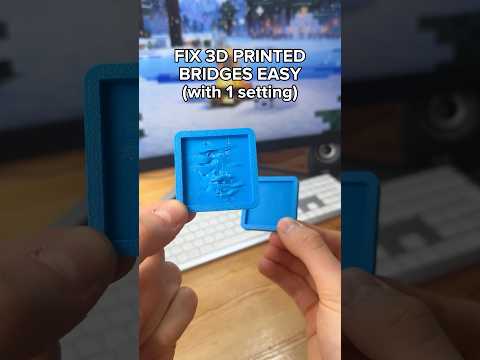
About this video
What causes stringing
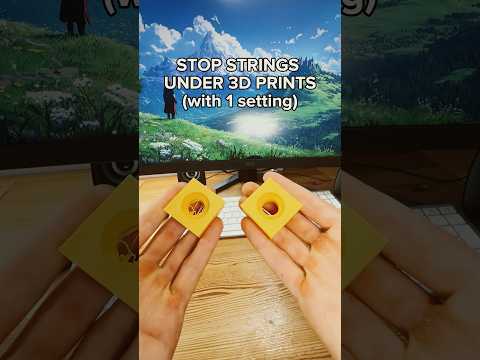
Stringing (thin hairs of plastic between parts of a print) happens when molten filament oozes from the nozzle while it travels. The usual causes are a nozzle that's too hot, too little retraction, or wet filament.
Fix it in three settings
- Lower the print temperature. Open your slicer, click Edit filament, and reduce the nozzle temperature by 5 to 10 °C.
- Increase retraction length. In the filament's Setting Overrides, enable Retraction length and increase it by 0.3 mm. Go a little further if that's not enough.
- Increase retraction speed. Enable Retraction speed and set it to 45 mm/s.
Print a stringing test or your model again and compare.
If it still strings: dry your filament
Wet filament steams and oozes no matter what the settings are. You'll often hear popping or see a rough surface. Dry the spool first. The filament drying guide lists temperatures and times for PLA, PETG, TPU and more.
Other tips
- Find the right temperature properly with a temperature tower calibration.
- Don't overdo retraction on Bowden printers or with TPU, because it can cause clogs.
- Enable Wipe while retracting and avoid crossing walls on travel moves if your slicer has it.
FAQ
Why is PETG so stringy?
PETG naturally strings more than PLA. Lower temperatures, faster retraction and dry filament help the most.
How much retraction is too much?
On direct-drive printers, more than about 2 mm rarely helps and can grind the filament.