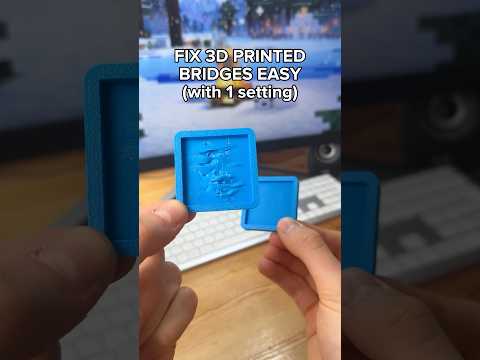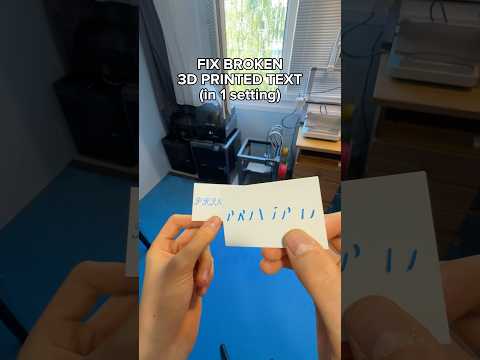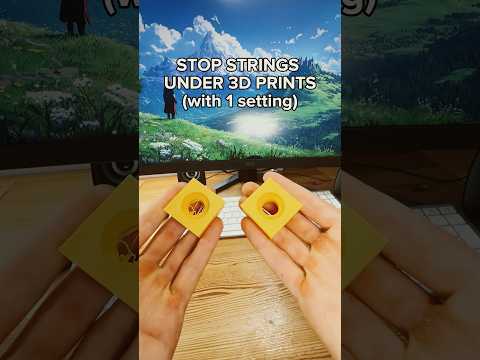
About this video
Why PETG Makes the Best Support Material for PLA Prints
If you've ever struggled with support layers that leave rough scars on your finished prints, the fix is simpler than you think. The trick is using PETG as your support material while printing in PLA. Because PETG and PLA don't bond well together chemically, the support interface separates cleanly from your model — and the contact surface often comes out with a noticeably shiny, glossy finish instead of the usual matte, rough texture.
Step-by-Step: Enable Shiny Support Layers in Your Slicer
This works in most modern slicers like PrusaSlicer, OrcaSlicer, SuperSlicer, and Bambu Studio. Here's the exact workflow:
- Enable supports in your print settings if they aren't already on.
- Locate the "Filament for supports" option (sometimes labeled "Support material" or "Support interface filament").
- Change the assigned filament from PLA to PETG.
- Your slicer will automatically adjust nozzle temperature, retraction, and interface settings for the new material.
- Slice and print — no manual tuning required.
Why the Surface Looks Shiny
The glossy appearance comes from PETG's natural transparency and smooth extrusion at support interface layers. Because the slicer treats PETG differently at the interface (lower flow, tuned temperatures), it lays down a thin, even layer that reflects light more than standard PLA supports. The result is a mirror-like underside on overhangs and bridges.
Tips for Best Results
- Use a hardened nozzle if you print abrasive materials, but standard brass works fine for PLA + PETG combos.
- Set your PETG support temperature around 230–245°C and PLA model temperature around 200–215°C depending on brand.
- Keep supports dry — PETG is hygroscopic and wet filament will string and ruin the shiny effect.
- Don't print both materials in the same extruder unless you have a multi-material setup like an MMU or AMS unit.
- Increase Z-offset slightly if supports are too hard to remove.
FAQ
Can I use PETG supports with ABS or ASA?
Yes, but the bond is stronger, so removal is harder. PETG works best with PLA.
Do I need a dual-extruder printer?
Yes, this method requires two extruders or a multi-material system to switch filaments mid-print.
Will the shiny layer affect post-processing?
No — the glossy surface is actually easier to sand and paint than rough PLA supports.