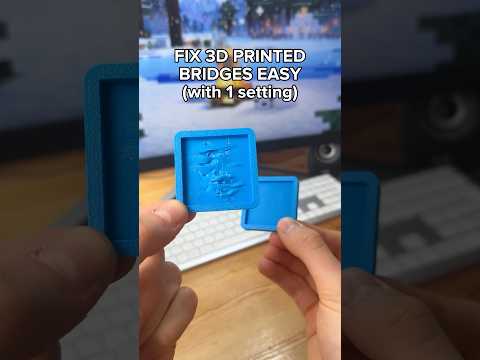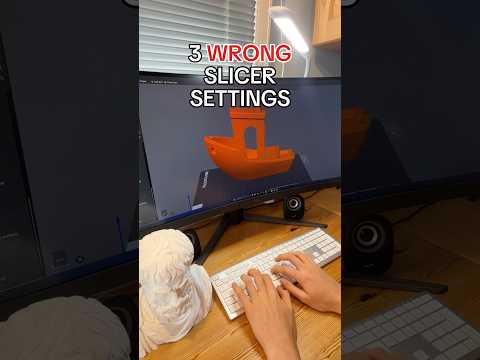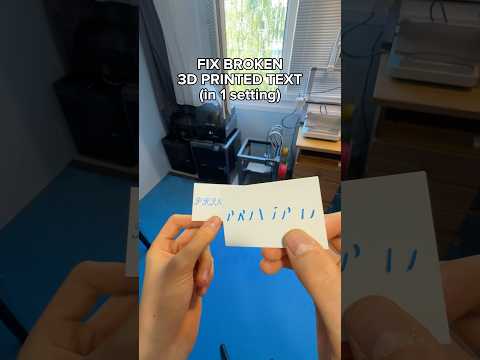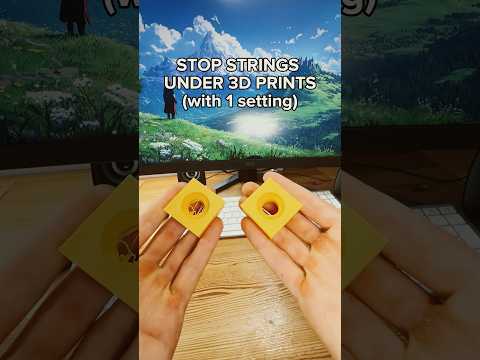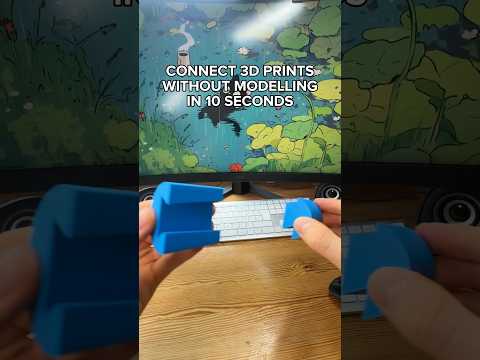
About this video
Why Use Threads to Connect 3D Prints?
When a single 3D model is too large for your build plate, or when you want parts that can be disassembled and reassembled, threaded connectors are one of the cleanest solutions. Instead of glue, screws, or snap-fit tolerances that often fail, slicer-generated threads let you print two halves separately and screw them together in seconds. This approach is ideal for cosplay props, modular enclosures, vases, and any project that needs to ship flat or be repaired easily.
Step-by-Step: Adding Threads in the Slicer
Most modern slicers (such as Bambu Studio, PrusaSlicer, and OrcaSlicer) include a built-in Cut and Connectors tool. Here is the workflow shown in the video:
- Select the model you want to split in the slicer's prepare view.
- Click the Cut tool and adjust the Cut Plane to position where the part should be divided.
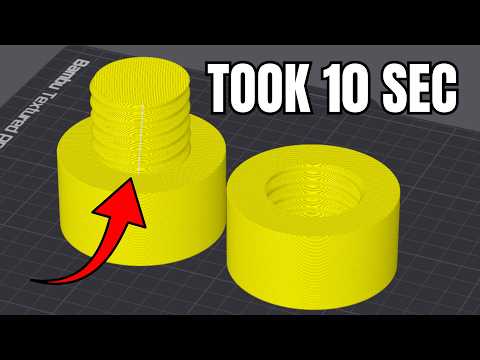
- Click Add Connectors and choose the Thread type from the connector menu.
- Place the thread on the cut surface of your model.
- Use the Middle of Geometry alignment option to perfectly center the thread on the part.
- Adjust the thread diameter and length to match your print scale and strength needs.
- Click Confirm Connectors, then Perform Cut to split the model into two threaded halves.
- Slice and print both parts, then simply screw them together by hand.
Tips for Strong, Reliable Threaded Connections
- Print threads vertically whenever possible — horizontal threads are weaker and prone to layer separation.
- Use at least 3–4 perimeters and 15–20% infill on the threaded sections for durability.
- Set the thread tolerance slightly loose (around 0.2 mm) in your slicer settings to avoid a tight fit on FDM printers.
- For PETG or ABS prints, threads work better than PLA because of the added flexibility.
- Test with a calibration print before committing to a large multi-part project.
Frequently Asked Questions
Do slicer-generated threads actually hold up?
Yes, when printed vertically with proper wall settings, slicer threads can withstand repeated assembly and moderate mechanical loads.
Can I add threads to any model?
Most manifold (watertight) models can be cut and threaded. Very thin walls or complex organic shapes may need manual cleanup in CAD first.
Which slicers support this feature?
Bambu Studio, PrusaSlicer (with the right add-on), and OrcaSlicer all offer built-in cut-and-connector tools with thread options.
Do I need supports for threaded sections?
Usually no, if the threads are oriented vertically. For overhangs above 45°, add tree or organic supports to keep the thread profile clean.