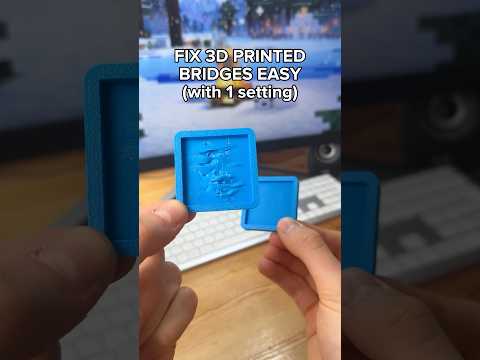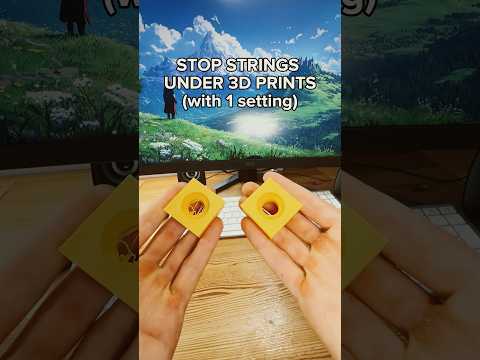
About this video
Why Support Settings Matter in 3D Printing
Supports are essential for printing overhangs, bridges, and complex geometries in FDM 3D printing, but dialing in the right support settings can feel like pure guesswork. Too tight, and your supports fuse to the print and tear the surface when removed. Too loose, and your overhangs sag or fail entirely. The secret to consistent, clean results lies in one underrated slicer setting: top Z distance (sometimes called support Z gap or top contact Z distance).
The One-Print Z Distance Calibration Method
Instead of adjusting five different support parameters and reprinting over and over, this method isolates the single variable that matters most. Here's the workflow shown in the video:
- Download a support test model from MakerWorld or Printables. These models include several identical test towers with progressively increasing Z gap values built into the design.
- Slice and print the test using your current support settings and your usual filament, nozzle, and layer height.
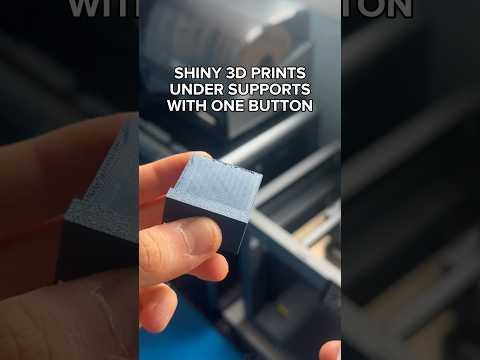
- Remove the supports one tower at a time. Compare the ease of removal and inspect the underside surface of each tower.
- Find the sweet spot: the tower number that pops off cleanly with minimal force AND leaves a smooth, non-dimpled contact surface on the print.
- Enter that Z distance value into your slicer's top Z distance field, save the profile, and reuse it for every future print with the same material and nozzle.
Pro Tips for Better Supports
- Recalibrate per material. PLA, PETG, and TPU each have different adhesion behavior, so run a fresh test whenever you switch filaments.
- Match your layer height. Z distance results scale with layer height, so re-test if you change from 0.2 mm to 0.12 mm.
- Pair with the right support style. Tree supports and organic supports generally need slightly larger Z gaps than traditional grid or line supports.
- Use a dedicated support profile. Save the calibrated settings as a separate slicer profile so you can quickly switch between supported and unsupported prints.
FAQ
What is top Z distance in Cura and Bambu Studio?
It is the vertical gap between the top of the support structure and the underside of the overhang it is holding up. Increasing it makes supports easier to remove; decreasing it improves surface quality but risks fusion.
How often should I re-test my support Z distance?
Whenever you change filament brand, material type, nozzle size, or layer height. A quick 20-minute test tower is cheaper than reprinting a failed job.
Does this work for tree supports?
Yes, though tree supports often perform best at slightly higher Z gap values because their contact points are smaller and easier to break free.