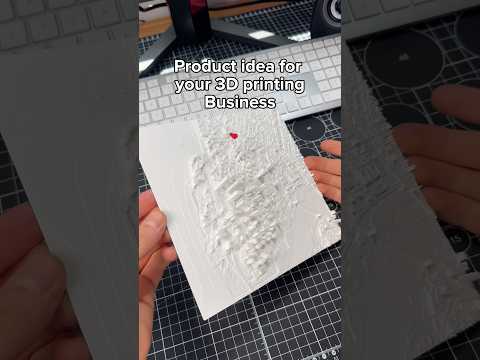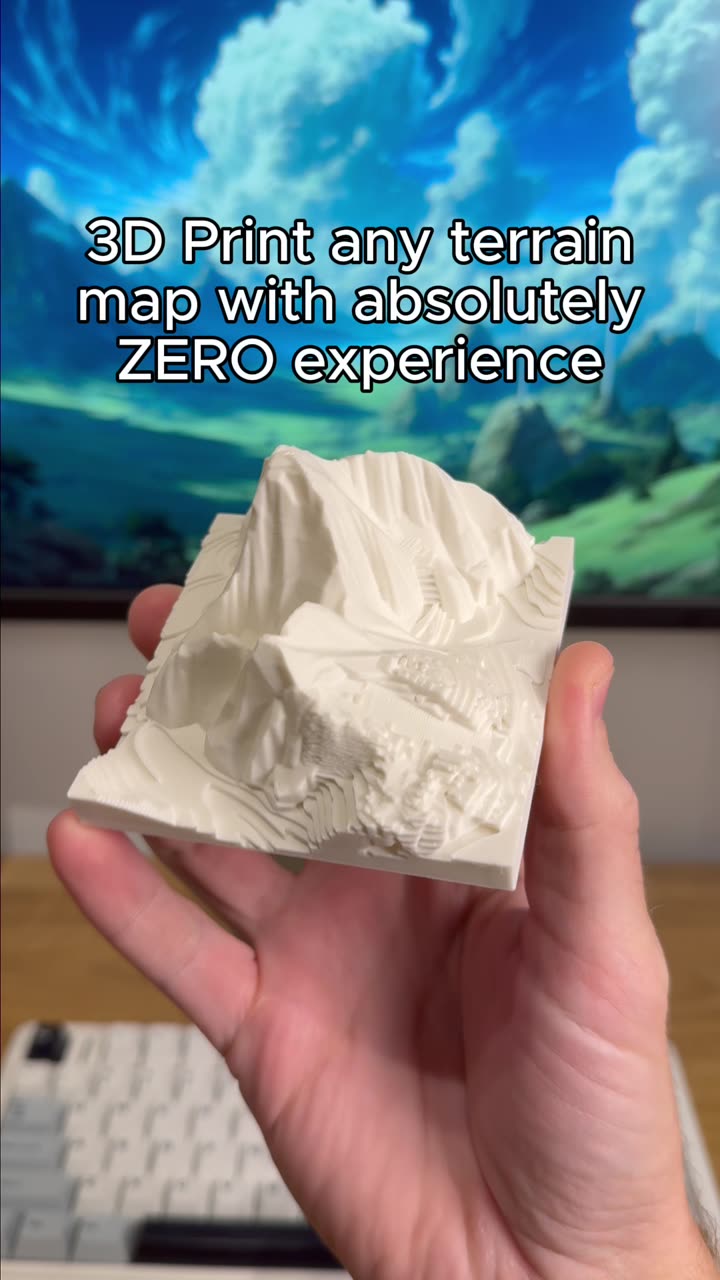
About this video
How to Create a 3D Map of Any City
PrintPal's Map Maker tool makes it incredibly simple to transform any location into a tangible 3D-printed map. Whether you're a complete beginner or an experienced maker, this tool handles the complexity so you can focus on the creative result.
Getting Started with Map Maker
The process begins by accessing the Map Maker tool directly on the PrintPal platform. From there, you have two input options:
- City Search: Simply type the name of any city or location into the search field
- Image Upload: Drop an image of any map region if you want to map a specific area not easily searchable
Both methods work seamlessly, giving you flexibility depending on your project needs.
Customization Features
Once you've selected your location, Map Maker offers several powerful customization options:
- Style Selection: Choose from different visual styles to match your aesthetic preferences or intended use
- Monument Selection: Add specific landmarks and monuments to include in your terrain model
- Terrain Generation: The tool automatically generates accurate topographical terrain data
The Generation Process
After configuring your options, simply hit generate. The system processes your request and delivers a high-quality 3D map model in approximately 3 minutes. This quick turnaround makes it practical for rapid prototyping or last-minute gift ideas.
Best Uses for 3D City Maps
3D-printed city maps serve many purposes:
- Home and Office Decor: Unique conversation pieces that showcase favorite cities or hometown pride
- Educational Tools: Help students understand geography and urban planning visually
- Gifts: Personalized presents for travelers, geography enthusiasts, or anyone with connection to a specific place
- Architectural Visualization: Explore city layouts before visiting or studying urban environments
Recommended Materials
For best results with terrain maps, consider:
- PLA Filament: Excellent detail reproduction and easy post-processing
- Resin: Ideal for highly detailed small-scale maps
- Layer Height: 0.12mm-0.16mm recommended for capturing terrain contours
Frequently Asked Questions
Do I need 3D modeling experience?
No. The Map Maker tool is designed for complete beginners. No CAD or design skills required.
What file formats does it export?
Standard 3D printing formats including STL and OBJ are supported for universal compatibility.
Can I print the map myself?
Yes. Once generated, you can download the files and print on your own 3D printer, or use PrintPal's printing service for professional results.
How large can the maps be?
Map size depends on your printer's build volume. The tool allows you to scale the model appropriately before printing.