About this video
What Is the PrintPal Fantasy Map Builder?
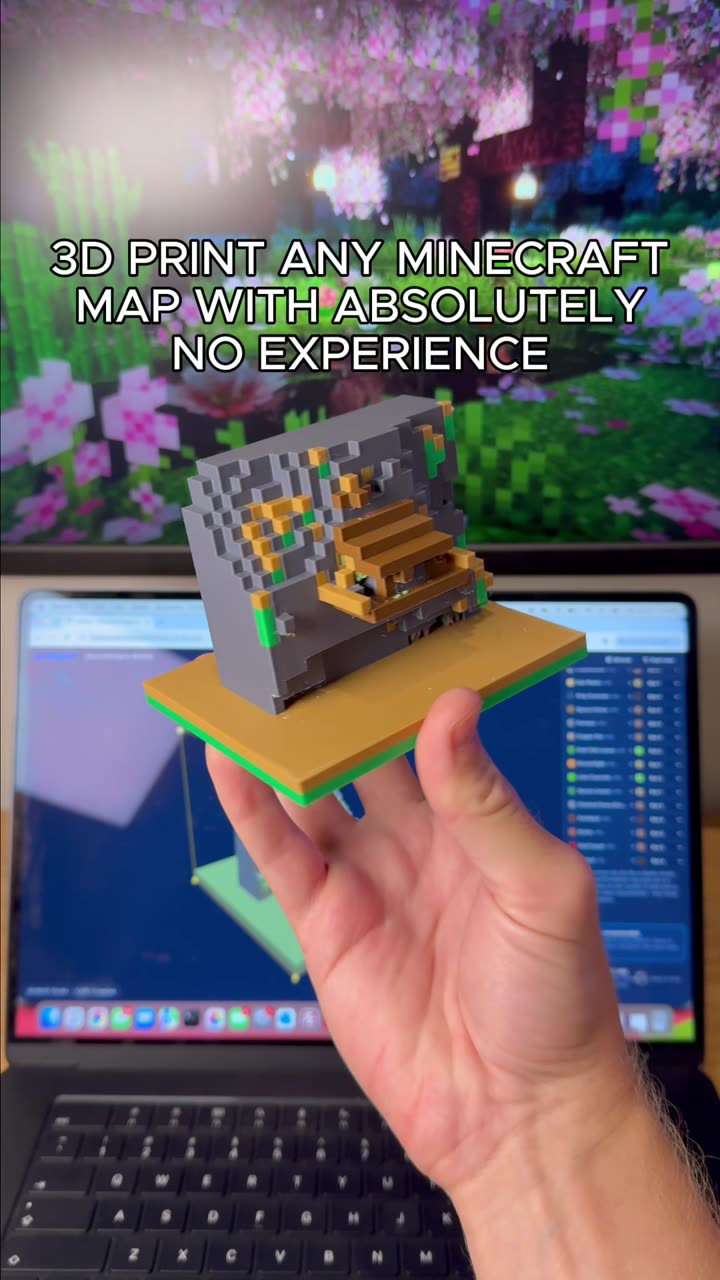
PrintPal offers a free, browser-based fantasy map maker designed specifically for 3D printing enthusiasts. Instead of starting from a blank canvas, you can sculpt terrain, scatter props, and export a print-ready file in minutes — no CAD experience required.
Key Features of the Fantasy Map Tool
- Terrain sculpting: Raise mountains, carve rivers, flatten plateaus, and shape coastlines directly on a 3D canvas using intuitive brush tools.
- Prop library: Choose from a growing catalog of pre-made assets like trees, rocks, buildings, bridges, and ruins to populate your world.
- Multicolor AMS export: The tool generates files ready for Bambu Lab's Automatic Material System (AMS), so a single map can print in multiple colors without manual filament swaps.
- Free to use: No subscription or account required to design and export your first map.
How to 3D Print a Fantasy Map
- Open the PrintPal fantasy map tool in your browser.
- Sculpt your base terrain using the height and texture brushes.
- Browse the prop library and drop trees, castles, or rocks onto the map.
- Assign colors to different terrain regions or props for multicolor output.
- Export the file in AMS-compatible format and slice it in your preferred slicer (Bambu Studio, PrusaSlicer, OrcaSlicer, etc.).
- Print on a bed large enough for your map — a 256x256 mm plate handles most tabletop-sized maps.
Tips for Better Fantasy Map Prints
- Keep the base layer at least 2–3 mm thick to avoid warping on long prints.
- Use a 0.4 mm nozzle with 0.16–0.2 mm layer height for crisp terrain detail.
- For multicolor AMS prints, limit your palette to 4 filaments to keep print times reasonable.
- Add a brim or raft if your map has tall mountains near the edges.
- Print in PLA or PETG for tabletop durability.
Who Is This Tool For?
Tabletop RPG game masters (D&D, Pathfinder, Warhammer), wargamers, fantasy worldbuilders, and anyone who wants a physical diorama of a fictional landscape. It's also a great way to introduce beginners to 3D printing because the workflow is visual and forgiving.
FAQ
Is the PrintPal fantasy map tool really free?
Yes — you can design and export maps at no cost.
Does it work with non-Bambu printers?
The AMS export is optimized for Bambu Lab printers, but you can also export standard STL or 3MF files for use with any FDM or resin printer.
Can I import my own props?
Currently the tool uses its built-in prop library; custom asset import is a planned feature.
How long does a fantasy map take to print?
A 200x200 mm map with moderate detail typically prints in 8–14 hours depending on layer height and multicolor complexity.