About this video
How to Design a Custom Fidget Clicker in 5 Minutes
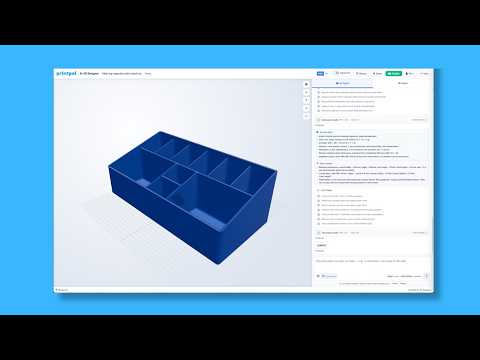
Creating a personalized fidget clicker has never been easier thanks to online 3D printing tools like PrintPal. Whether you want a unique gift, a promotional item, or just a fun desktop toy, you can design and produce a custom fidget clicker in under five minutes.
Step-by-Step Process
- Go to PrintPal – Access the platform and locate the fidget maker tool in the design section.
- Upload Your Model – Import your existing 3D model or start from scratch using PrintPal's templates.
- Select Placement – Choose where you want the fidget mechanism inserted into your design.
- Choose Cut Style – Pick from different cut styles to customize the look and feel of your clicker.
- Add Custom Text – Personalize your fidget clicker with names, slogans, or artwork.
- Send to Print – Submit your design directly to your connected 3D printer or order a print through the platform.
Best Materials for Fidget Clickers
- PLA (Polylactic Acid) – Beginner-friendly, affordable, and available in many colors.
- PETG – More durable and flexible, great for functional parts.
- TPU – Flexible filament ideal for comfortable, tactile fidget toys.
Tips for a Great Fidget Clicker
- Use a 0.2mm layer height for smooth surface finish
- Enable wall thickness settings for durability
- Test print a prototype before ordering multiple units
- Consider infill density for weight and sound characteristics
Customization Ideas
- Company logos for branded giveaways
- Personalized names for party favors
- Themed designs for events or clubs
- Educational markers for classroom tools
Frequently Asked Questions
Do I need 3D modeling experience?
No. PrintPal's fidget maker tool is designed for beginners with no CAD experience required.
What resolution should I print at?
For clean clicker mechanisms, 0.12-0.2mm layer height works best on most consumer printers.
Can I use my own design?
Yes, you can upload custom STL or OBJ files to incorporate into your fidget clicker.
How long does printing take?
Most fidget clickers print in 30-90 minutes depending on size and resolution settings.