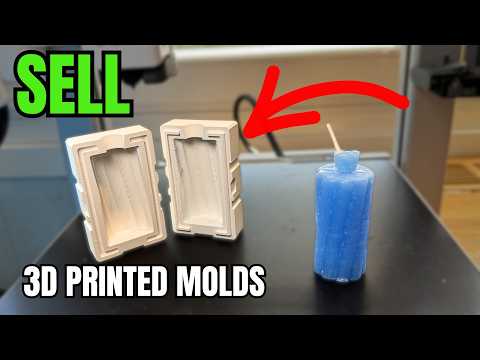
About this video
Why Turn a Sketch Into a 3D Print?
Hand-drawn sketches are one of the fastest ways to capture an idea, but they usually stay trapped on paper. With modern AI-powered tools, you can now go from sketch to STL file in just a few clicks — no modeling experience required. PrintPal's free sketch to 3D generator is designed exactly for this workflow, letting anyone transform doodles into physical objects.
Step-by-Step: Sketch to 3D Print Workflow
- Draw your idea. Sketch your concept on paper using clear, bold lines. Dark strokes on white paper tend to produce the best results.
- Capture a clean photo. Take a picture with your phone in good lighting and send it to your computer (email, cloud drive, AirDrop, etc.).
- Open PrintPal's 3D Generator. Navigate to PrintPal and select the free sketch to 3D preset.
- Upload your image. Drop in your sketch photo and let the AI process it for a few seconds.
- Download the STL. Once generated, grab the STL file and import it into your favorite slicer (Cura, PrusaSlicer, Bambu Studio, OrcaSlicer, etc.).
- Slice and print. Adjust layer height, infill, and supports as needed, then send the job to your 3D printer.
Tips for Better Results
- Use high-contrast sketches — avoid shading or gradients.
- Photograph your drawing straight-on to prevent distortion.
- Keep the subject centered in the frame with some white space around it.
- For intricate designs, start with thicker outlines so the AI can interpret shapes accurately.
- Always preview the model in your slicer before printing to check for missing geometry.
What You Can Make
This workflow is great for quick prototypes, custom keychains, game tokens, jewelry concepts, and even teaching kids the basics of design and fabrication. Because the tool is free and browser-based, there's nothing to install.
Frequently Asked Questions
Is the PrintPal sketch to 3D generator really free?
Yes — the sketch to 3D preset is available at no cost directly in PrintPal's browser-based 3D generator.
What file format do I get?
You receive a standard STL file, which is compatible with virtually every slicer and 3D printer on the market.
Do I need 3D modeling experience?
No. The tool is designed for beginners — just upload a photo and the AI handles the model creation.
How long does conversion take?
Typically only a few seconds, depending on image complexity and server load.