About this video
Turn any house into a Christmas village piece that lights up
Christmas village houses usually come from a store. With PrintPal's LED Lamp Maker, you can 3D print one of any house you like, including your own, and light it from inside with a small LED puck. In the video, a photo of the Wrigley Mansion in Chicago becomes a Christmas village style house with a glowing shade and a matching base.
How to make it
- Take a photo of the house. A clear photo with the whole house in frame works best.
- Open the LED Lamp Maker and choose AI sculpture under Pick a lamp.
- Describe it to the AI. Drop in your photo, and in the text box ask it to turn the house into a Christmas village style house. The AI sculpts it as one solid shape, then the tool hollows it into a shade that fits over the LED light. It takes about 3 minutes.
- Make it yours. Add optional light holes such as cracks, slices or stars, pick the colors and check the base. Switch on the preview light to see how it glows.
- Export it. Download the color 3MF for Bambu Studio or OrcaSlicer, or the STL ZIP, and send it to your printer.
What you need
| Part | Details |
|---|---|
| LED puck | The LED Lamp Kit 001 (Bambu Lab MH001), a 59.4 mm USB warm-white puck, or a compatible kit. Other round puck lights work if you enter their size |
| Shade filament | White, natural or translucent PLA or PETG, so the whole house glows |
| Base filament | A darker PLA, which hides the puck |
| AI credits | The AI sculpture uses PrintPal AI credits or a Pro or Studio plan. The lamp styles, the base, the lit preview and both exports are free |
Print settings
The 3MF opens with the settings already in place, so you can slice and print. For reference, the shade prints at 0.16 to 0.2 mm layers with 2 walls and 10% lightning infill, which keeps shadows from an infill grid out of the glow. AI sculptures usually need tree supports under overhangs like balconies and roof edges, and the 3MF turns them on only where they're needed (day 4 of learn 3D printing in 7 days explains tree supports). Sculptures are hollowed to a 1 mm wall by default, so the light shines through the whole building.
Put it together
The LED puck drops face-up into a pocket in the base, and its cable leaves through a slot at the back. The shade then presses onto a locating ring on the base. Two pilot holes take the kit's screws if you want the puck fixed in place.
Ideas for your Christmas village
- Print your own house, your parents' house or a childhood home as a Christmas gift.
- Build a whole street from photos of the houses in your neighborhood.
- For a solid model of a building instead of a lamp, the Architecture to 3D generator turns a photo into a printable model (see how).
- AirBnB style miniature houses uses the same photo-to-3D idea for small house models.
FAQ
Can I 3D print my own house as a Christmas village piece?
Yes. Take a clear photo of it, drop it into the LED Lamp Maker's AI sculpture step and ask for a Christmas village style house.
Which light does it use?
The LED Lamp Kit 001 (Bambu Lab MH001) or a compatible round USB LED puck. The base is made to fit it, with a pocket, a cable slot and screw holes.
Is the LED Lamp Maker free?
Designing a lamp, the base, the lit preview and both exports are free. Generating a sculpture with AI uses PrintPal AI credits or a Pro or Studio plan.
What filament makes it glow best?
White, natural or translucent PLA or PETG for the shade, with a darker filament for the base.
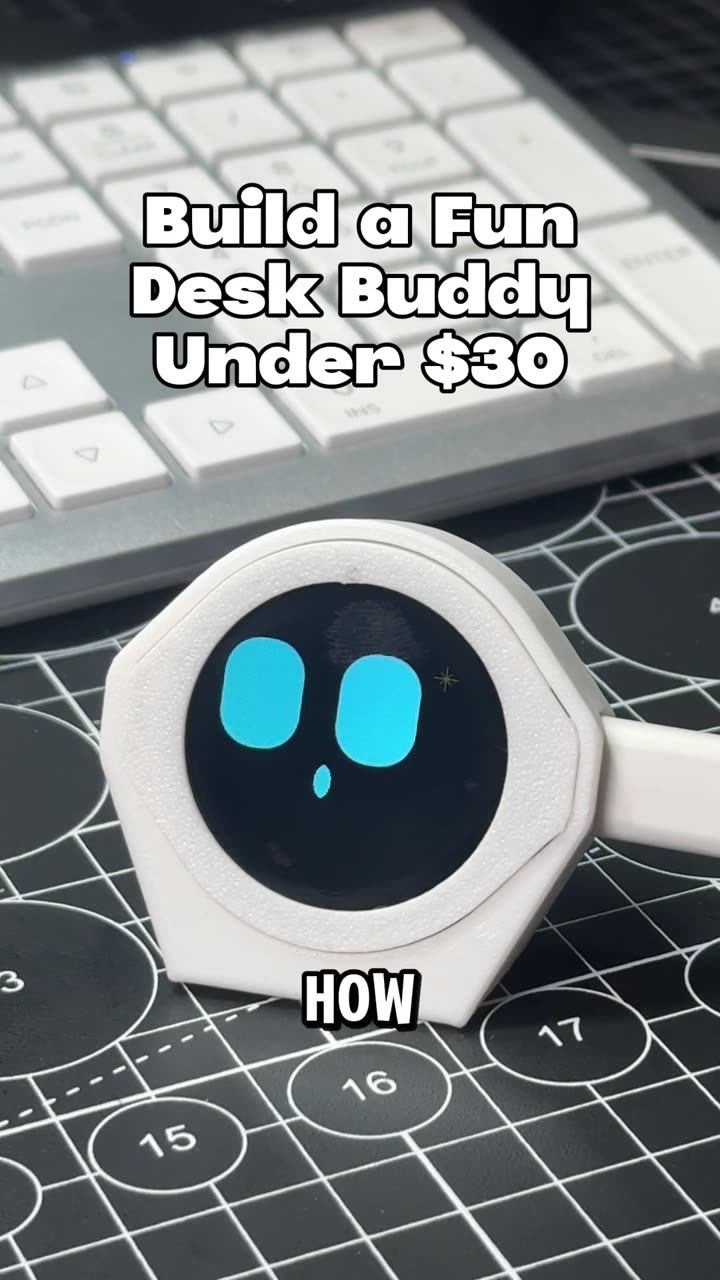
3D printing calibrations you should run, part 3: pressure advance
Autoplay paused while you read — scroll back up to continue
3D print a custom Christmas village house that lights up
Snap a photo of any house and turn it into a 3D printed Christmas village piece that lights up. PrintPal's LED Lamp Maker sculpts it with AI, hollows it into a shade and adds a base for an LED puck light.
Featured in this video