About this video
A desk pet with real moods
Desk Pal Buddy is a tiny round desk pet with big eyes. He reacts when you touch him, gets bored when you ignore him, falls asleep when he's tired and reminds you to drink water. It's a beginner project that teaches the basics of electronics, 3D printing and coding, with no soldering. The full guide, print files and code are free in the Desk Pal Buddy build guide.
There is no camera and no microphone. He feels your finger through the touch screen and feels movement through a tiny motion sensor. His moods, memory and habits are a few numbers changing over time.
What you need (about $32)
| Part | Notes |
|---|---|
| Waveshare ESP32-S3-Touch-LCD-1.28 | Round 1.28-inch touch screen, motion sensor and USB-C on one board. Get this exact touch version: the touch layer and motion sensor are what let him react |
| 3D printed case | Three parts (main frame, inner ring and foot), about 14 g of PLA, one plate, no supports |
| USB-C data cable | Powers him and loads the program. Charge-only cables won't work |
| Chrome or Edge | For Espressif's web flasher. Nothing to install |
How to build it
- Print the case. PLA, 0.2 mm layers, 2 walls, 15% infill, no supports. All three parts fit on one plate and take about 30 minutes on a Bambu Lab P1S.
- Press the board into the inner ring, screen first, with the USB-C port in the ring's notch. It's a press fit.
- Slide the ring into the main frame so the port lines up with the side window.
- Clip the foot on the back. It tilts him up toward you.
- Plug in the USB-C cable last. With the cable already in, the ring won't slide into the frame.
- Flash the firmware from your browser. Download the precompiled .bin from the guide, open Espressif's web flasher in Chrome or Edge and click Connect. Pick the board's port, set the flash address to 0x0, choose the file and click Program. It takes about 30 seconds. Then press RESET and he opens his eyes and says hi.
If the board doesn't show up in the port list, hold BOOT, tap RESET, let go of BOOT and click Connect again. The guide has more fixes in its troubleshooting section.
How to play with him
| Do this | He does this |
|---|---|
| Tap | Giggles. Tap too much and he gets grumpy |
| Double tap | Gets excited, with big eyes and sparkles |
| Stroke the screen | Heart eyes |
| Long press | Shows an info card with his mood and how much he likes you |
| Shake | Dizzy spiral eyes, then a grumpy face |
| Tilt | Looks downhill |
A life of his own
Every minute or two he picks one of 10 activities on his own, including maracas, pixel sunglasses, juggling, reading a book and blowing bubblegum. Ignore him for too long and he gets bored, then lonely, then sleepy. When he runs out of energy, he falls asleep and the screen dims.
He also looks after you. Every hour he drinks a glass of water and tells you to do the same. Every 2 hours it's time to move, and every 4 hours he tells you to go touch grass.
What you'll learn
The guide walks through the code in five short lessons: how a game loop makes a character feel alive at about 33 frames a second, how a face can be just 12 numbers, how moods come from stats like energy and affection, how raw touch points become taps and pets, and how a motion sensor tells a tilt from a shake. That makes it a good STEM project for kids and a fun first ESP32 project for adults.
Make him yours
His name, eye color, personality and reminders are at the top of desk-buddy.ino. Make him more cuddly, more grumpy or more energetic, then upload it with the Arduino IDE or the ready-made PlatformIO project from the guide. To design a different body, try the Desk Pal Maker, which makes a custom 3D printed head for the same round screen.
More builds on the same screen
The same Waveshare ESP32-S3 round touch screen runs other free PrintPal projects:
- Plane radar: see the real planes flying near your home.
- Fortune 8-ball: shake it for one of 20 fortunes.
- Touch doodle: finger-paint in six neon inks and shake to erase.
Looking for a cheaper first build? Slab eyes is a desk buddy with animated eyes on an ESP32-C6 screen, for about $18.
FAQ
Do I need to solder anything?
No. The board presses into the printed case, and the firmware loads over USB-C from your browser.
Does he need Wi-Fi?
No. Wi-Fi is only needed if you add the optional clock to his info card.
Which board do I need?
The Waveshare ESP32-S3-Touch-LCD-1.28, the version with the touch screen. The case and firmware are made for that exact board.
How long does it take to build?
About 45 minutes, including a 30-minute print.
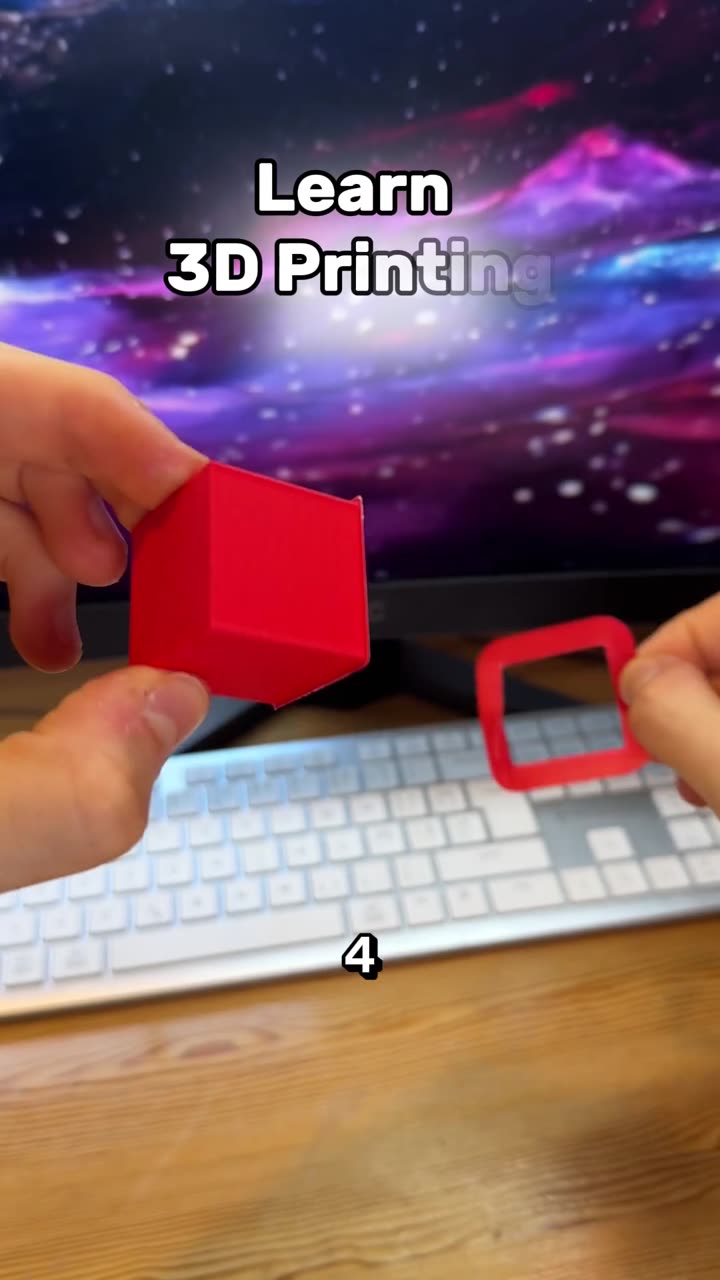
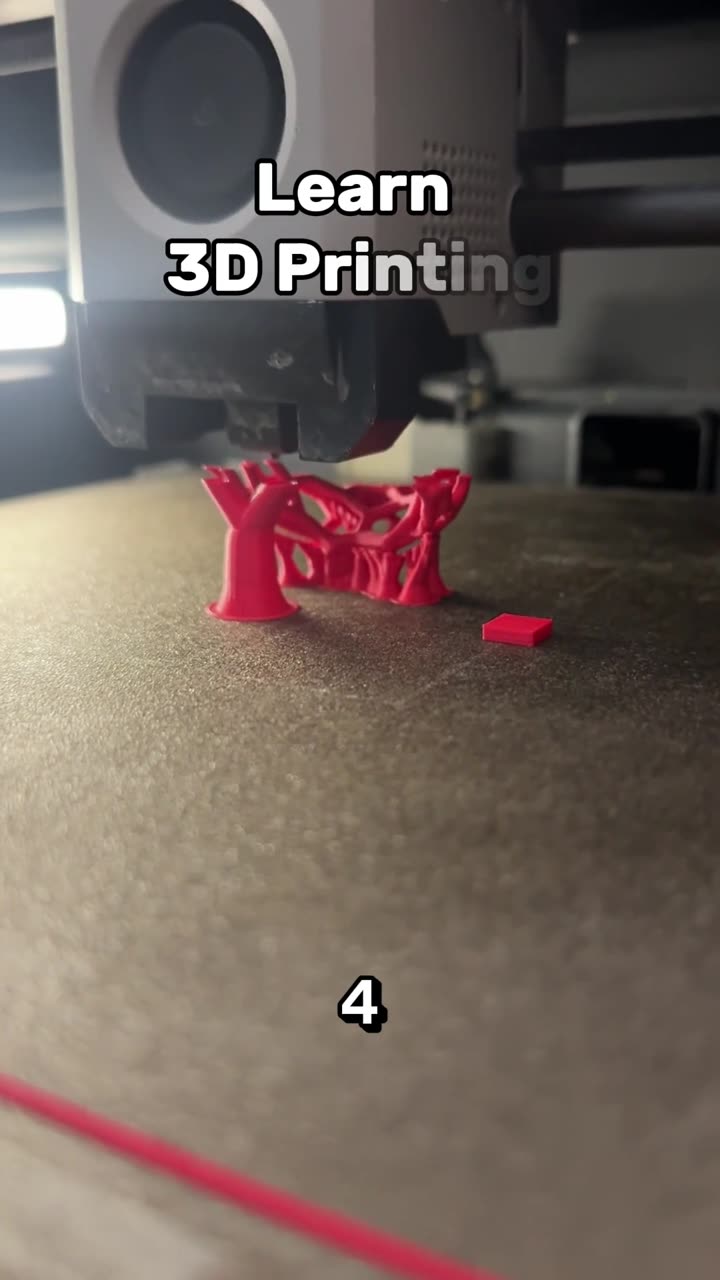
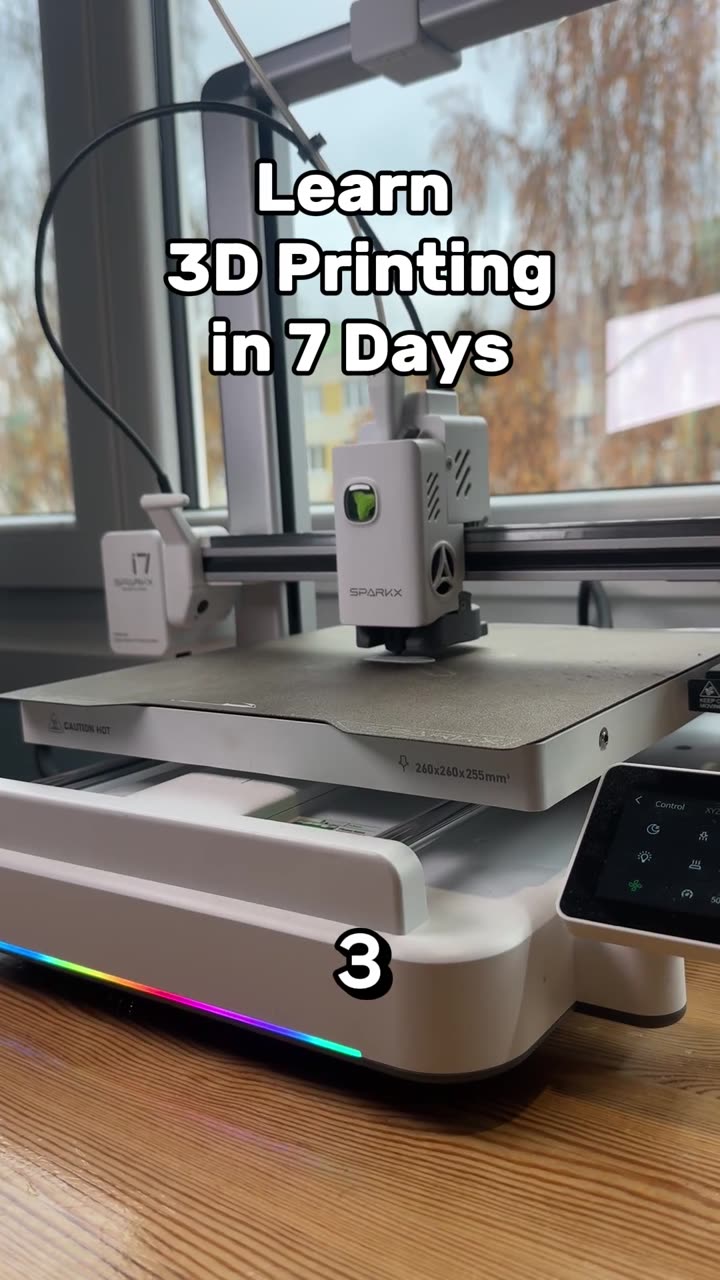
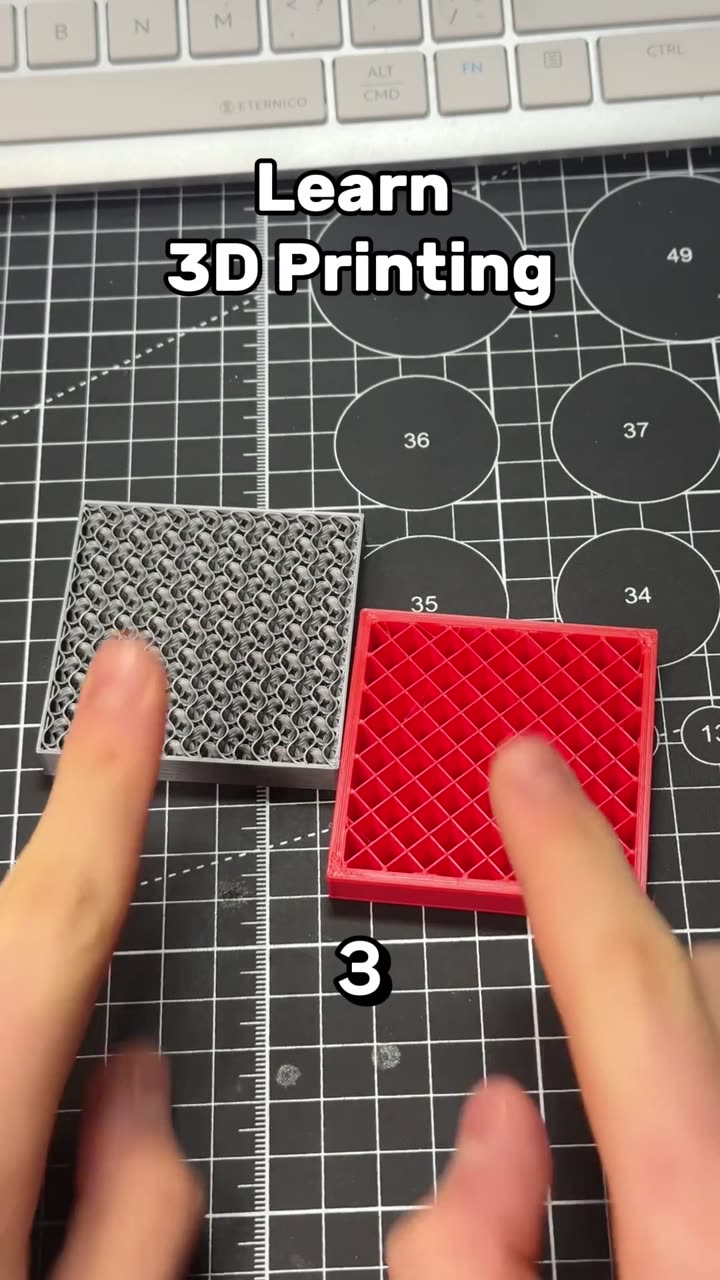
Learn 3D printing in 7 days, day 6, part 2: PLA, PETG, TPU, ABS and ASA
Autoplay paused while you read — scroll back up to continue
Build an ESP32-S3 Desk Buddy With a Real Personality
Build Desk Pal Buddy, a 3D printed desk pet on a round Waveshare ESP32-S3 touch screen. Print a three-part case, flash it from your browser, and he giggles, gets grumpy, falls asleep and reminds you to drink water.
Featured in this video