About this video
Day 4: supports
This is day 4, part 1 of PrintPal's learn 3D printing in 7 days series. On day 1, part 2 you saw that every layer has to sit on something. Supports are the temporary scaffolding that lets you print overhangs and parts that start in mid-air. When a model needs them, the slicer warns you before you print.
Tree vs normal supports
| Normal supports | Tree supports | |
|---|---|---|
| How they work | Columns that go straight down under each overhang | A trunk with branches that reach up to the overhang |
| Best for | Flat overhangs and simple, boxy shapes | Figurines, organic shapes and complex geometry |
| Removal | Quick and easy on flat surfaces | Easier on complex parts, with fewer contact points |
| Downside | Can land on the model itself, wasting material and scarring the surface | Less efficient under large flat overhangs |
The hybrid style (Tree Hybrid in Bambu Studio) combines the two. It uses tree branches where the geometry is complex and builds normal-style supports under large flat overhangs.
Top Z distance: the gap that makes supports removable
Supports shouldn't fuse to the print, so the slicer leaves a small gap between the top of the support and the part. That gap is the top Z distance. Too small and the support fuses to the part. Too big and the underside sags.
Don't guess the number. Print the quick support top Z distance test. It tries 0.20, 0.25, 0.255, 0.275 and 0.30 mm on one plate (at a 0.2 mm layer height), and you keep the gap that peels off cleanly on your printer.
The PETG interface trick
PLA and PETG barely bond to each other. If your printer can switch filaments, for example with an AMS, print the support interface (the layers that touch the part) in PETG while the part prints in PLA. In Bambu Studio that's Support → Filament for supports → Support/raft interface. The supports pop off and leave a much cleaner surface underneath. It works the other way round too, with a PLA interface under PETG parts.
Each switch adds a filament change, so expect a little more purge waste and print time. See how to reduce purge waste.
More support guides
- How to fix supports stuck to your 3D print
- Stop supports from ruining your prints
- How to cleanly remove supports
What's next
Next up are the settings in the slicer's Others tab. Catch up on day 1, how a 3D printer works, day 2, day 3 and day 3, part 2.
FAQ
When should I use tree supports?
For figurines, organic shapes and any model where normal supports would land on the part itself.
What top Z distance should I use?
It depends on your printer, filament and layer height. About one layer height (0.2 mm at 0.2 mm layers) is a common start. Print the test to find your number.
Does every overhang need supports?
No. Most printers handle overhangs up to about 45 degrees without them. Steeper overhangs and parts that start in mid-air need supports.
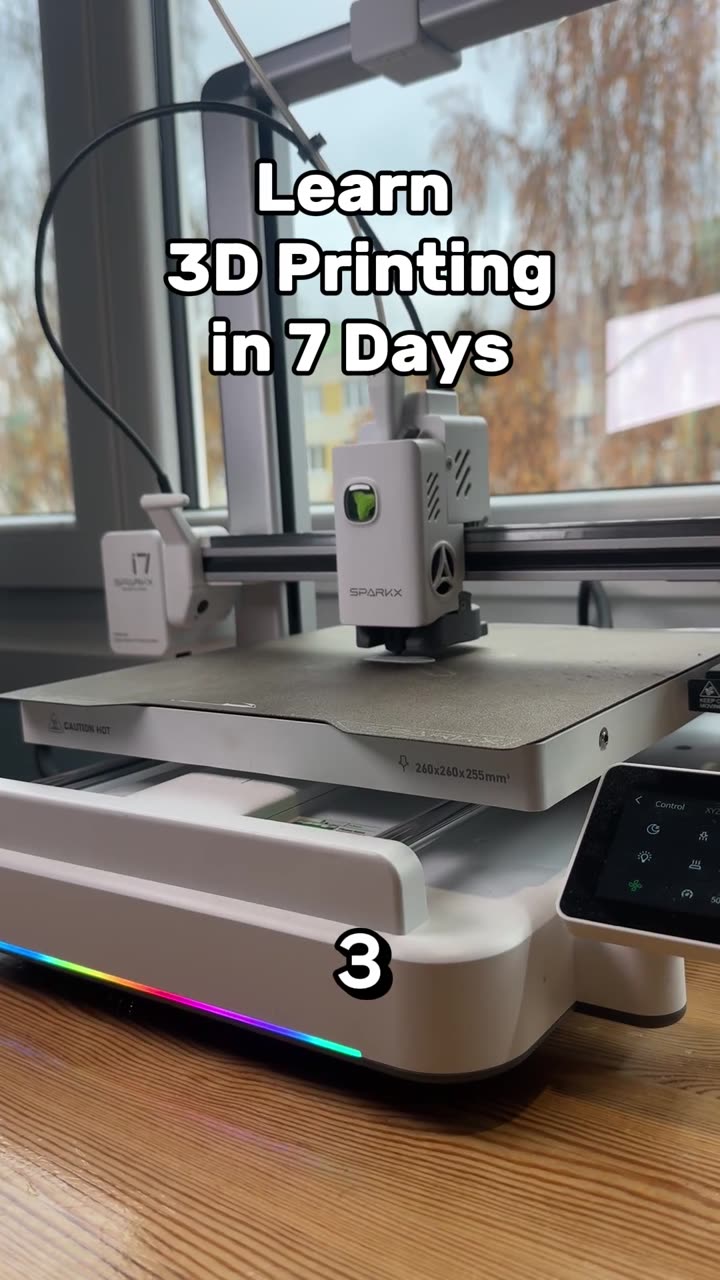
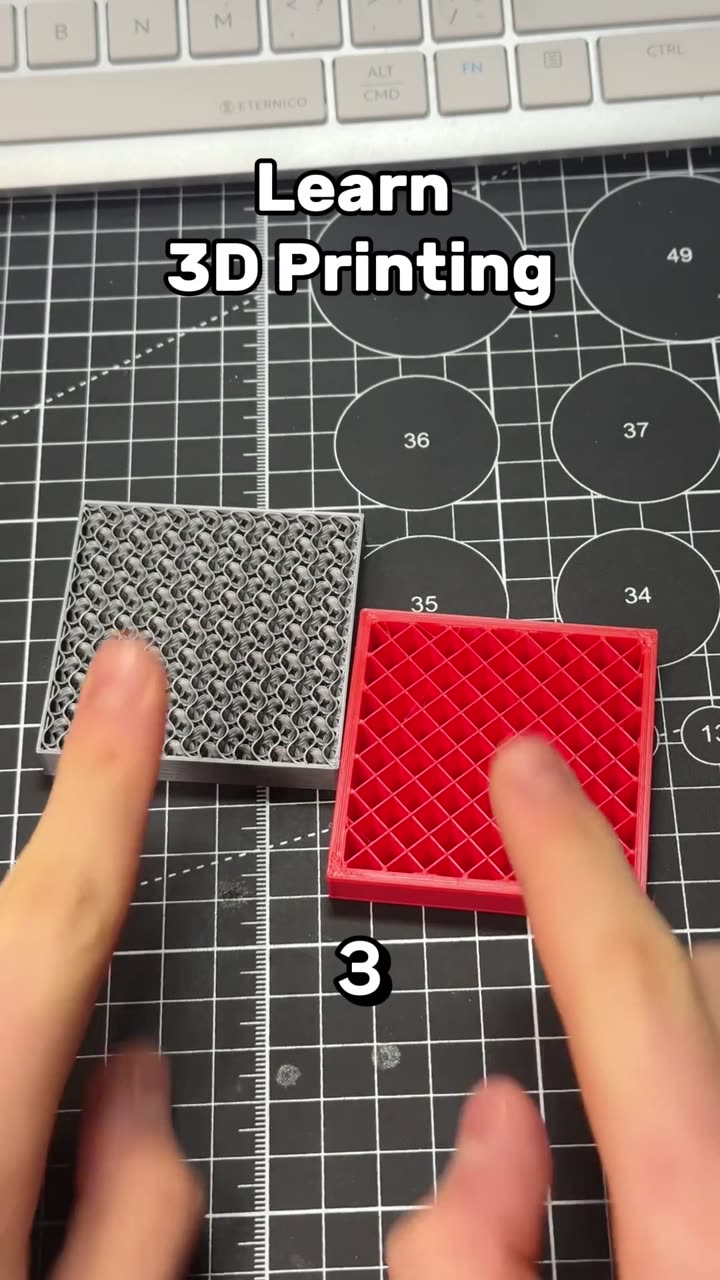
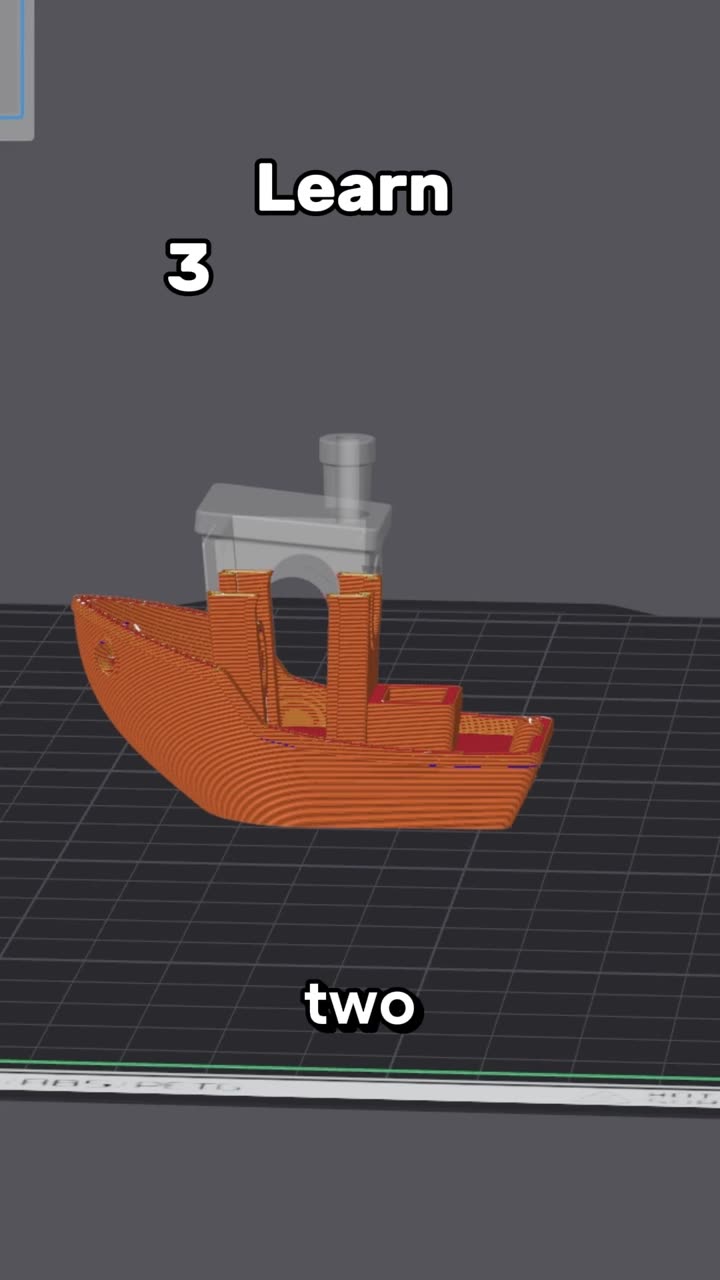
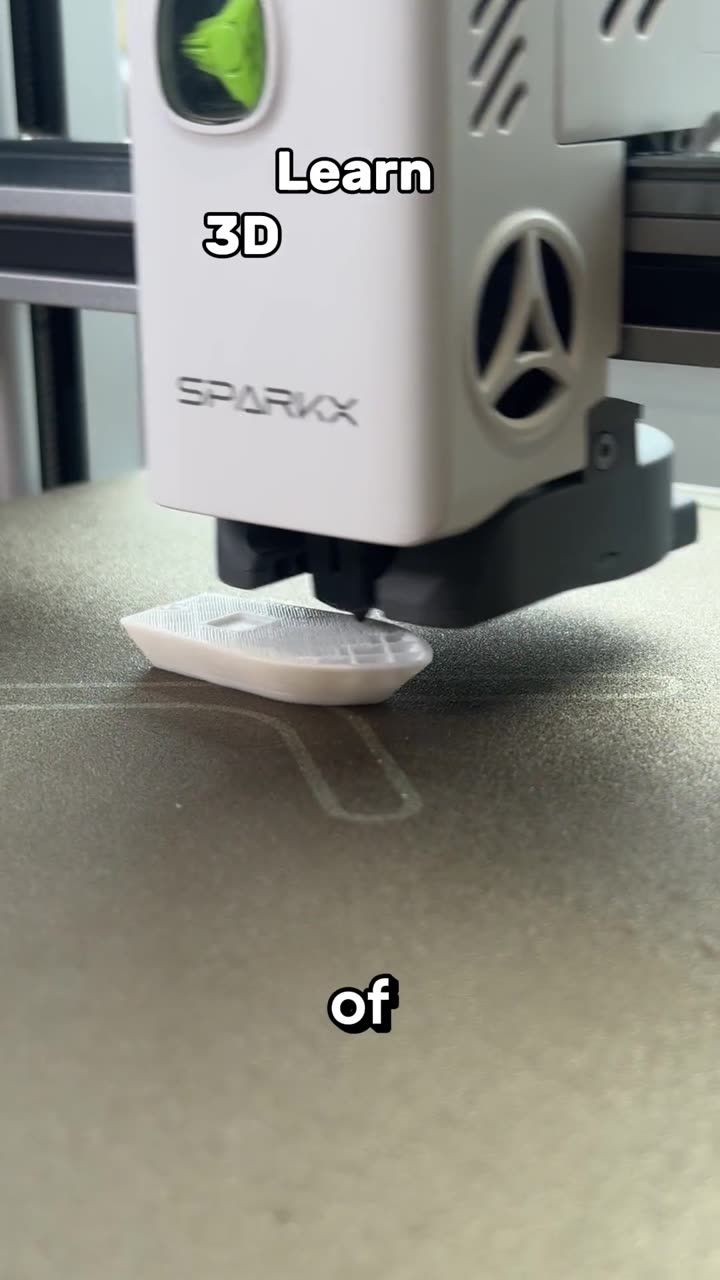


Learn 3D printing in 7 days, day 3, part 2: print speed settings
Autoplay paused while you read — scroll back up to continue
Learn 3D printing in 7 days, day 4: tree vs normal supports
Day 4 of learning 3D printing in 7 days: when to use tree or normal supports, what the hybrid style does, how to dial in top Z distance, and the PETG interface trick that makes supports pop off PLA parts.