About this video
Day 4, part 2: the Others tab
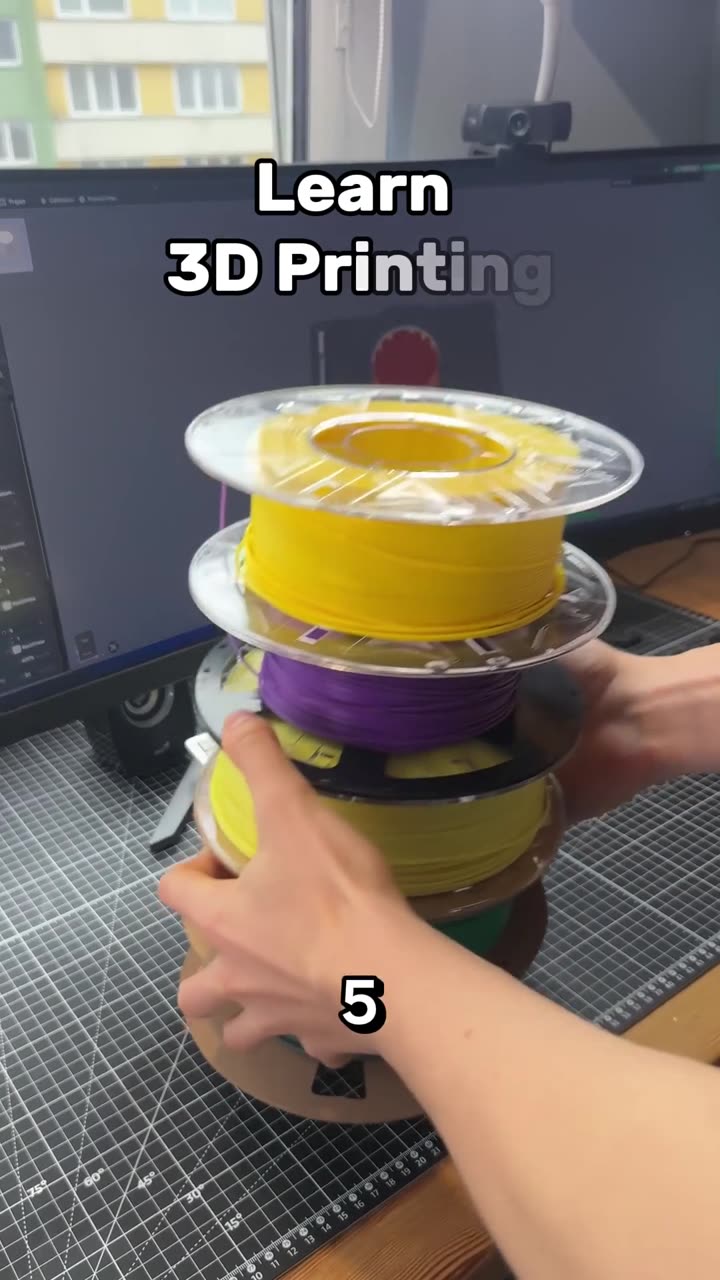
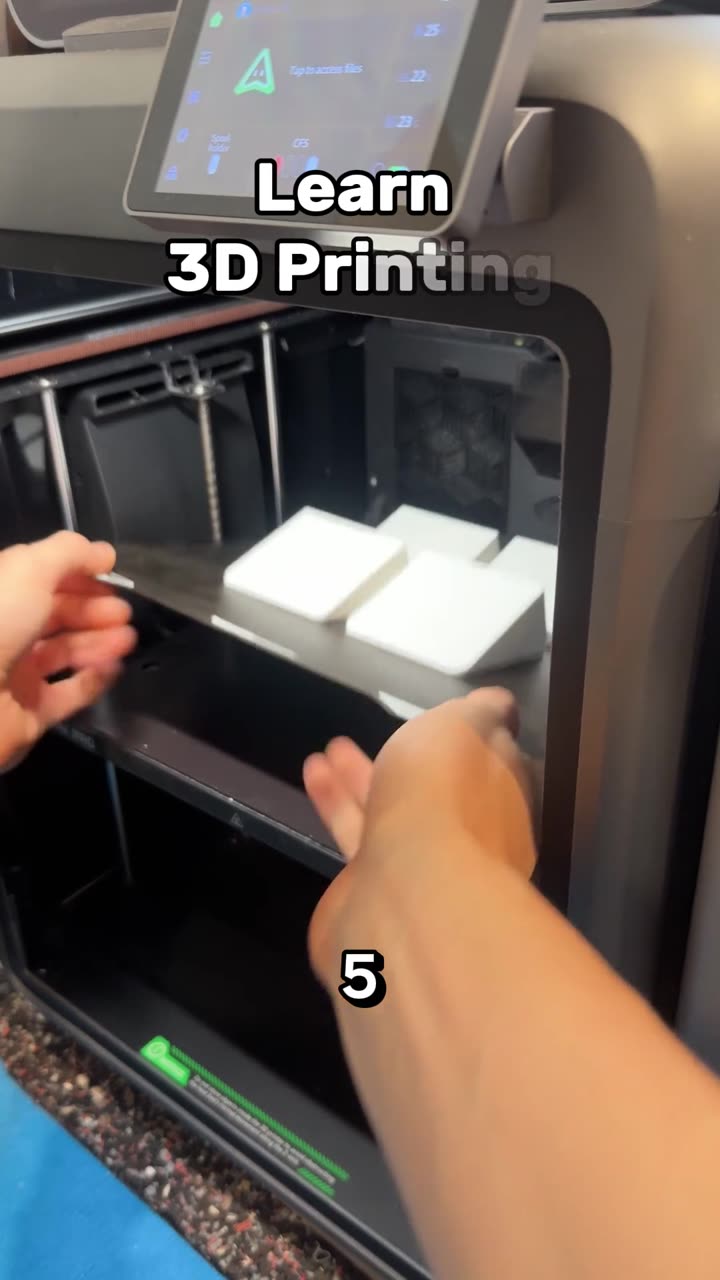
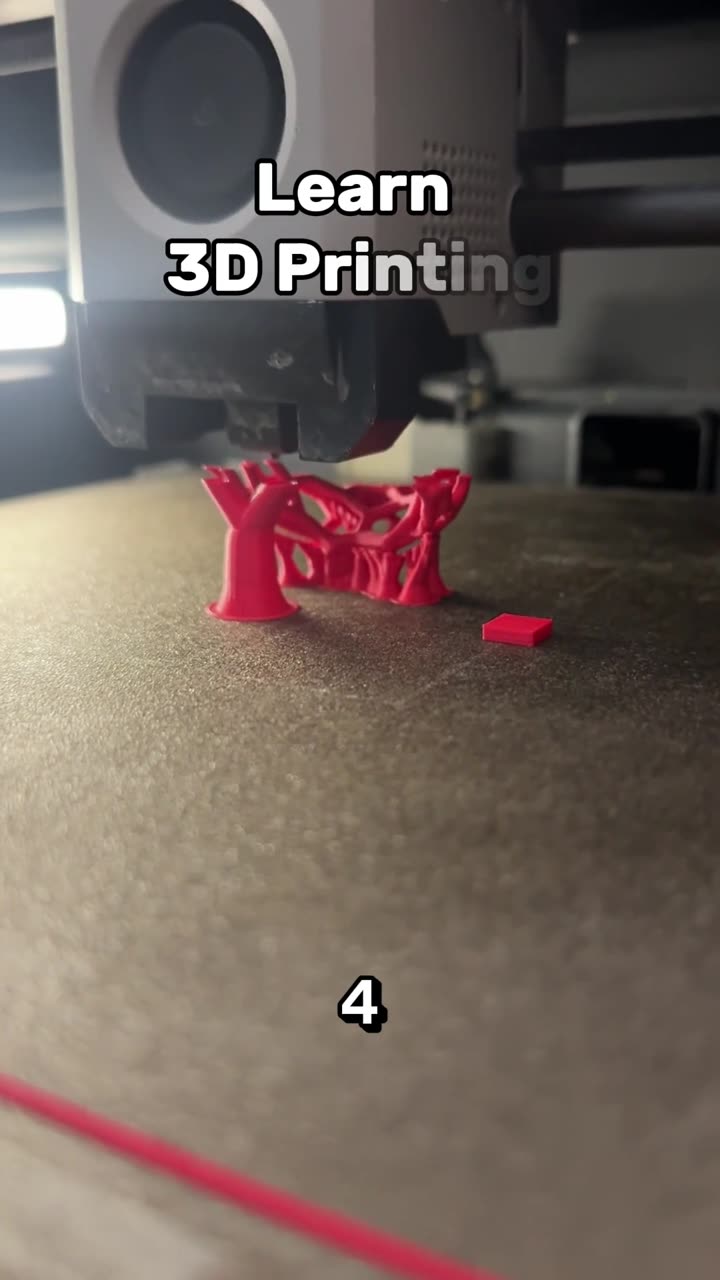
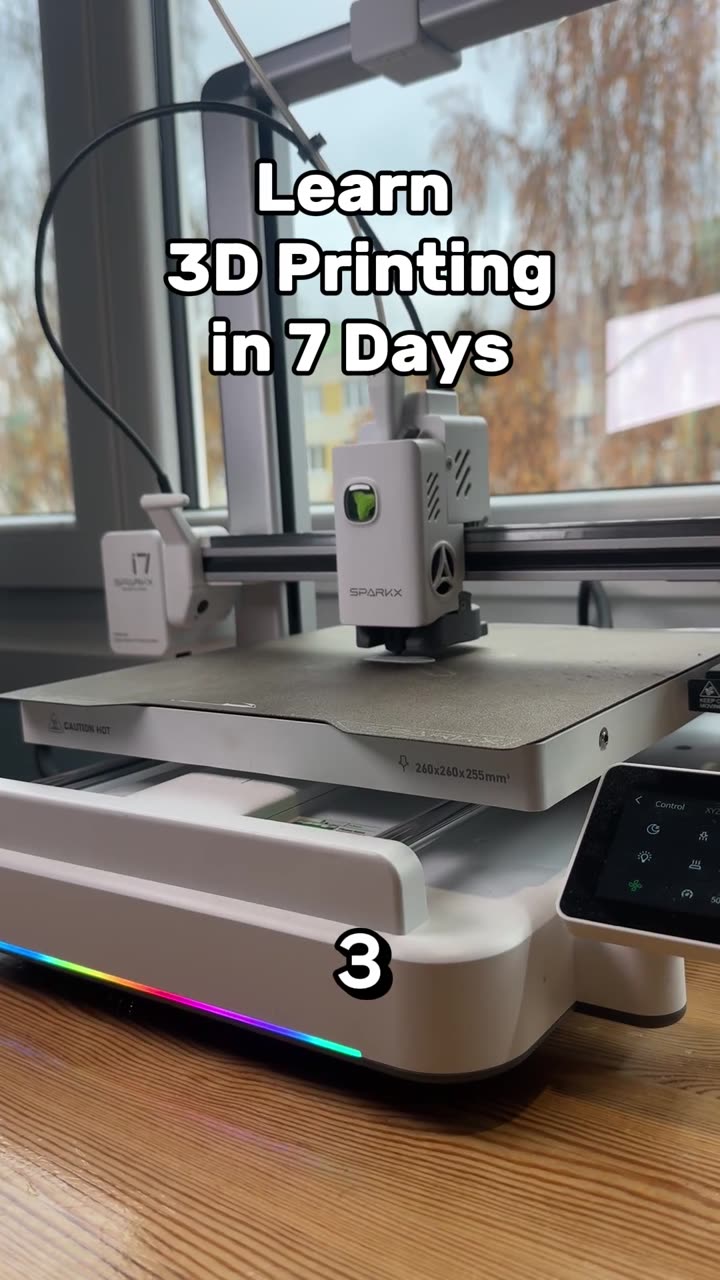
This is day 4, part 2 of PrintPal's learn 3D printing in 7 days series. After supports, the last tab in the slicer is Others. Most people skip it, but it holds the settings that stop corners lifting, cut multicolor waste and turn on vase mode.
| Setting | What it does | Use it when |
|---|---|---|
| Skirt | Draws a line around the model before the print starts | You want the nozzle primed and a quick first-layer check |
| Brim | Adds a flat ring attached to the bottom edges | Corners lift or small parts won't stay down |
| Prime tower | A tower where the printer purges the old color | You print with more than one color or material |
| Flush into objects' infill | Sends part of that purge into the model's infill | You want less waste on multicolor prints |
| Print sequence: by object | Prints each object completely before starting the next | Several small parts on one plate |
| Spiral vase | Prints the outer wall as one continuous line going up | Vases and decorative shells |
| Fuzzy skin | Adds small random bumps to the outer wall | You want to hide layer lines or add grip |
Skirt and brim
The skirt never touches the model. It primes the nozzle so plastic is flowing from the first line, and it shows you whether the first layer is going down well before the model starts. A brim does touch the model. It's a flat ring around the bottom edges that holds the corners down. Mouse-ear brims, small discs at the corners only, are quicker to remove. More in 5 do's and don'ts of 3D printing settings, part 2.
Multicolor: prime tower and flush into infill
When the printer changes color, it has to purge the old color out of the nozzle. The prime tower catches that purge, which keeps your model clean but uses filament. Flush into objects' infill sends part of the purge into the infill inside your model, where nobody sees it, so less ends up as waste. See how to reduce purge waste and reduce wasted filament on prime towers.
Print by object
With several models on one plate, by object prints each one from bottom to top before moving to the next. The nozzle travels less between parts, so there's less stringing, and a part that fails late doesn't take the finished ones with it. The parts have to be short enough and far enough apart that the print head can't hit the ones already printed. The slicer warns you when they aren't.
Spiral vase mode
Spiral vase prints the outer wall as one line that winds up and around, so there's no seam at all. It's ideal for vases, lamp shades and decorative shells. It prints a single wall with no top and no infill, so the result is thin and isn't meant to be strong. Design one in seconds with the vase generator, or see create a custom vase you can 3D print.
Fuzzy skin
Fuzzy skin makes the print head jitter slightly as it draws the outer wall, which gives the surface a rough, textured finish. It hides layer lines and adds grip on handles. Only the outside changes.
What's next
That's every tab in the slicer. Day 5 covers the slicer's tools: placing, orienting and cutting your model. Catch up on day 1, how a 3D printer works, day 2, day 3, day 3, part 2 and day 4.
FAQ
What's the difference between a skirt and a brim?
A skirt is a separate line around the model that primes the nozzle. A brim is attached to the model's bottom edges to stop the corners lifting.
Does a prime tower waste filament?
Yes. It catches the purge from every color change. Flushing into infill and planning fewer color changes both cut that waste.
Can I use spiral vase mode for any model?
No. It prints one continuous wall, so it doesn't work for models with separate parts, internal walls or a closed top.
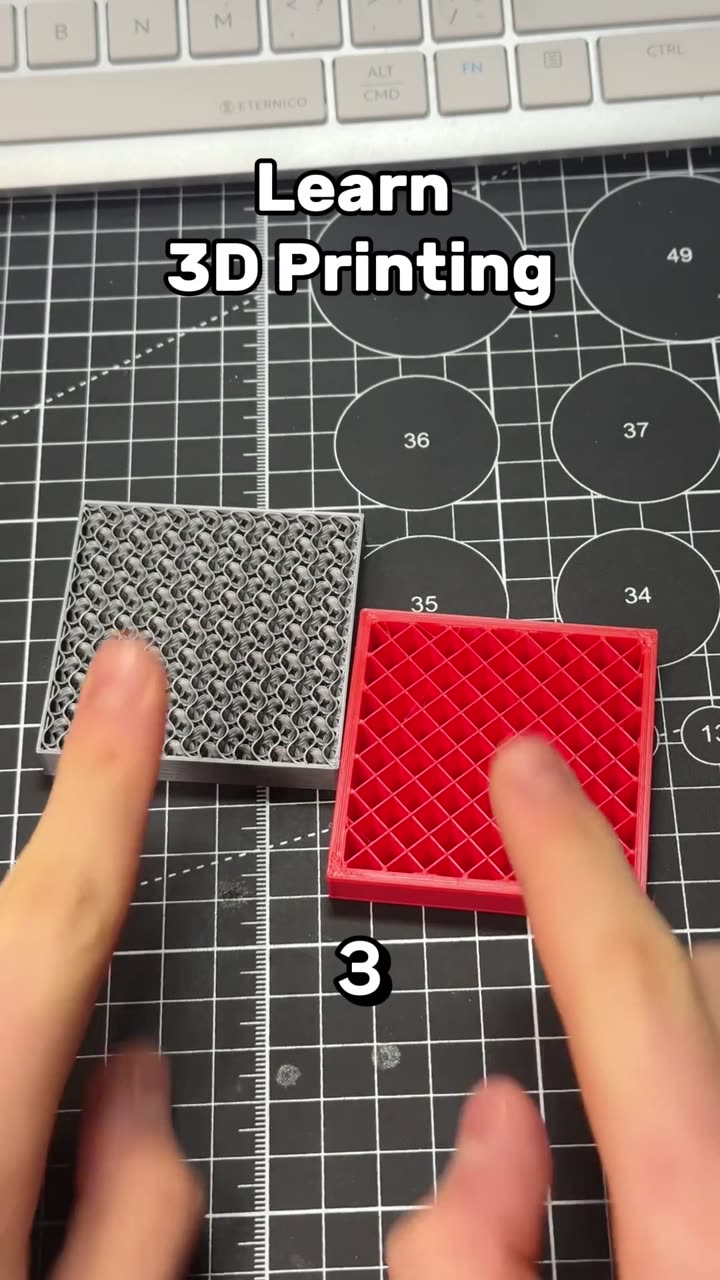
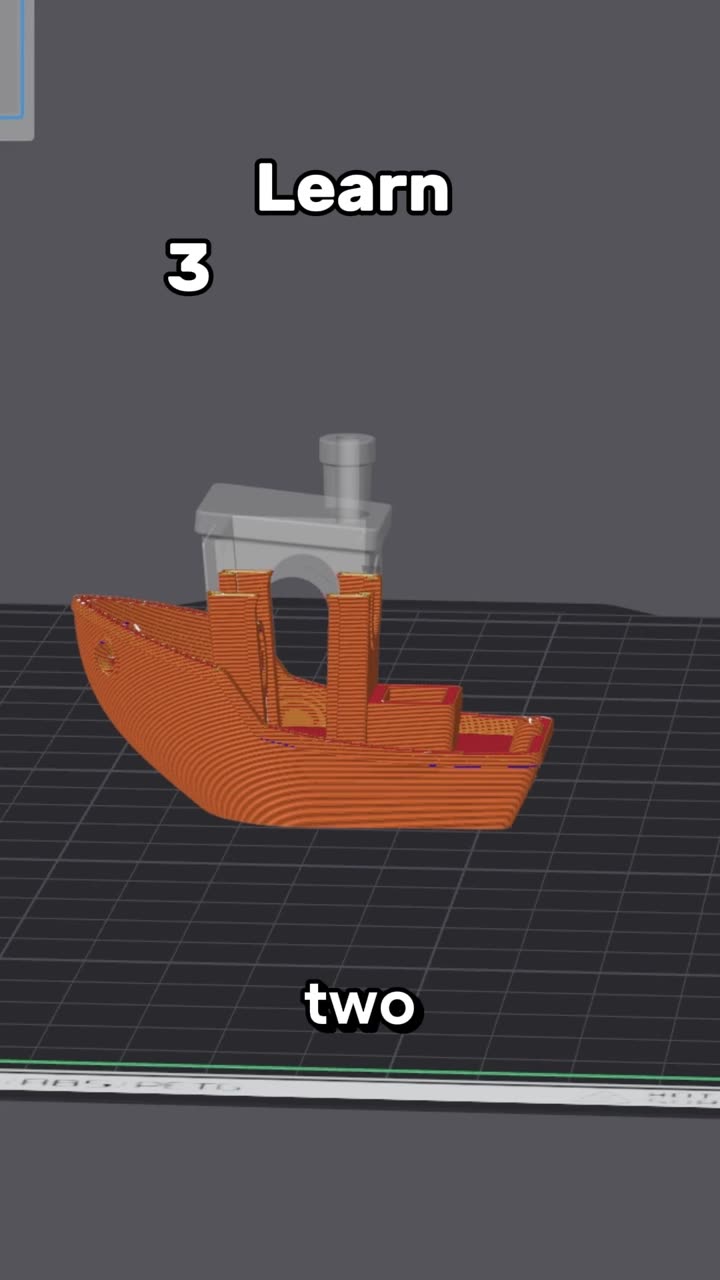
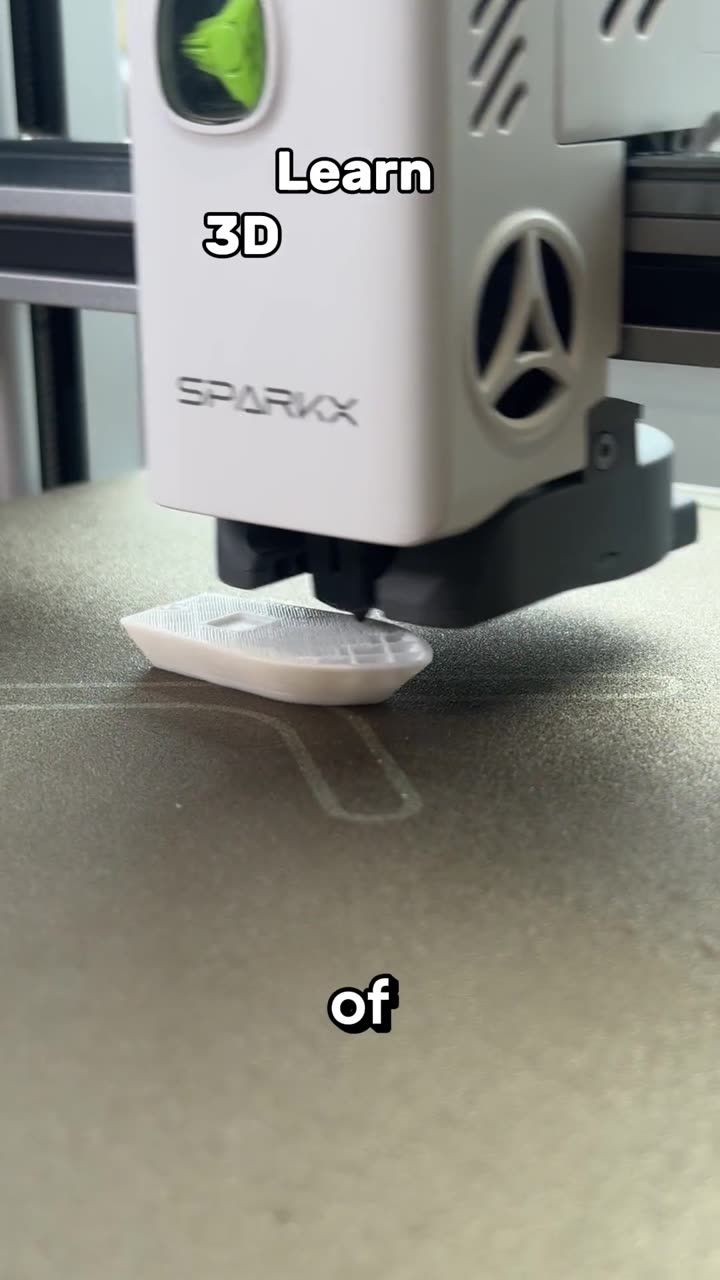
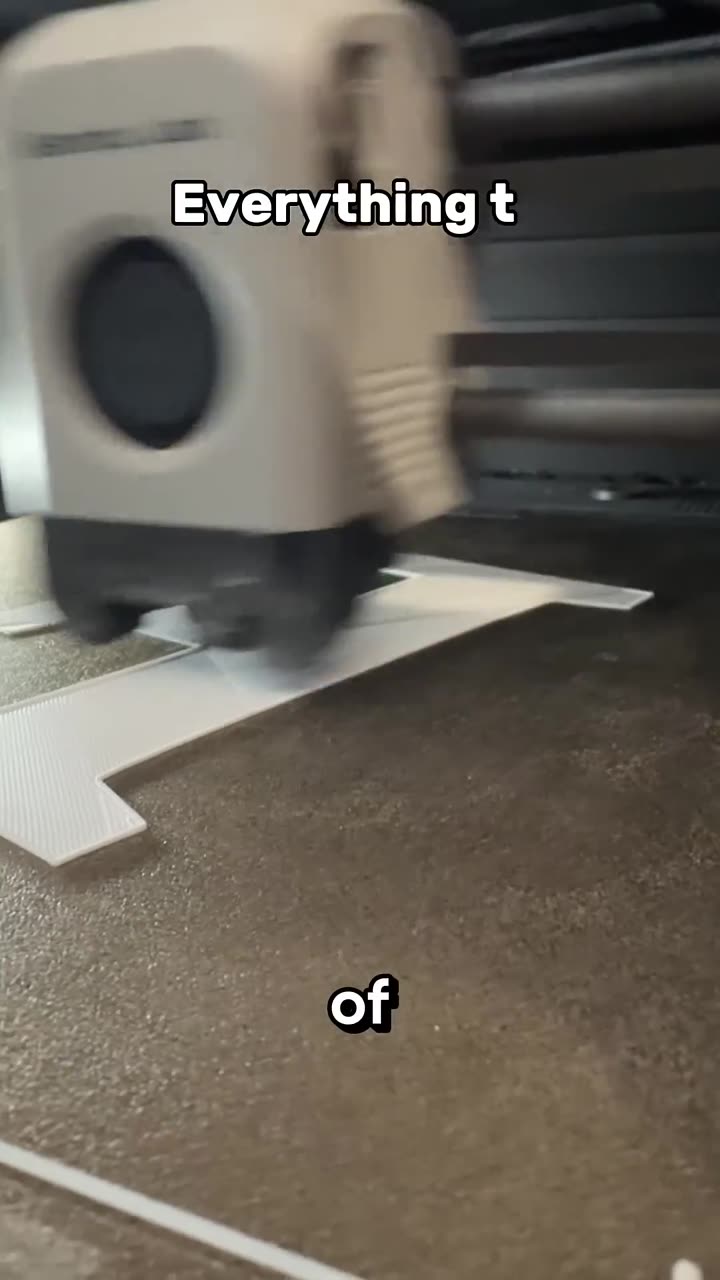
Learn 3D printing in 7 days, day 4: tree vs normal supports
Autoplay paused while you read — scroll back up to continue
Learn 3D printing in 7 days, day 4, part 2: brims and vase mode
Day 4, part 2 of learning 3D printing in 7 days: the slicer's Others tab, from skirts and brims that stop corners lifting to prime towers, flushing into infill, print by object, spiral vase mode and fuzzy skin.
Featured in this video