About this video
Day 6: the filament settings that decide print quality
This is day 6, part 1 of PrintPal's learn 3D printing in 7 days series. Every filament has its own settings profile, and you open it with the edit button next to the filament in your slicer. The profile in the video is Bambu PLA Basic for a P1S with a 0.4 mm nozzle.
| Setting | What it controls | Too low | Too high |
|---|---|---|---|
| Nozzle temperature | How hot the plastic gets | Layers don't stick together | Thin strings everywhere |
| Bed temperature | Keeps the bottom of the print warm | Corners shrink and lift off the plate | A squashed, bulging first layer |
| Flow ratio | How much plastic comes out | Holes and gaps in the walls | Thick, rough top surfaces |
| Max volumetric speed | How much plastic the nozzle can melt per second | Prints run slower than they need to | Thin, weak, under-extruded layers |
| Cooling fan | How fast the plastic cools | Droopy overhangs and soft details | Cracks and layer splits in ABS |
| Retraction | Pulls filament back before travel moves | Strings between parts | Grinding, clogs or gaps where lines start |
Nozzle temperature
Nozzle temperature is the most important filament setting. Too cold and the layers don't fuse, so the part is weak. Too hot and the plastic oozes, leaving thin strings everywhere. The profile in the video runs Bambu PLA Basic at 220 °C. The range printed on the spool and the slicer's profile are starting points. To find the best value for your spool, print the slicer's temperature tower, as shown in calibrations you should run, part 1.
Bed temperature
The bed keeps the bottom of the print warm so it doesn't shrink and pull off the plate. Each plate type has its own value: in the video's profile it's 55 °C on smooth or textured PEI and 35 °C on the cool plate. If corners still lift at the right temperature, add a brim from day 4, part 2 or brim ears.
Flow ratio
Once the plastic is hot, the flow ratio decides how much of it comes out. Holes in the walls usually mean it's too low. A top surface that looks thick and rough usually means it's too high. Calibrate it with your slicer's flow rate test, which is covered in calibrations you should run, part 2 and fix bad top layers forever. The flow rate calculator does the math.
Max volumetric speed
Max volumetric speed is how much plastic the nozzle can melt every second, measured in mm³/s. The slicer slows down any move that would go over it. If the value is set higher than your hotend can really melt, the layers come out thin and weak. The profile in the video uses 21 mm³/s. At a 0.2 mm layer height and a 0.42 mm line width, that's about 250 mm/s. Check your own numbers with the volumetric flow calculator, and see how this limits speed in day 3, part 2.
Cooling fan
After the plastic comes out, it needs to cool. PLA loves a lot of air, and strong cooling is what keeps overhangs and bridges clean (see why your 3D prints look ugly). Plastics like ABS shrink as they cool, so cooling them too fast makes the layers crack and split. They need much less fan. The Cooling tab also has separate fan settings for overhangs and bridges.
Retraction
When the nozzle travels to a new spot, retraction pulls the filament back a little so it doesn't ooze a string across the gap. In Bambu Studio and OrcaSlicer, you can set it per filament in the filament's Setting Overrides tab. If you're fighting strings, follow fix stringing with these slicer settings. Wet filament strings no matter what, so dry it first with the times from the filament drying calculator.
What's next
Day 6, part 2 covers which filaments are worth buying: PLA, PETG, TPU, ABS and ASA. If you want an answer now, the filament finder picks a filament for your project in five questions. Catch up on day 1, how a 3D printer works, day 2, day 3, day 3, part 2, day 4, day 4, part 2, day 5 and day 5, part 2.
FAQ
What nozzle temperature should I use for PLA?
Start with your slicer's filament profile or the range on the spool, then print a temperature tower and keep the best section. The Bambu PLA Basic profile in the video uses 220 °C.
Why is my 3D print stringing?
Usually the nozzle is too hot, retraction is too short, or the filament is wet.
What is max volumetric speed?
The most plastic your hotend can melt per second, in mm³/s. The slicer limits print speed so it never goes over it.
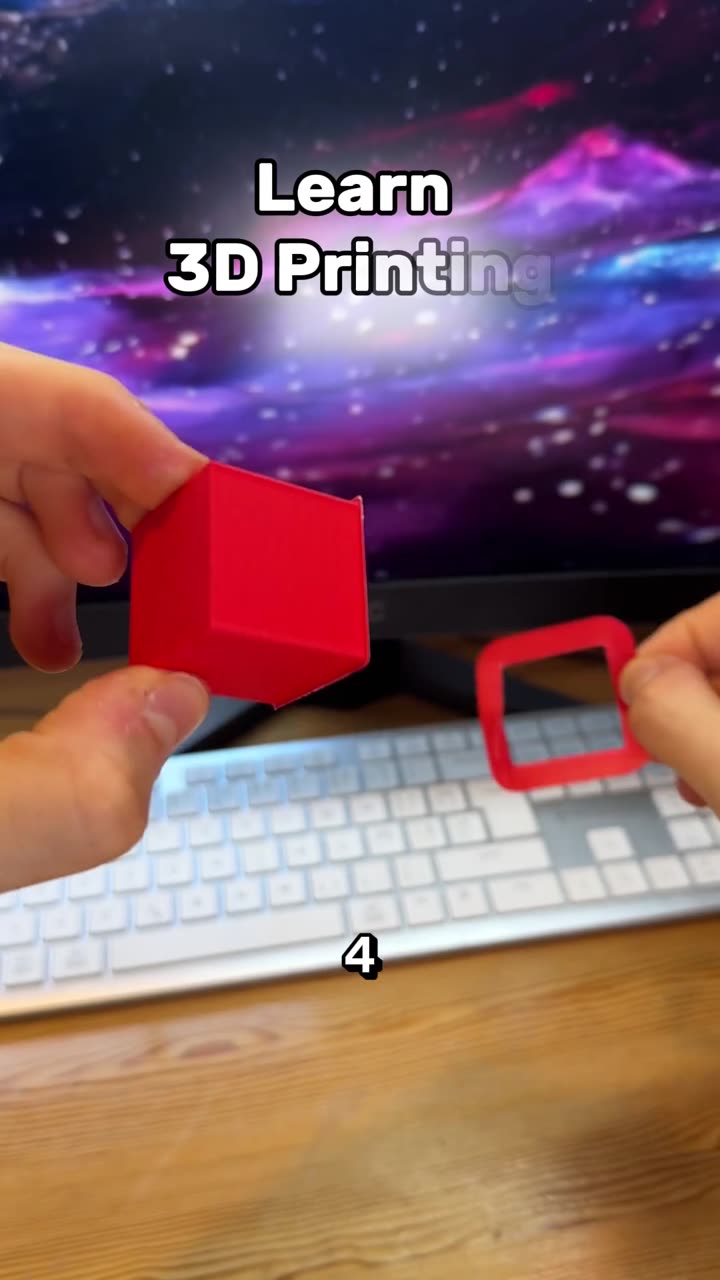
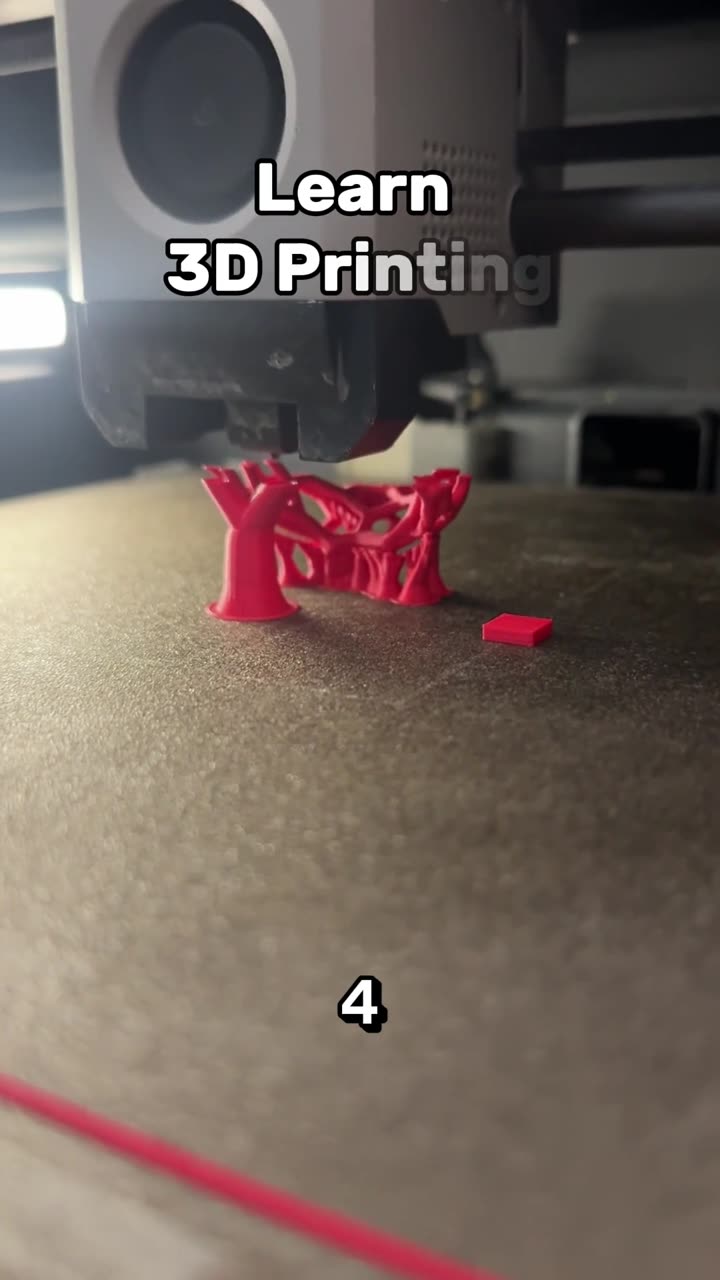
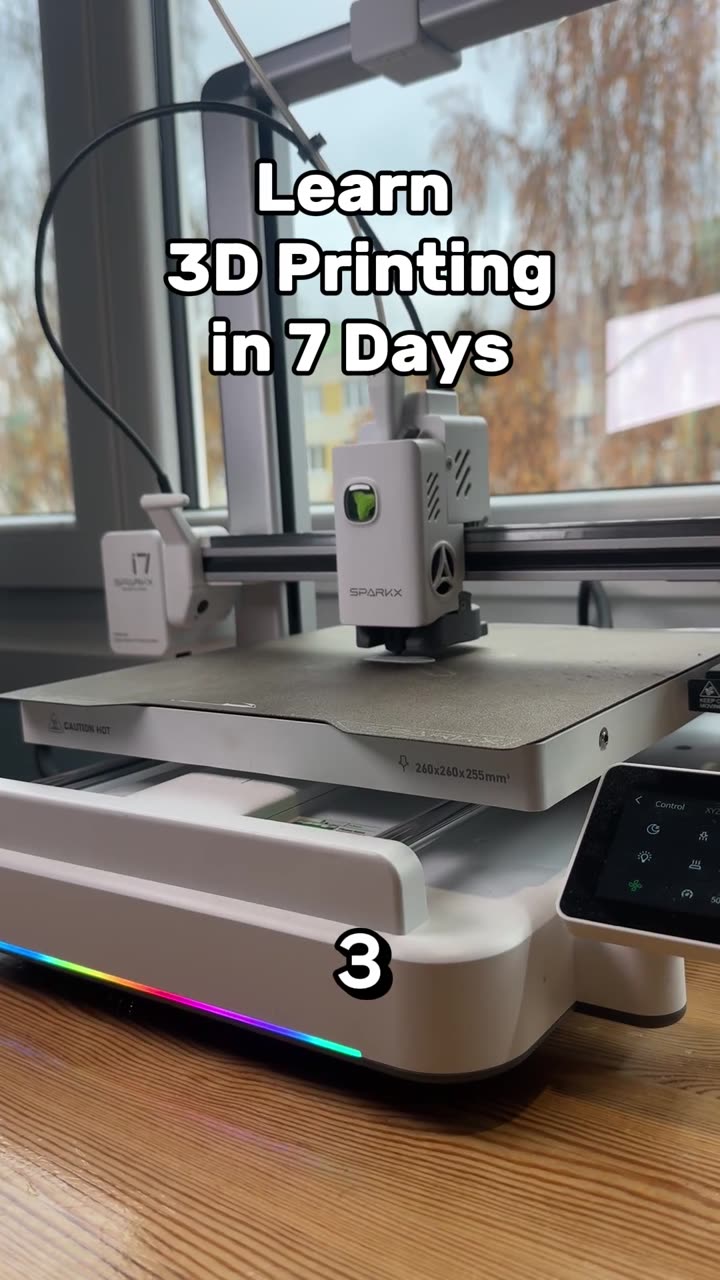
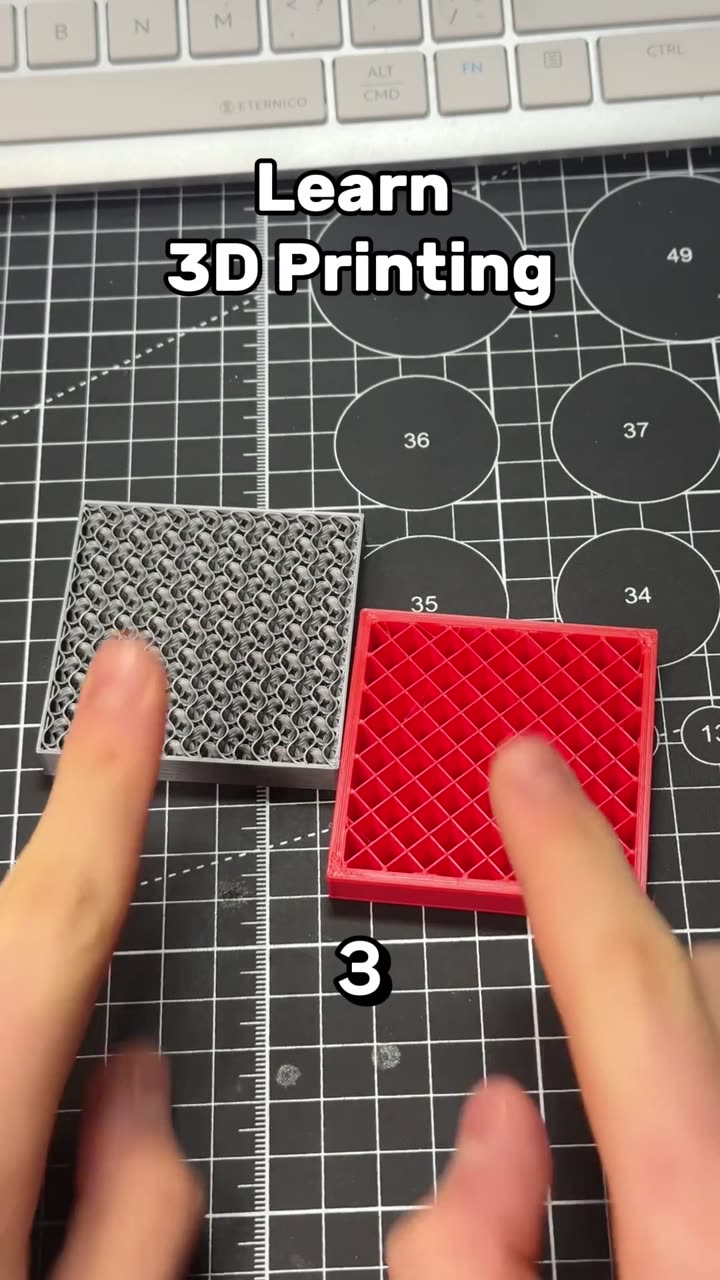
Learn 3D printing in 7 days, day 5, part 2: support, seam and color painting
Autoplay paused while you read — scroll back up to continue
Learn 3D printing in 7 days, day 6: filament settings explained
Day 6 of learning 3D printing in 7 days: the filament settings that decide print quality, from nozzle and bed temperature to flow ratio, max volumetric speed, cooling fan and retraction.
Featured in this video