About this video
A desk buddy that teaches you electronics
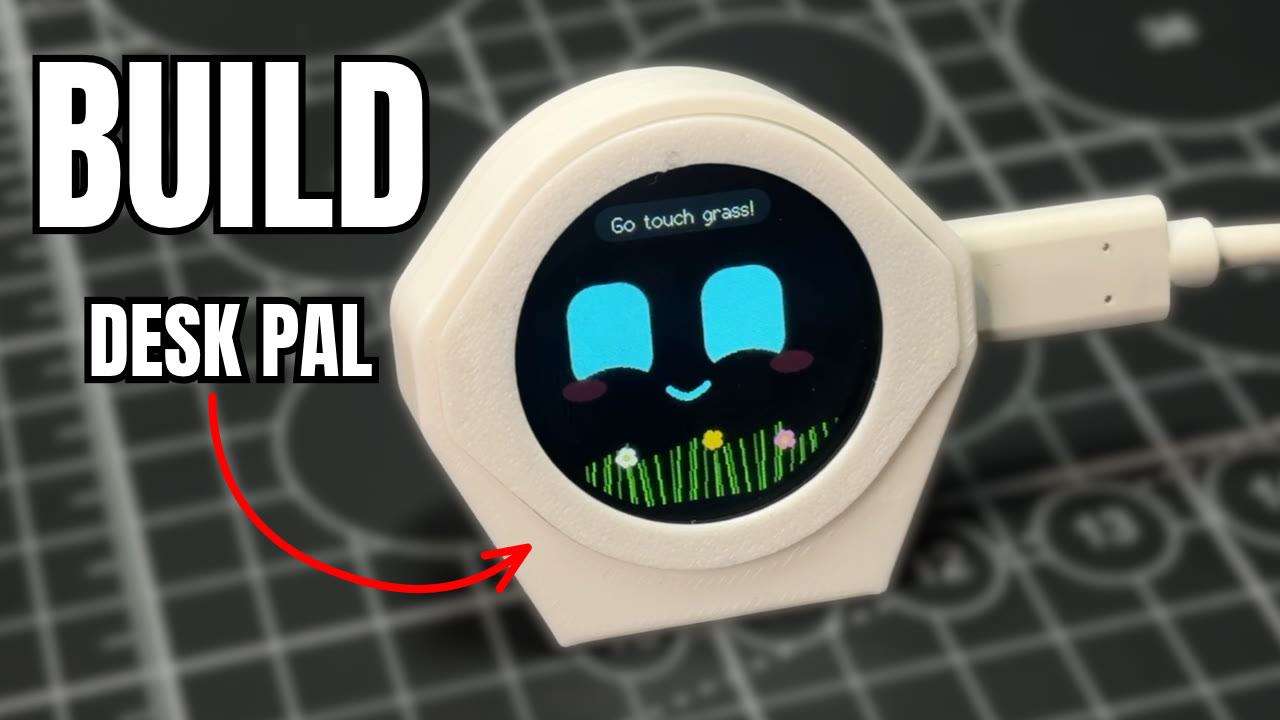
Desk Pal Buddy is a small 3D printed desk buddy on a round ESP32 touch screen. This short shows the whole build in about 20 seconds: get the screen, print the case and flash the code. It's a beginner project with no soldering, and the free Desk Pal Buddy build guide has step-by-step instructions, the print files and the code. To see every mood and activity, watch the full 2-minute build video.
What you need
| Item | Details |
|---|---|
| Screen | Waveshare ESP32-S3-Touch-LCD-1.28, the round touch version with a motion sensor |
| Case | Three printed parts, about 14 g of PLA on one plate, no supports |
| Cable | A USB-C data cable. Charge-only cables won't work |
| Browser | Chrome or Edge, to flash the code |
| Cost and time | About $32 in parts and about 45 minutes, including a 30-minute print |
Build it in three steps
- Get the screen. The case and code are made for the Waveshare ESP32-S3-Touch-LCD-1.28, so get that exact touch version.
- Print the case. PLA, 0.2 mm layers, 2 walls, 15% infill and no supports. All three parts fit on one plate and take about 30 minutes on a Bambu Lab P1S. Press the board into the inner ring, slide the ring into the frame and clip the foot on the back.
- Flash the code. Download the ready-made firmware from the guide and drop it into PrintPal's free ESP32 web flasher in Chrome or Edge. It recognizes the all-in-one file and writes it to the right address for you, with nothing to install. Press RESET and he opens his eyes.
Play with him or let him look after you
Tap him and he giggles, stroke the screen for heart eyes, or shake him and he gets dizzy. Leave him alone and he gets on with his day, picking activities like pixel sunglasses or juggling on his own.
He also looks after you while you work, which is why he suits people who forget to take breaks.
| How often | Reminder |
|---|---|
| Every hour | Drink some water |
| Every 2 hours | Time to move |
| Every 4 hours | Go touch grass |
Tap him once you've done it and he'll be proud of you.
What you'll learn
The guide explains the code in five short lessons, from the game loop that makes him feel alive to how the motion sensor tells a tilt from a shake. You can change his name, eye color, personality and reminders at the top of the code, which makes him a good first ESP32 project and a fun STEM project for kids.
More to build
- Design a new body for the same screen with the Desk Pal Maker.
- The same round screen also runs the plane radar, the fortune 8-ball and touch doodle.
- For a cheaper first build, Slab eyes is a desk buddy with animated eyes on an ESP32-C6 screen for about $18.
- Browse every electronics build in PrintPal projects.
FAQ
Do I need to know electronics to build it?
No. There's no soldering or wiring. The board presses into the printed case, and the code loads over USB-C from your browser.
How do I flash the code to the ESP32?
Download the firmware from the guide, open the ESP32 web flasher in Chrome or Edge, connect the board with a USB-C data cable and flash it. If the board doesn't show up, hold BOOT, tap RESET, let go of BOOT and connect again.
Can I change the reminders?
Yes. The reminders sit at the top of the code with his name and personality. Edit them and upload with the Arduino IDE or the ready-made PlatformIO project from the guide.
How long does it take?
About 45 minutes, including a 30-minute print.
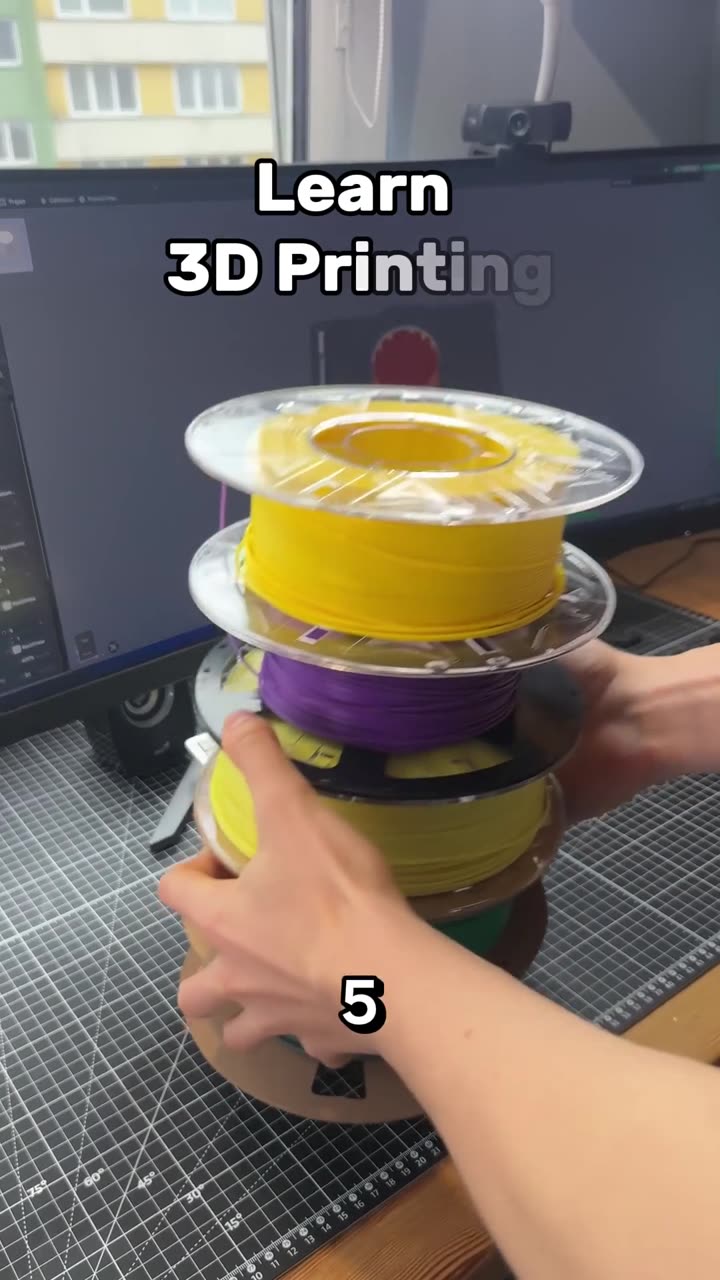
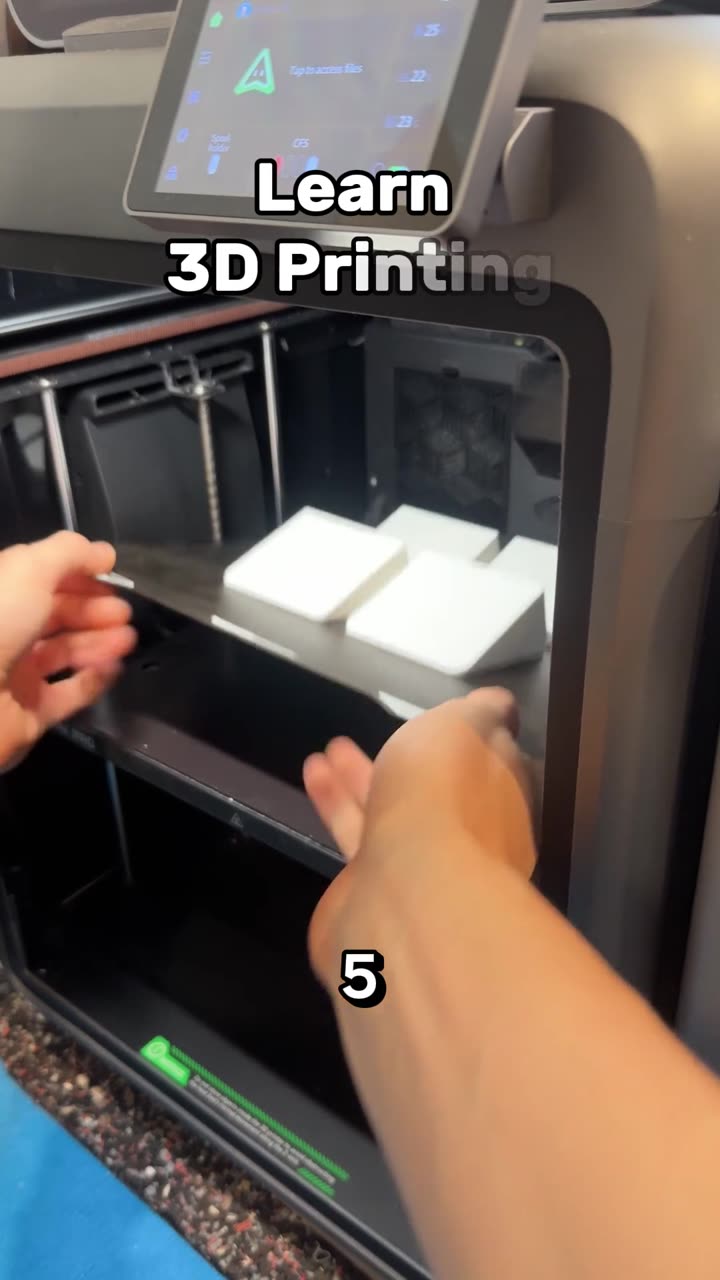
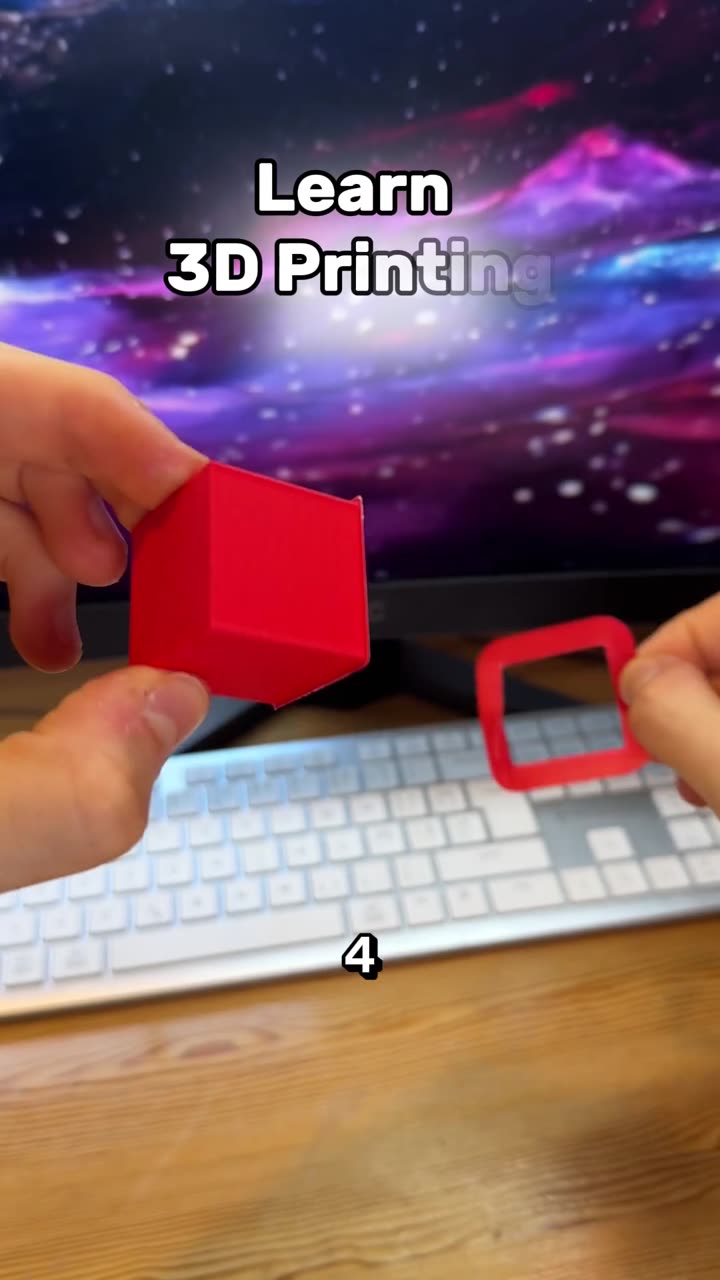
Learn 3D printing in 7 days, day 7, part 2: the right-click menu
Autoplay paused while you read — scroll back up to continue
Build a desk buddy with 3D printing and an ESP32
Build Desk Pal Buddy, a 3D printed desk buddy on a round ESP32-S3 touch screen. Get the screen, print the case and flash the code from your browser, and he reminds you to drink water, move and touch grass.
Featured in this video