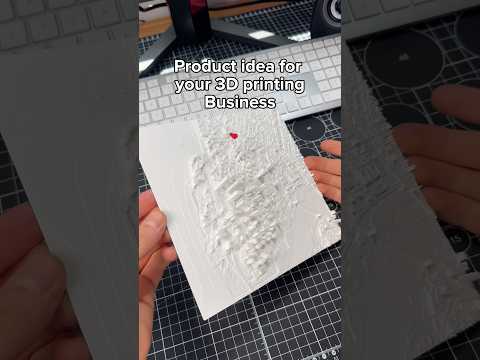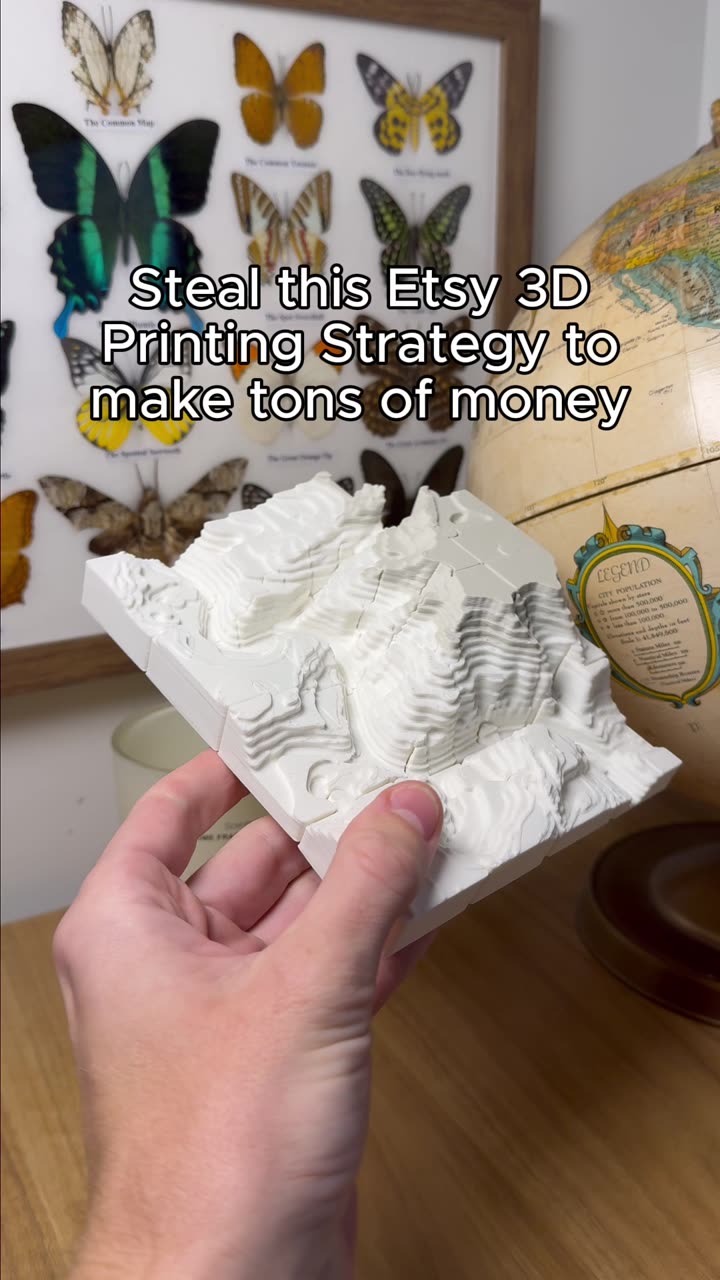
About this video
Turn Any 3D Model into a Printable Jigsaw Puzzle
Creating custom jigsaw puzzles has never been easier. With PrintPal's free Puzzle Maker tool, you can transform virtually any 3D model into a fully printable jigsaw puzzle—even if you've never used 3D design software in your life.
How the PrintPal Puzzle Maker Works
The process is refreshingly simple. Start by visiting PrintPal.io and navigating to the Puzzle Maker tool. From there, you upload your chosen 3D model file (STL, OBJ, or other common formats work). Next, select how many puzzle pieces you want—options typically range from a few large pieces for beginners up to dozens of intricate pieces for a real challenge. Finally, choose your build plate size to ensure the puzzle fits your printer, then hit export.
That's it. No complicated settings, no design skills, no wasted time.
A Built-In Animation Preview
One standout feature is the ability to preview your puzzle as an animated assembly sequence. This lets you see exactly how the pieces fit together before you print—helping you catch any issues early and appreciate the final result. You can check this animation for free using the link in the video description.
Tips for Best Puzzle Printing Results
- Choose models with clear edges and distinct features — Detailed designs create more visually interesting puzzles
- Start with fewer pieces if you're new — A 9-piece puzzle is easier to print and assemble
- Use a calibrated printer — Proper bed leveling ensures pieces fit together cleanly
- Consider infill settings — 10-15% infill works well for most puzzle pieces without wasting material
Compatible Materials
The Puzzle Maker works with all standard 3D printing materials including PLA, PETG, and ABS. For the cleanest edges and best fit between pieces, a well-tuned FDM printer with a 0.2mm or smaller layer height is recommended.
Frequently Asked Questions
Do I need 3D modeling experience?
Not at all. The tool handles all the puzzle generation automatically.
What file formats are supported?
Most common 3D formats including STL and OBJ work with the Puzzle Maker.
Is there a limit on puzzle pieces?
Piece count is determined by your model complexity and selected build plate size.
Can I print the puzzle on any FDM printer?
Yes, as long as your printer can accommodate your selected build plate dimensions.