About this video
What Is a Custom Fidget Clicker?
A fidget clicker is a tactile, satisfying device that uses a mechanical switch—typically an MX-style clicky switch—to deliver that crisp, audible click with every press. These self-made gadgets have become a favorite among mechanical keyboard enthusiasts and fidget lovers alike. With 3D printing, you can fully customize the look, feel, and placement of your clicker for a truly personal accessory.
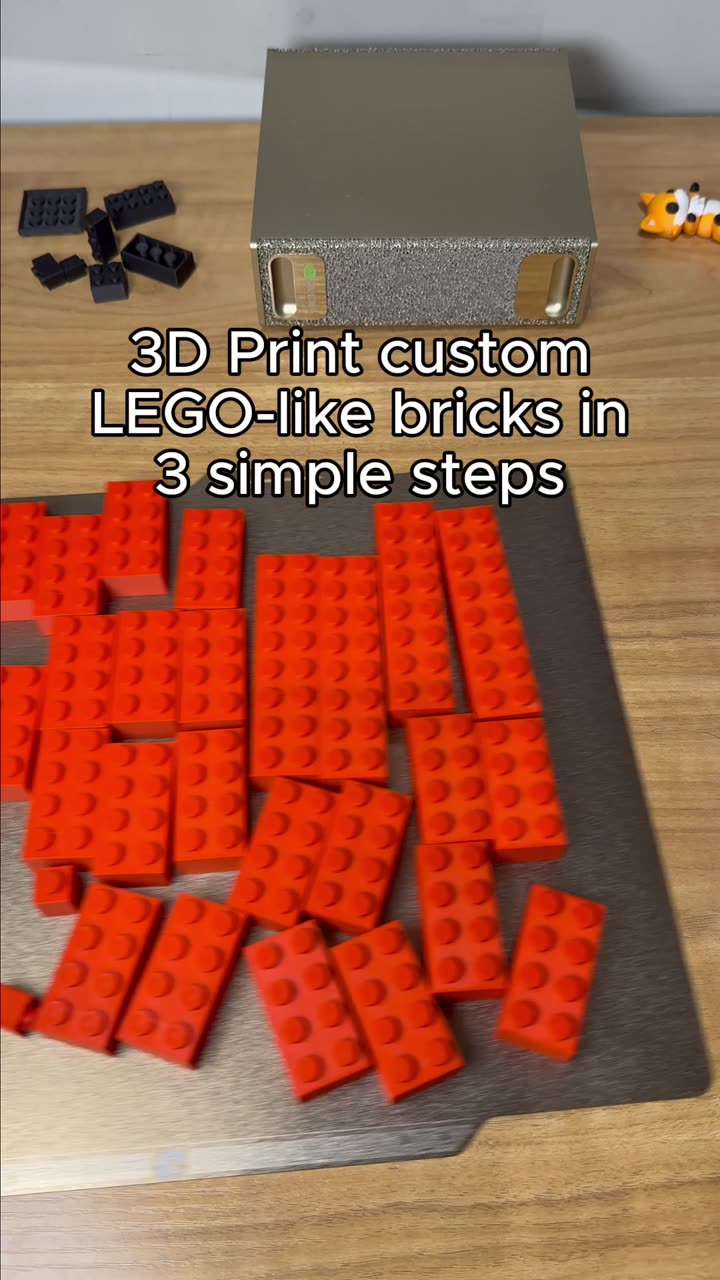
How to 3D Print Your Custom Fidget Clicker in 3 Steps
Step 1: Design Your Fidget Clicker in the Maker Tool
Start by visiting the PrintPal Fidget Clicker Maker tool at printpal.io. This intuitive web-based tool allows you to:
- Upload your own 3D model or choose from existing templates
- Position the fidget cutter precisely where you want the MX clicker switch to sit
- Adjust placement for optimal ergonomics and click feel
- Preview your design before printing
Step 2: Generate and 3D Print Your Model
Once your design is finalized, generate the 3D model file. Send it to your 3D printer and print it layer by layer. For best results:
- Use PLA or PETG filament for durability and smooth finish
- Ensure proper bed adhesion and print settings
- Allow adequate cooling time between layers
Step 3: Install Your MX Clicker Switch
After your print finishes and cools, simply insert a compatible MX clicker switch into the designated slot. The press-fit design holds the switch securely without additional hardware. Press down and enjoy the satisfying click!
Materials and Tools Needed
- 3D printer with PLA or PETG filament
- MX clicker switch (compatible with standard MX-style keyboards)
- PrintPal Fidget Clicker Maker tool access
- Sandpaper or file for post-processing (optional)
Tips for the Best Results
- Choose a model with adequate wall thickness to prevent cracking
- Test fit your MX switch before finalizing your design placement
- Consider printing in different colors to match your keyboard setup
- Post-process with sanding for a smoother, premium feel
Frequently Asked Questions
What MX switches work with this fidget clicker?
Standard MX-style clicky switches are compatible. Both Cherry MX Blue and compatible clones work well for that satisfying click sound.
How long does printing take?
Most fidget clicker models print in 1-3 hours depending on size and layer resolution.
Do I need supports for printing?
This depends on your model design. The PrintPal tool generates print-ready files optimized for minimal supports.
Is post-processing required?
Not necessarily, but light sanding can improve the surface finish and feel.
Can I customize the design further?
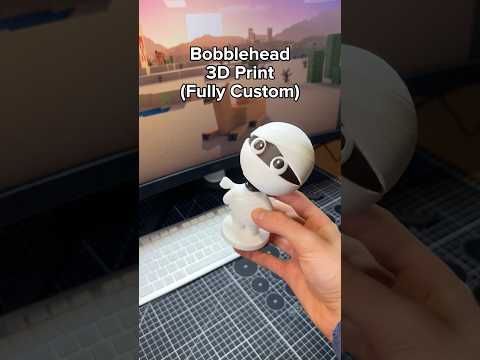
Absolutely! Upload your own 3D models to create truly unique fidget clicker shapes and styles.
Get Started Today
Try the PrintPal Fidget Clicker Maker tool today using the link in our bio. Create a custom fidget clicker that matches your style and satisfies your tactile cravings.